

Logitech C925e Business Webcam, HD 1080p/30fps Video, Light Correction, Autofocus, Clear Audio, Privacy Shutter, Works with Microsoft Teams, Google Meet, Skype, WebEx, Cisco – Black
$69.90
Related Products


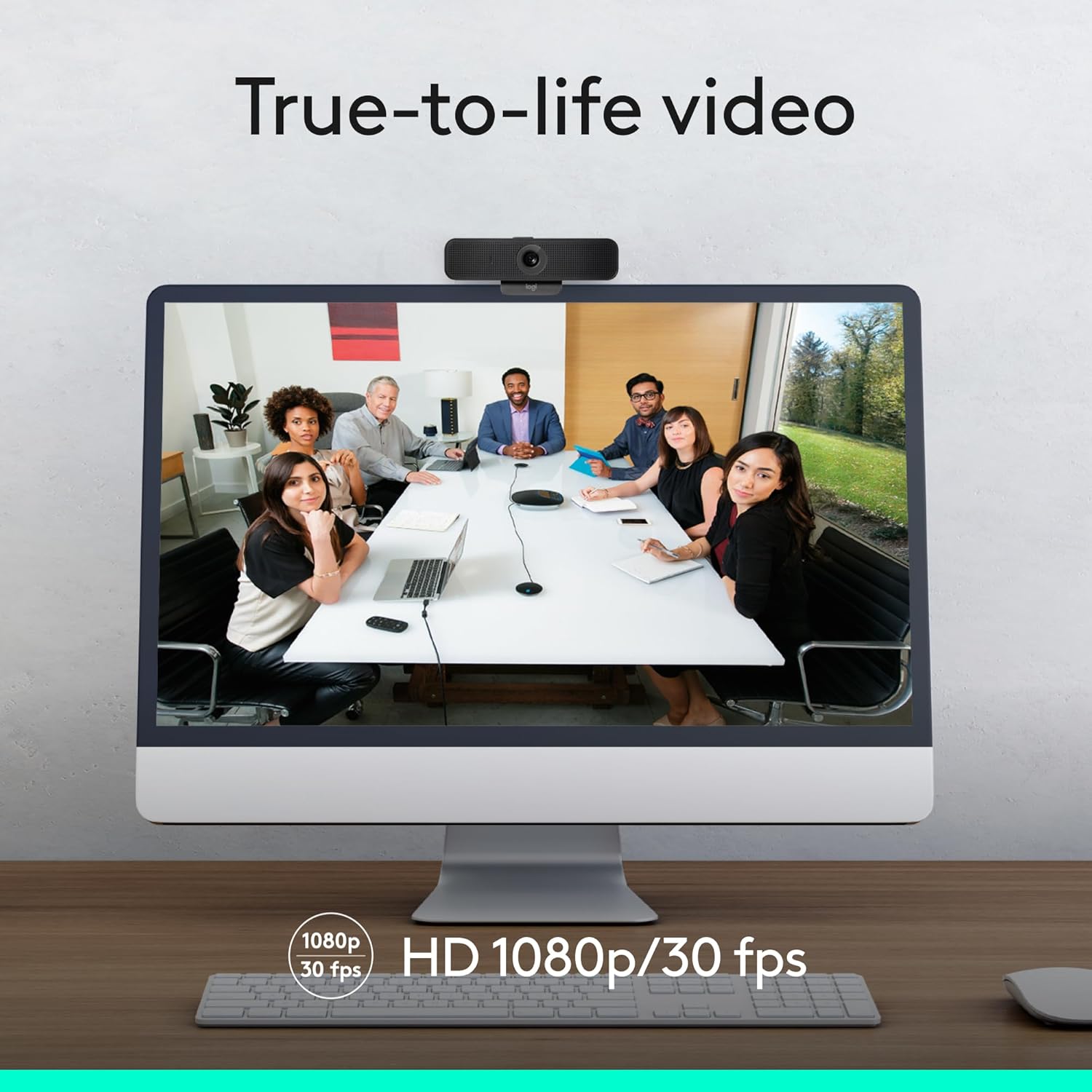

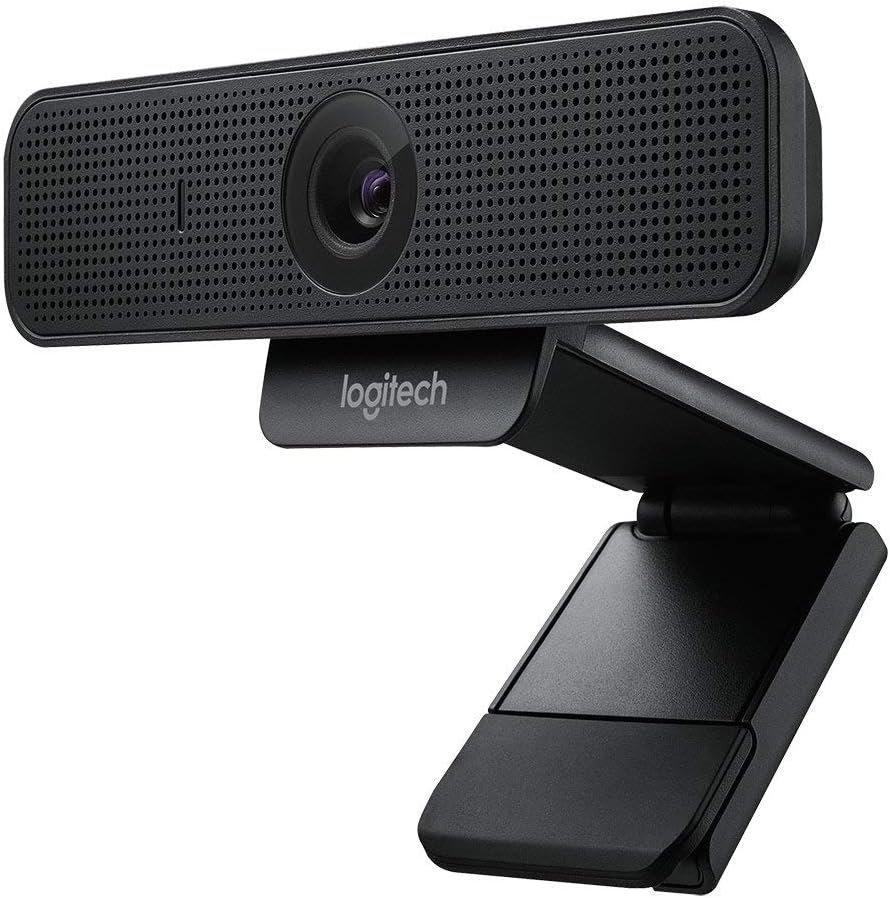


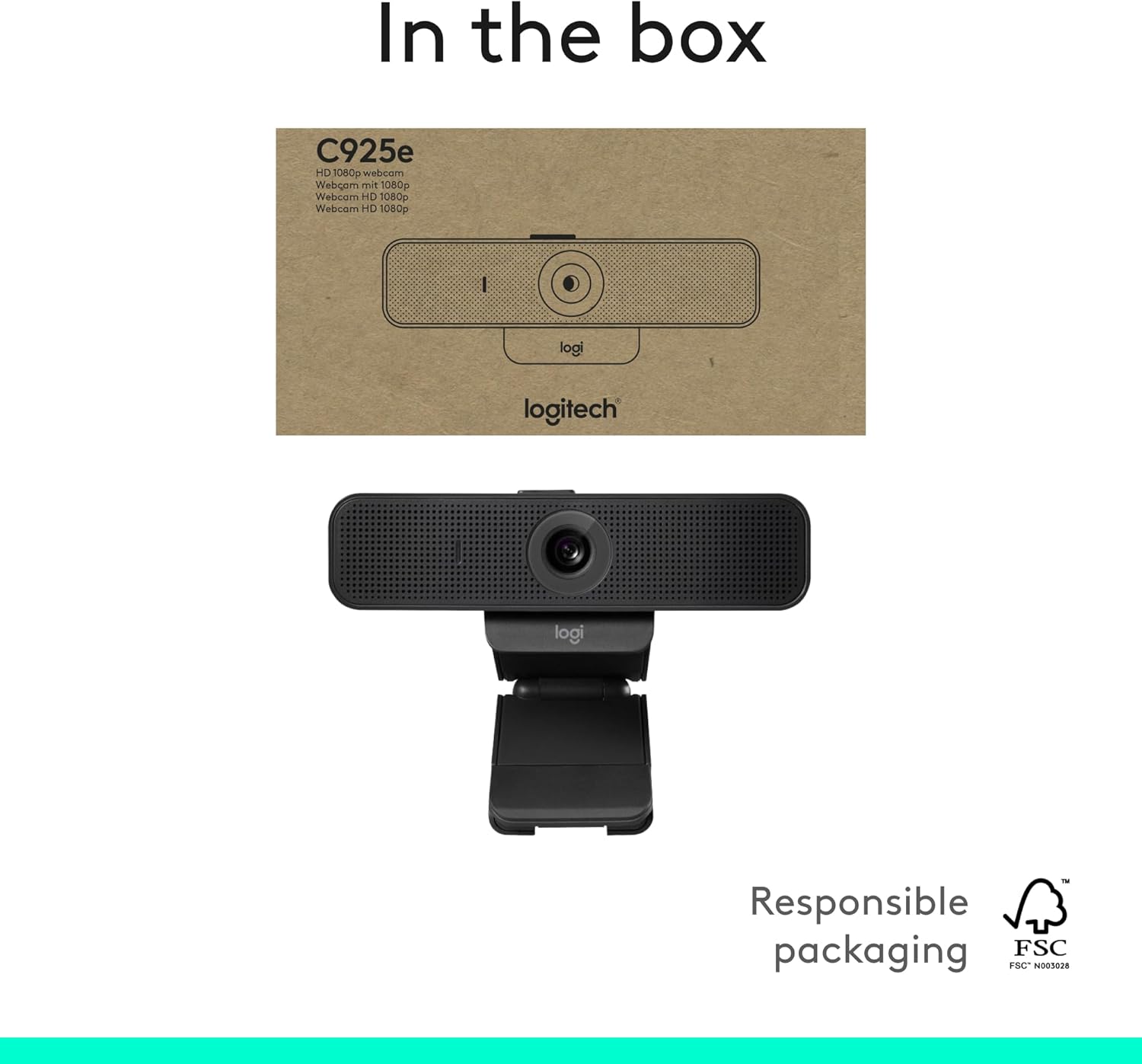
The Logitech C925e Webcam delivers high quality HD video for an enhanced face-to-face collaboration experience from virtually any desktop. With a 78° field of view, autofocus and built-in stereo microphones, C925e brings crystal-clear video conversations to open workspaces, home offices and private offices. USB plug-and-play connectivity makes the C925e Webcam easy to use, plus it works with any video conferencing software application—including the ones you already use.
Compatible with Nintendo Switch 2’s new GameChat mode
Upgrade video calls with a 1080p webcam offering HD visuals at 30 fps, autofocus, a 78° view, and RightLight 2 for clear images even in dim light—ideal for work or virtual hangouts
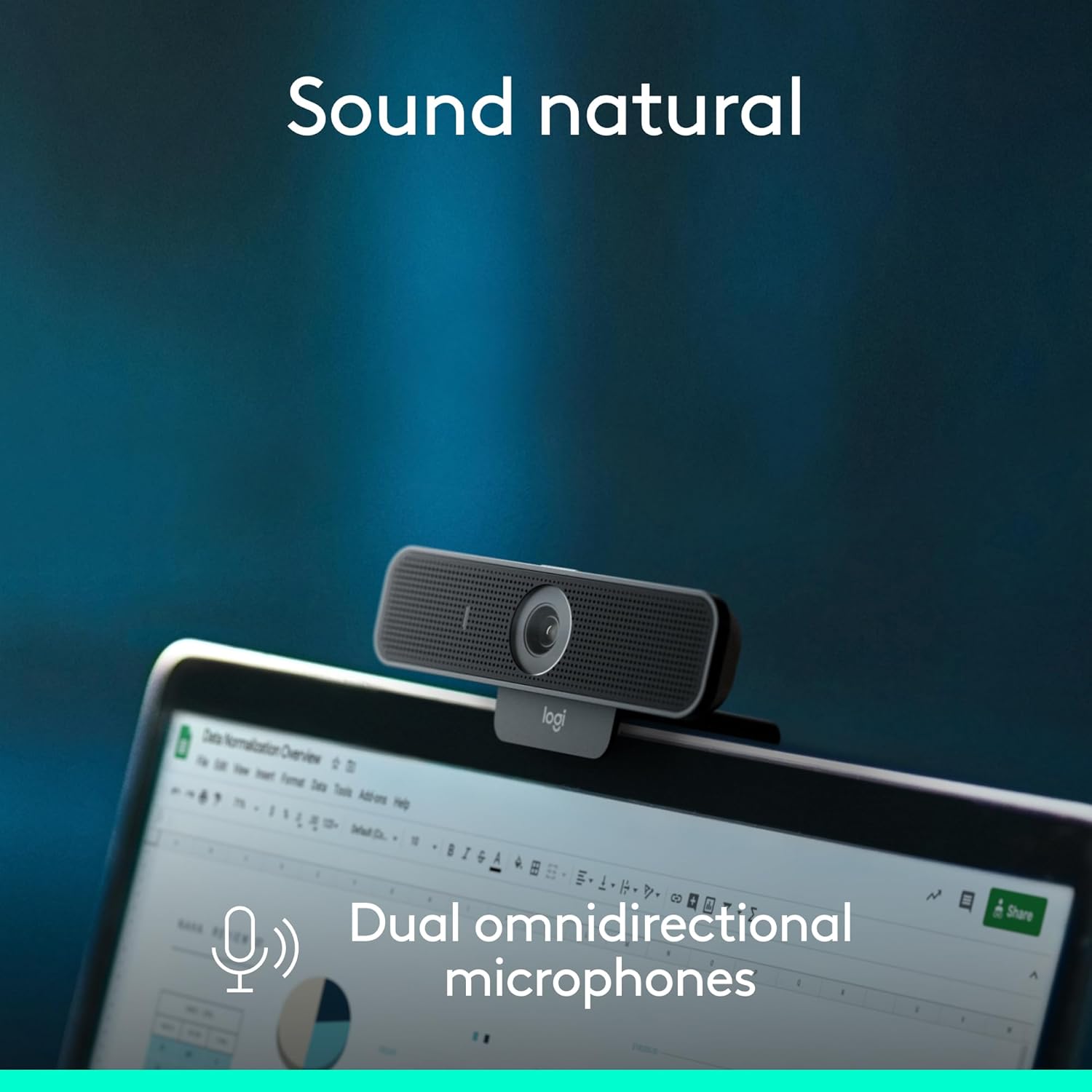
Be heard with dual omnidirectional mics delivering clear sound within one meter; this webcam with microphone is ideal for meetings, calls, and presentations
Stay secure with a built-in webcam cover that slides open or closed; this computer webcam gives you privacy and control anytime
Stream smoothly with H.264 encoding for clear video on low bandwidth; this HD webcam works great for multitasking professionals
Customize controls with Logi Tune—adjust zoom, colors, focus, and updates; this 1080p webcam ensures seamless use for meetings or streaming
Certified for Microsoft Teams and compatible with Zoom, Google Meet, and more; this office webcam is a versatile option for most video platform
Plug in via USB-A for easy setup; this USB webcam delivers reliable performance for students, professionals, or anyone needing smooth video calls
13 reviews for Logitech C925e Business Webcam, HD 1080p/30fps Video, Light Correction, Autofocus, Clear Audio, Privacy Shutter, Works with Microsoft Teams, Google Meet, Skype, WebEx, Cisco – Black
Add a review
$69.90
Tom R –
Excellent camera
Excellent camera. Easy to startup and use.
T. Gaydos –
Clear HD Web Cam with Impressive Audio is Perfect for Business Video Calls
This web cam produces extremely clear audio and video, is perfect for 1-3 people, and is plug-and-play with my MacBook.My workplace recently placed an emphasis on video conference calling given the increasing number of remote employees (of which I am one). The EyeSight camera built into my MacBook is very good, but it’s placement on my desk in my home office faces a bank of windows, leading to constant contrast issues. I purchased this webcam and boom it in closer by attaching a 25 inch Flexible Jaw Long Arm Swivel Clamp Clip Mount Holder Stand for Logitech Webcam C925e C922x C922 C930e C930 C920 C615 to the back of my monitor stand and booming the camera about 10″ closer to me. I do this because I have a 34″ Dell Ultrawide monitor pretty far back on the desk and this camera has a relatively wide field of view, so having the cam be so far away was less than ideal.Video is always bright and vibrant regardless of lighting conditions. My home office can vary in lighting between “bathed in sunlight” and “dimly lit speakeasy”, but the “RightLight” tech in the C925 does a great job of making it appear as though a pro lighting rig is in place.Audio from my computer plays through a 5.1 Yamaha home theater system, which I was worried would cause echo or feedback through the camera’s stereo microphones, but unless I crank the audio to unnecessary volumes, I never have echo or feedback problems. The off-axis rejection from these mics is impressive, as my dogs have been barking elsewhere in the house and my co-workers were not able to hear them.The built-in on-air light is green and very bright. I also appreciate the built-in lens cover. Call me paranoid (I have a slide-over cover on my MacBook web cam), but I like the ability to physically block the lens.If you can swing it, the Logitech Brio is incredible. I don’t think the video quality is necessarily better than this one right now, but it’s a degree of future-proofed being 4K and the audio would likely be better with a large group. Otherwise, I recommend this version. It’s reliable for clear audio and video
Kevin –
Clarity and actually useful mic
For those looking for a setup for a laptop that is secure I would look else as the system used to stabilize this camera on the back of the monitor isn’t the most stable if you are constantly adjusting your laptop or moving it. Now past that I use this for my work desktop and home desktop and constantly bring it home. The picture is great it has no problem focusing. The thing the stood out to me most was the mic on it is quite good as some of my coworkers were still able to hear even from the distance as I went to get a glass of water. While also not so sensitive as to hear air condition turning on or my old refrigerator humming not far away. Overall it works hasnt failed and made my work life alot easier. Also the camera is a little bit wider then some past webcams I have used so I am very happy overall with this purchase.
Shan –
10/10 will buy again.
I love the widescreen feature on the camera and the picture quality. After a little resolution adjustment in my OBS the camera is clear is as day, it was a little blurry with “default” settings but custom seemed to make it look 10x better. I have not a single connection issue and it immediately connected! Default brightness is amazing and was able to pick us up in darker lighting. Quality of the camera is sturdy and it can pretty much support itself! I will definitely be buying this again for my Boyfriends camera as he has the C10 that just ain’t that great. I’m in love with this cam and the price is reasonable!
Akbar Pathan –
Recommended by Epic Team and no disappointment.
Amazing fit to our Epic EHR.
Suzanne –
Logitech C925e webcam has my business back up and running smoothly again
After struggling with the integrated camera in my all-in-one, I decided to purchase an external webcam. I wish I had made that decision sooner! What a joy to receive the package (super-quick delivery, thanks Amazon), open it, and set the webcam up. To my amazement, it works exactly as promised – plug and play. The only extra step I had to take was to disable the integrated camera and audio in Settings. Yes, this was more than I wanted to spend, but after the hours I wasted trying to improve the integrated camera and audio my all-in-one came with, the expense is totally worth it. The webcam works well on Zoom calls and my limited test on a Teams call worked too.
Jimmy –
Solid Performer
The privacy shutter and the green indicator light are the two best features. Picture quality is excellent. The 1st unit worked seemlessly with my Teams from work, then bought a 2nd unit for personal use. Pleasantly found out that when my employer altered some office space to hoteling spaces, the camera used appears to be this same type if not the exact model. Pleased with the purchase.
jbee –
A solid webcam at a time when they’re in short supply
I’m happy with the quality of the hardware. The picture and audio is generally better than the built in hardware in my MacBook, and I really do like having the option of video conferencing “lid down” with the system hooked up to an external display, keyboard, mouse, and camera while sitting at a desk.The one niggle I have is related to Logitech’s camera settings software on Mac, specifically, which is the fact that a couple settings are not remembered after a reboot. This is going to be a problem with all Logitech webcams on Mac, though, so I’m not going to blame this specific product and seller for that. It’s a small niggle, in the grand scheme of things.
Pavol Pribela –
Ich habe diese Kamera seit mehreren Jahren und muss zugeben, dass sie mich positiv überrascht hat. Auch wenn das Mikrofon nicht die beste Leistung ist, reicht es für Videochats dennoch aus. Auch die Bildqualität ist ausreichend. Auch der Objektivdeckel ist sehr gelungen. Insgesamt würde ich eine Bewertung von 8/10 vergeben.
bbookham –
totally reliable clarity, simple to set up and operate.
Gallier –
I have a 15 year old Logitech webcam that is still going strong. I have it set up in the rec room for online Yoga lessons so…I needed another for the office. Naturally I stayed with the brand that served me well with all my peripherals and I was not disappointed. I so like the zoom feature because I can customize the background real estate for different sessions. It only does 30 FPS but it gives you an exceptional sharp image without lag, also verified by customers on the other side. When the room gets dim towards the night it automatically adjust and keeps me clear and in focus. Easy to install, my lappie just picked it up when the USB was connected and it just worked, not a single hic-up. It may be a little lean for corporate ventures but I really recommend this for any home business application. At this price, I challenge anyone to find a better product.
Singapore –
Nothing to dislike, a little steep for the spec but its logitech so at least you know it will work for years to come. Maybe it’s me but can’t seem to change how the camera is displaying my image, it’s inverted. Would hope there’s an option or maybe I couldnt find it. Overall, good stuff.
Amazon Customer –
I am working from home full time now and needed a quality camera for my meetings. I am told by my co-workers that the quality of the sound and image is perfect! It was so easy to install and fits on top of my monitor without any issues. I recommend this product.