

Portta HDMI Video Capture Card, Stream and Record in 1080P60 with Ultra-Low Latency, 4K HDMI in/Loop Out, USB 3.0 to PC Compatible with Nintendo Switch 2/PS4/PS5/Xbox/OBS
$19.98
Related Products





Product description


 Game Capture
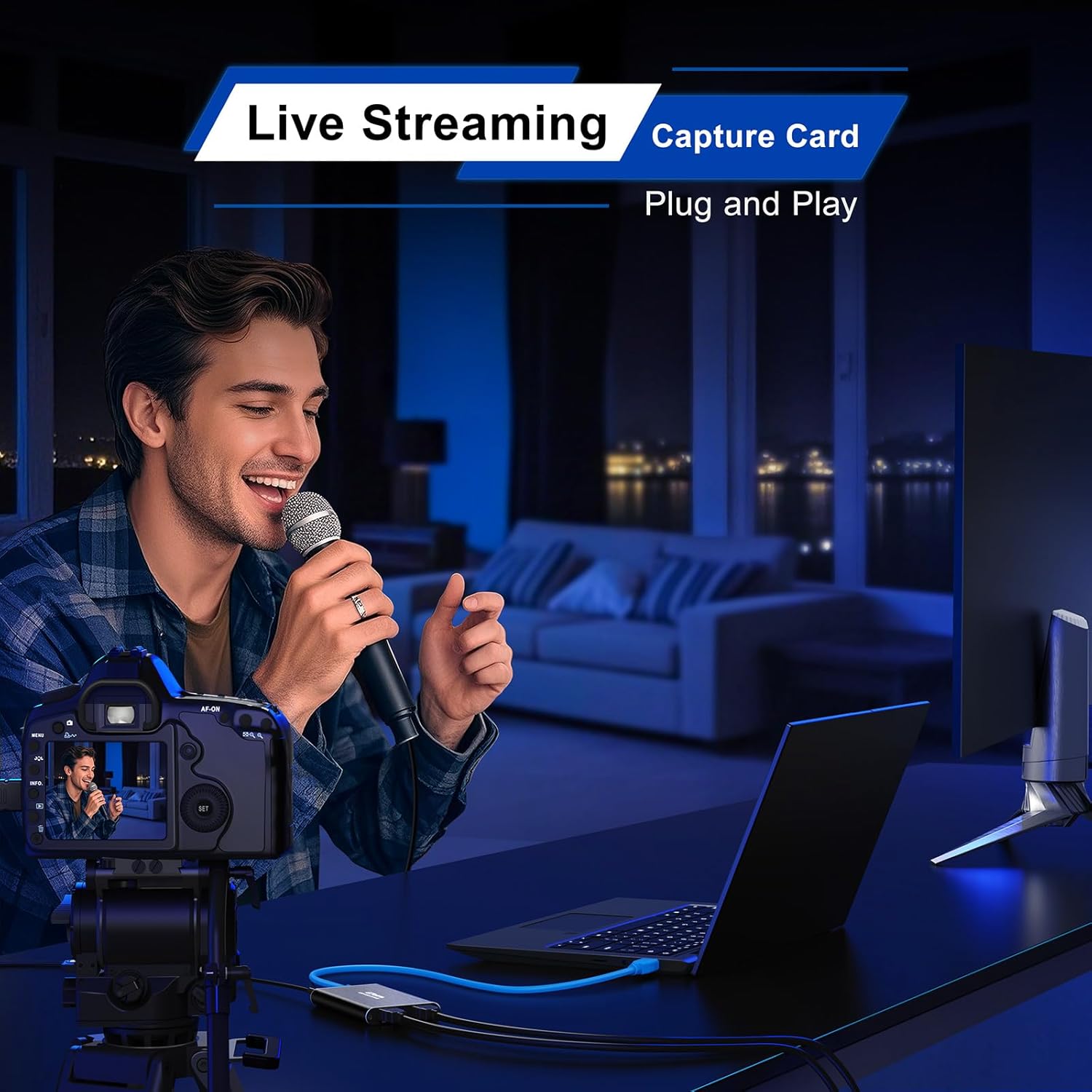
 Live Streaming
 Meeting Recording
 Teching Recording


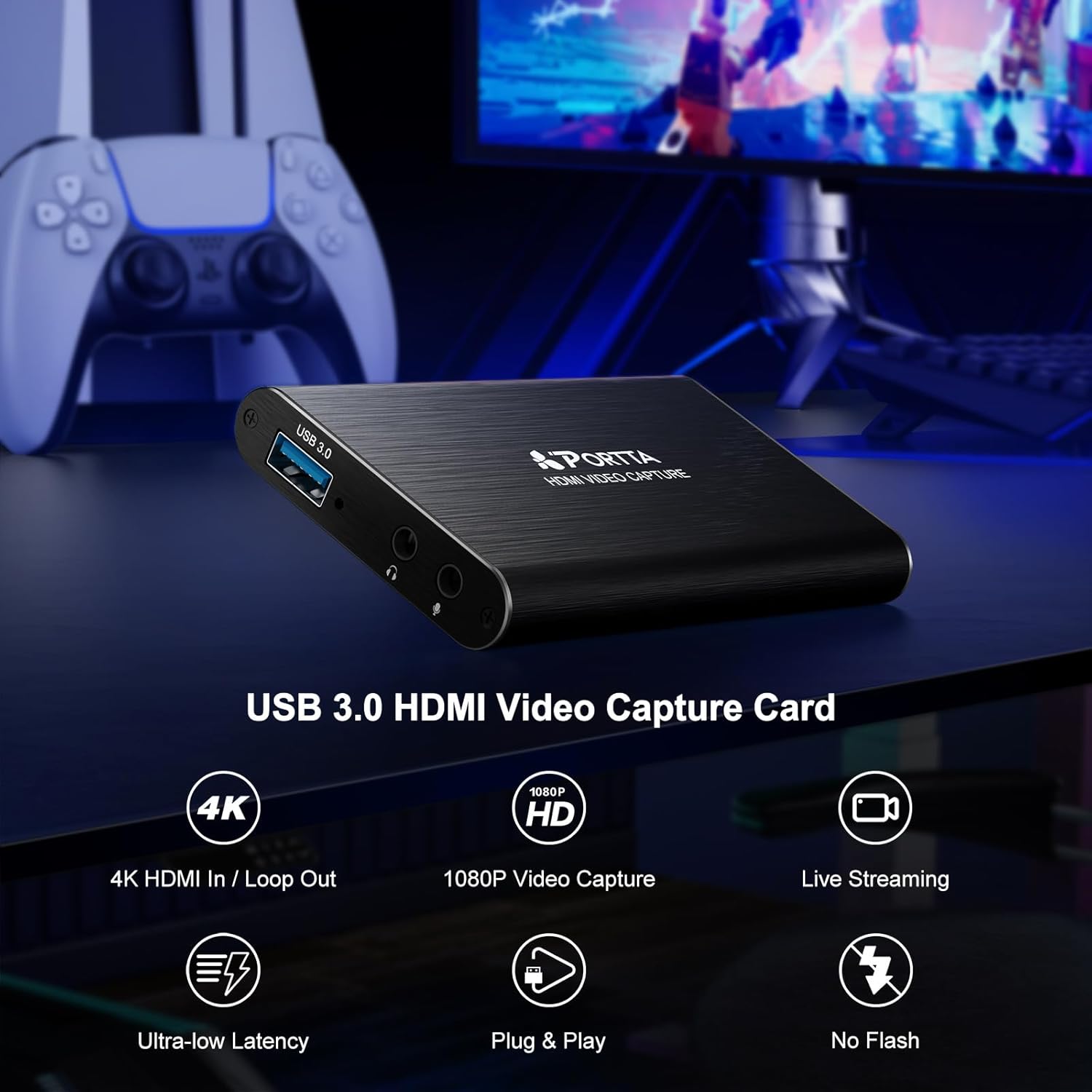
【HDMI Video Capture】PORTTA HDMI Video Capture supports HDMI input and loop-out (up to 4K@60Hz, YUV 4:2:0), 1080p capture via USB 3.0, and includes 3.5mm audio out and mic in. It’s ideal for game streaming, live broadcasts, and content creation. Note: Headphones (TRS Only)/Speaker and HDMI OUT cannot receive microphone audio
【4K HDMI Input & Loop-Out】Supports 4K@60Hz (YUV 4:2:0), 3D and HDCP 1.4 (input only). Compatible with PS4/PS5/Xbox Series X/PC. Note: Does not support HDR or CEC
【1080p 60Hz Capture Quality】Enjoy smooth, high-quality recording with 1080p at 60fps capture via USB 3.0—perfect for streaming gameplay, tutorials, or video conferences. Compatible with OBS Studio and other UVC/UAC-compliant applications (not included)
【Broad Compatibility】Plug-and-play, no driver installation needed. The 4K HDMI Video Capture is compatible with Windows 7/8/10/11 or later; macOS 10.8+ (Intel/Apple Silicon; Metal support recommended); Linux (kernel 2.6.38+, e.g., Ubuntu 18.04+; X11/Wayland). System Requirements: CPU: Quad-core Intel Core i5 / Ryzen 5 or higher. Memory: 8 GB RAM or more. Graphics: DirectX 10.1 or OpenGL 3.3 compatible GPU (DirectX 11 / Metal recommended). Storage: SSD recommended for high-bitrate recording. Works with OBS Studio & UVC/UAC apps (not included)
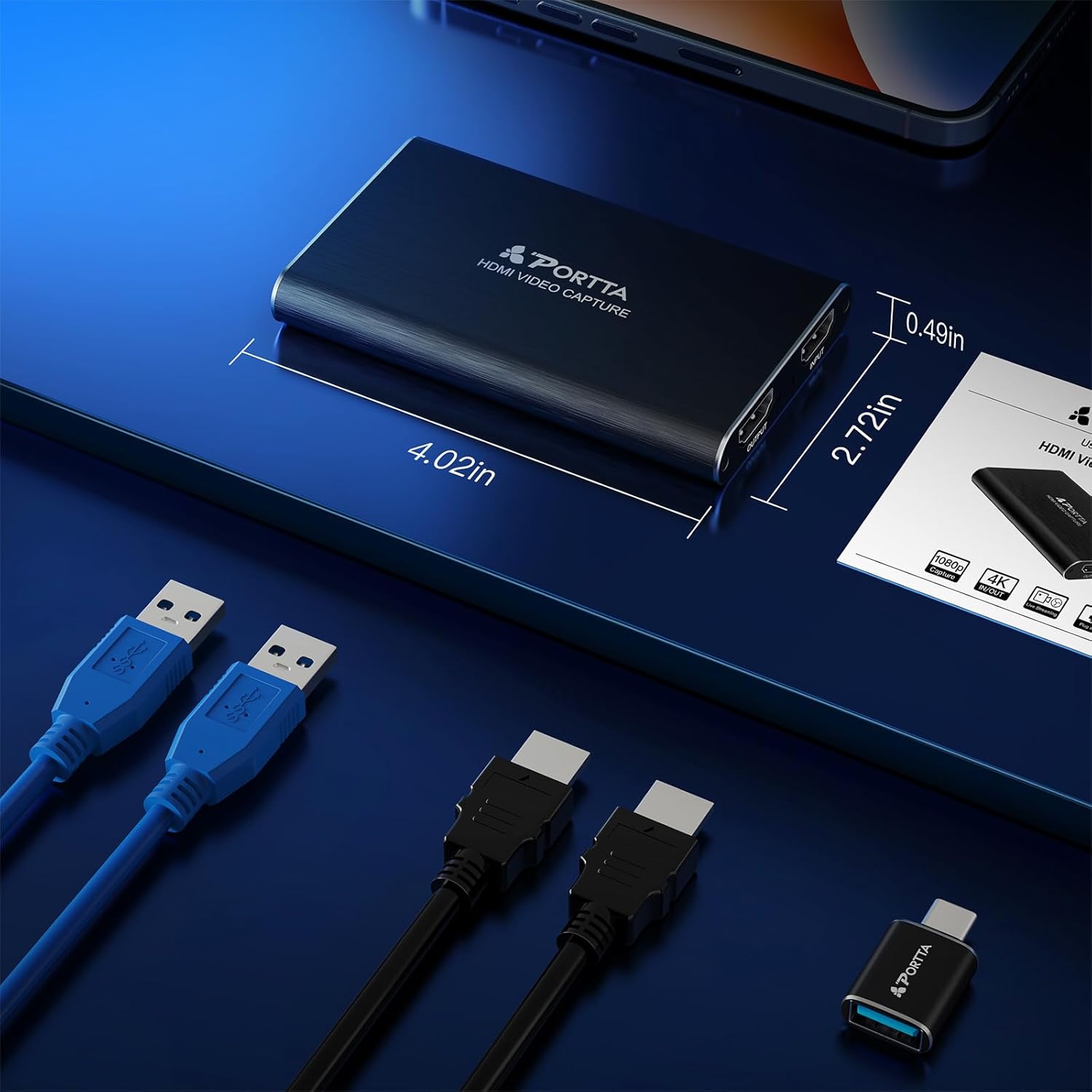
【What You Get】PORTTA HDMI Video Capture x1, USB-C Male to USB 3.0 Female Adapter x1, USB-A to USB-A 3.0 Data Cable x1, HDMI Cable x1, User Manual x1 with hassle-free 2-year warranty and lifetime technical support. Feel free to reach our friendly customer service if you have any questions
11 reviews for Portta HDMI Video Capture Card, Stream and Record in 1080P60 with Ultra-Low Latency, 4K HDMI in/Loop Out, USB 3.0 to PC Compatible with Nintendo Switch 2/PS4/PS5/Xbox/OBS
Add a review
$19.98
RAD WIZARD –
Did what I needed .
Worked for the project I needed for one day of use. Cant say much else. It is a brushed metal, so I wore gloves to keep finger prints off. But I’ll maybe cover it in stickers…. The video quality was fine. Used OBS to record into. The directions are easy to follow and correct.
James Bond –
Solid, affordable capture card that performs as well as pricier alternatives – 5/5 stars
Video capture cards like this Portta HDMI 1080p60 model are essential tools for both professional and amateur video creators. These devices serve multiple purposes: connecting gaming or computer consoles to displays, ingesting video feeds into computers for editing, or routing laptop signals to projectors for presentations.What You Get:- Durable metal-encased unit- USB and HDMI cables included- USB-C adapter included- 4K video input capability with 1080p60 output for streaming/recording- Ultra-low latency for stable video capture- Compact, travel-friendly designPerformance:After several months of regular use and testing, this capture card has performed flawlessly. I’ve used it for multiple applications without encountering any issues. The ultra-low latency ensures smooth, stable video capture whether you’re streaming, recording, or editing.Minor Considerations:The unit does generate noticeable heat during operation. The metal casing helps dissipate thermal buildup, and while it won’t burn you, it does feel warm to the touch—something to keep in mind when handling it during extended sessions.Bottom Line:For the price point, the Portta HDMI Capture Card delivers exactly what video professionals and content creators need. The compact footprint makes it perfect for mobile setups or desktop use without cluttering your workspace. Honestly, I cannot distinguish the performance difference between this and significantly more expensive alternatives on the market.If you do any video editing, processing, streaming, or recording, you’ll likely need a capture card eventually. This one delivers professional results at an accessible price. Highly recommended!
Bobak –
The most practical and easy way to transfer VHS and other forms of video to your computer
I initially got the Portta video transfer device which records your VHS and other video tapes onto a USB flash drive which you then can upload onto your computer. But since this was time consuming and the device also has an HDMI output I thought I could connect it to my computer and record directly onto Quicktime Player. This did not work so I contacted the Portta support team, and in no time I received information that I would need a video capture card. I ordered this right away, and sure enough it did the job for me perfectly. I have been extremely happy with the Portta devices and they have helped me tremendously in finally digitizing my many VHS videos and storing them on my computer and an external hard drive.
Dorothy Gavin –
Works great
Good
Lopez –
Excelente equipo
Excelente, muy buena calidad
Dodge DeBoulet –
A Couple of Glitches, but Great Output in the End
I used this device to connect a Sony a7RII to my computer for streaming. The first issue I encountered was an incompatibility with a wireless keyboard whose dongle was plugged into an adjacent front-panel USB-C port. With the capture card plugged in, the keyboard (Logitech G915) would not sync to the dongle. The mouse connected through the same dongle, though, and continued to function normally. Moving the capture card’s USB connection to a rear-panel USB-A port appears to have resolved that issue.I also experienced a video freeze that may have been related to static electricity. I disconnected and reconnected the capture card and had no further issues, but I was also especially careful to ground myself before touching the camera, card or computer.Configuring OBS to capture from the card for video was fairly painless, but audio eluded me for a bit. I was eventually able to get that to work with adjustments in OBS … It was not in any way the fault of the card.The output quality was everything I expected, with very good resolution and no audio synchronization issues. I’d used an analog capture card previously (albeit with a different camera) and the output from this was superior in every way.
Claude –
Ce boîtier de capture HDMI est véritablement remarquable. Tout fonctionne parfaitement bien et le transfert de contenus entre la PS5 et le PC se fait aisément avec le logiciel OBS. La résolution est de 1080P 60Hz. Grâce à ce boîtier, vous pourrez enregistrer vos contenus ou effectuer des streamings sans aucun problème et avec une très faible latence. Compatible avec Camcorder/PS4/PS5/Xbox/Nintendo Switch/OBS. Remarque : Ne prend pas en charge le HDR ni le CEC. Dimensions et poids de l’article (L x l x H) : 10,2 x 6,9 x 1,2 centimètres et 68 g.Mode d’utilisation rapide :Juste quelques étapes simples – Plug and Play :Connectez votre périphérique source HDMI (par exemple, PS4, PS5, Xbox Series X ou STB) à l’entrée HDMI. ✅️Connectez votre périphérique d’affichage (par exemple, téléviseur, moniteur ou projecteur) au port de sortie HDMI.Connectez le port USB 3.0 du périphérique de capture à votre ordinateur à l’aide du câble USB-A vers USB-A 3.0 inclus. Ce câble unique assure à la fois l’alimentation et la transmission de données.Utilisez un logiciel de capture ou de diffusion en continu (tel qu’OBS, non inclus) pour commencer à capturer ou à diffuser votre contenu. ✅️Je vous recommande vivement ce boîtier de capture HDMI de la marque PORTTA et vous invite à découvrir leur boutique. ✅️
ohnoes11 –
This Capture card was very easy to setup and use. I used it with my Nintendo Switch to record gameplay to my computer. HDMI cable from the switch to the HMDI input port. A second HDMI cable from the output port to your computer monitor.From there I was able to record gameplay via software. I used OBS but it will work very easily with any software.The quality was very good for a card of this price tag. It didnt rival the more expensive brands, but it does the job just fine.Highly recommend!
Divine –
C’est une excellente carte de capture pour qui veut quelque chose de simple, solide et fiable, et qui a besoin de capturer un signal vidéo et audio en provenance d’un autre matériel qui “sort” du HDMI. Elle ne chauffe presque pas, même après de longues sessions, et OBS, un très bon logiciel multi plateformes la reconnaît immédiatement sans le moindre pilote à installer (je travaille sous Windows 11).Je l’utilise notamment pour enregistrer en 1080p60 le signal vidéo d’un Raspberry Pi (interface, démos, vidéos, tests de logiciels…). On branche le HDMI du Pi, (le passthrough 4K vers un écran si besoin), et OBS récupère le flux proprement, sans latence gênante. La qualité est très correcte pour du 1080p et la stabilité est OK.Ce n’est pas une carte 4K pour l’enregistrement, mais pour du streaming, du tuto, du gaming ou de la capture technique (Pi, caméras, consoles), elle fait parfaitement le job. Très bon matériel.
AJMB –
I wasn’t sure what to expect of this capture card, and it didn’t disappoint. I successfully managed to record old family VHS tapes straight to my computer on my first try.Pros+ Works right out of the box – comes with all the necessary cables and USB adapter. Simply plug into your computer, setup the recommended free recording software (follow instructions), and start capturing your video feed, no drivers needed. I successfully copied several old family VHS tapes from the 1980s directly to mp4 file format.+ Had no audio/video sync issues that I could see.+ Video quality is excellent (that being said, I’m copying VHS tapes!). A full length 2-hour tape took up about 16.5Gb in 720p. I also tried capturing a 1080p feed which worked flawlessly.+ Requires minimal CPU power: I used a repurposed 2019 laptop running an older i5 CPU with only 8Gb of RAM and everything worked smoothly.+ The product itself is beautifully constructed; it features a solid brushed aluminium case giving it a premium feel, and it is physically tiny (easy to carry around in a laptop bag).+ Overall, for what it delivers, and its endless possibilities, this device is excellent value for money.Cons- The device does not pass through HDMI-CEC controls, but this was a minor inconvenience specific to my older setup and broken remoteTo summarise, this is an excellent capture card which does exactly what it is supposed to do. I have now begun the long process of copying all my old family VHS tapes directly to mp4 on my computer.
Paul –
This capture card is great for anyone wanting to stream or record to their PC. Getting 1080p at 60fps with low latency is a big deal for a smooth experience. It can handle 4K input and has a loop-out which enables you to play on one device while your PC uses OBS etc. to record or stream. Personally, I am using it to bring in different sources of video to create training material, but aspiring content creators can do things like plug in their console then use the PC to do the other stuff including overlays, linking to streaming services and so on. This small unit is great value and I have already purchased an additional unit for my daughter, who keeps wanting to borrow mine.