

LG 27GX704A-B 27-inch Ultragear QHD (2650×1440) OLED Gaming Monitor 240Hz, 0.03ms, NVIDIA G-Sync Compatible, AMD FreeSync Premium Pro, VESA Display HDR TrueBlack400, HDMI 2.1, DisplayPort, Black
$479.99
Related Products




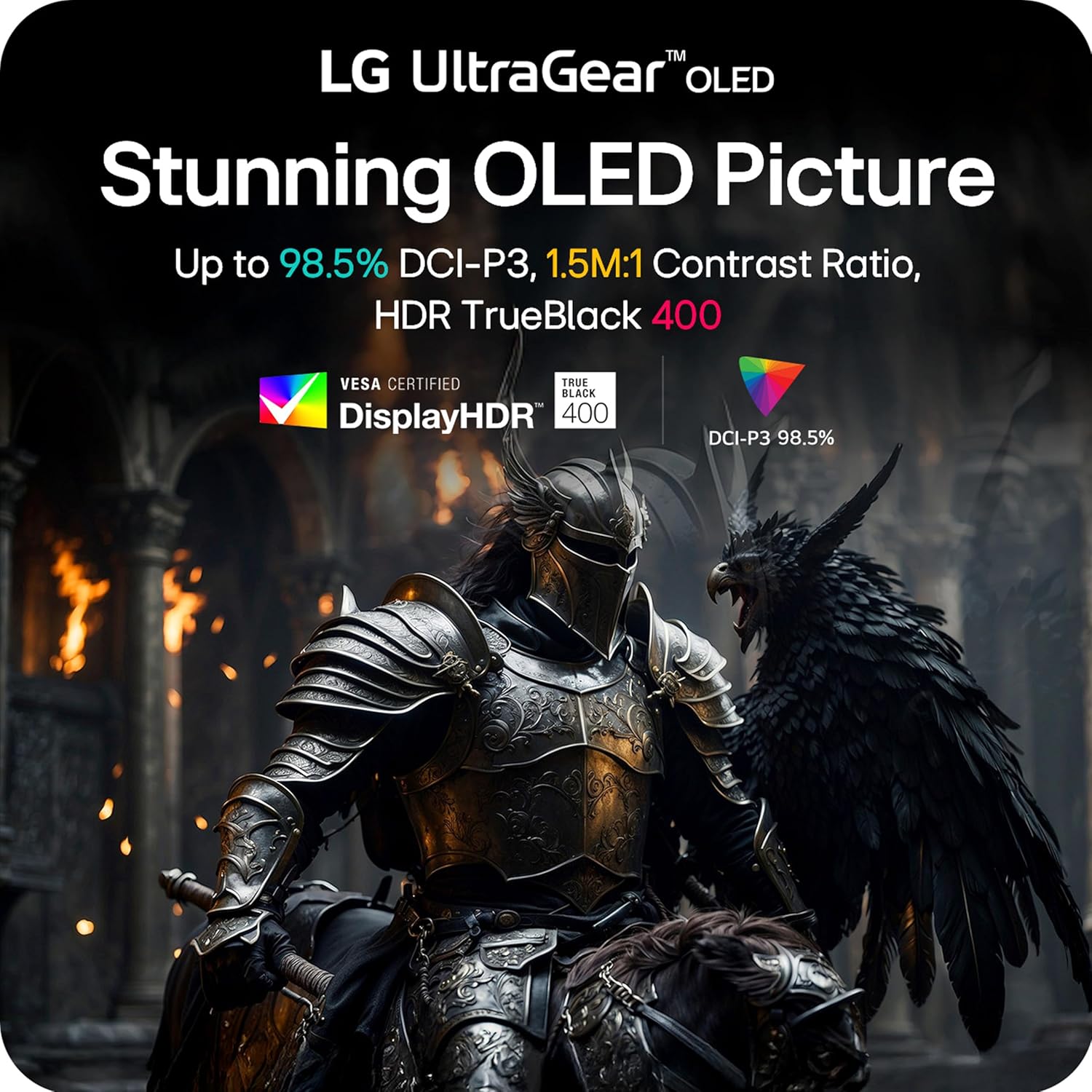


The 27″ QHD UltraGear OLED gaming monitor is built for next-gen performance, whether you’re on PC or console. A glossy finish OLED display, with a sharp QHD (2560 x 1440) resolution delivers razor-sharp visuals, up to 98.5% DCI-P3 color coverage, and VESA DisplayHDR True Black 400 for cinematic contrast and color depth.
When every millisecond matters, dominate the action with a 240Hz refresh rate⁶, ultra-fast 0.03ms response time, G-SYNC Compatibility, FreeSync Premium Pro, and VESA ClearMR 13000 certification for bright, blur-free, tear-free OLED gameplay.
Connectivity is future-ready with two HDMI ports, USB (x3) and DisplayPort 1.4, keeping you locked in on the latest hardware. The fully adjustable stand—tilt, height, swivel, and pivot—lets you play your way, with comfort and control.
¹Requires graphics card that supports DisplayPort 2.1 to achieve up to 480Hz refresh rate support. Actual refresh rates may vary depending on computer graphics specifications and configurations.
²Graphics card that supports DisplayPort 1.4 or HDMI 2.1 are required to achieve up to 280Hz refresh rate support. Graphics card sold separately.
³NVIDIA G-SYNC Compatible supports variable refresh rate on GeForce GTX 10 Series and higher GPUs on Display Port, and GeForce RTX 30 Series and higher GPUs on HDMI 2.1.
⁴To download the latest version of the LG Switch app, visit LG.com.
LG UltraGear OLED Goes Glossy – Experience ultra-smooth, tear-free gameplay with up to 240Hz refresh rate and 0.03ms response time on a glossy, bright 27” QHD OLED display. React instantly, spot every detail, and outpace your opponents in every frame with outrageous speed and clarity.
Next-Level OLED Brightness, for Next-Level Play – The brilliant OLED display brings every scene to life with jaw-dropping color and intensity. Delivering a standard 275 nits of brightness and peaking at 1300 nits, your games shine with vivid clarity—keeping dark corners detailed, explosions dazzling, and the action always visible no matter the environment.
VESA DisplayHDR True Black 400 – An OLED display with VESA DisplayHDR True Black 400 and a 1.5M:1 contrast ratio deliver deep blacks and dazzling highlights, so you catch every hidden detail in dark scenes and every spark in the bright ones. With up to 98.5% DCI-P3 color, your worlds burst with vibrant intensity—making every game feel more alive.
Three UL Certifications. One Clear Advantage for Eye Comfort. – This UltraGear OLED display is three times UL-certified—for Anti-Glare, Flicker-Free, and Low Blue Light. Combined with a glossy finish, the display helps reduce distractions, keep your view crisp, and maintain visual comfort—so you can stay focused and perform at your best, even during extended gaming sessions.
27” OLED Brilliance with up to 240Hz of Game-Changing Speed – Experience ultra-smooth, tear-free gameplay with up to 240Hz refresh rate on a glossy, bright 27” QHD OLED display.
1ms (GtG): Astounding Gaming Speed – Play with a near-instantaneous 0.03ms response time, which minimizes ghosting for gaming visuals that are sharp, clear and buttery smooth.
Serious Connectivity for Serious Gamers – UltraGear OLED is built for next-gen consoles or PC with dual HDMI 2.1, DP 1.4, USB 3.2 upstream and two 3.2 downstream ports.
NVIDIA G-SYNC Compatible & AMD FreeSync Premium Pro – NVIDIA G-SYNC Compatible and AMD FreeSync Premium Pro deliver smooth, tear-free, low-latency gaming with high refresh rates—so every frame stays sharp, no matter your GPU.
OLED Care Made Easy – Adjust brightness and enable OLED protection features that help mitigate image retention. Automatic pixel care cycles run during standby or shutdown, and gamers can easily fine-tune performance settings or switch display modes for optimal gameplay—all from the On-Screen Control settings.
Seamless Display, and Adjustable to Gamer Specs – Transform your setup with bold Hexagon lighting and a 4-side virtually borderless screen that keeps the action front and center. The fully adjustable stand—swivel, tilt, height, and pivot—lets you lock in the perfect angle for long hours of competitive play.
10 reviews for LG 27GX704A-B 27-inch Ultragear QHD (2650×1440) OLED Gaming Monitor 240Hz, 0.03ms, NVIDIA G-Sync Compatible, AMD FreeSync Premium Pro, VESA Display HDR TrueBlack400, HDMI 2.1, DisplayPort, Black
Add a review
$479.99
Caleb Silva –
34 in ultrawide 800r curve 240hz
This monitor is beast and I stole it for 750$. If this was full price though at 1300$ there’s better options but this is def a premium monitor. Reminder this is OLED technology so text clarity is not a strong suit due to the technology so that in no way shape or form knocks off any stars from this 5 star product. It’s excellent for gaming! Super responsive, high refresh rate, solid build quality. It does have a matte coating but it’s really not even remotely close to as bad as people say. Picture quality is still bright, vibrant and crystal clear. One thing to note is normal ultrawides are normally 1800r curve and at this curve being slight makes it wide and immersive. Now this one with 800r curve bends it so aggressively that it honestly takes away from the immersion as the sides of the monitor are brought closer together to make the harder curve but this is not bad at all. You can see the whole monitor better with peripherals making it easier to use for fps games. I was torn between this and immersion but then I decided to return this just cause I came to the conclusion I rather have immersion from 1800r curve so I then picked up the g85sb from Samsung but his LG is so dope and it looks so good! When or if I become a little more competitive I might get this again. Somehow to me I think this 800r curve makes it easier to aim on mouse and keyboard. I feel like seeing the whole monitor easier and the curve fits the eyes natural curve. Might be placebo but it works for me. If your on the fence I’d buy it. Return it if you want to try something else but keep in mind the refund process is 30 days so if your offered payments from Amazon this process would be more appealing as you are not putting the full price down.
Joshua Zullo –
One Year Later, and it’s Still a Beast
This monitor has been an absolute beast!! No ghosting, tearing, any of that nonsense! If you have been having issues with darker panels, this will solve your issues. Colors are vibrant, and brightness is what you want for being able to enjoy a wide variety of games. I have owned for a year now, and there is no looking back! Still no issues on the screen, and I have been playing competitive call of duty on it for the entire year, with Starfield and NBA2k filling in the gaps. Starfield looks absolutely incredible on this thing. Also, for anyone on console, it’s still a great option for 120hz caps I owned an Xbox series X before changing to PC gaming, and while having this monitor definitely made it more enticing to make the jump, I felt like it solved all my problems that I hated about other console monitors. Most were too dark, whitewashed, etc. The price is high, but it’s been high quality. Mounting on my swivel arm was easy, and it’s light enough for the cheaper arms too. Highly recommend, and what a year for gaming it has been!
Ram2015 –
Panel detail.
## ⭐⭐⭐⭐⭐ **Amazing OLED Ultrawide for Gaming**The **LG 34GS95QE** is stunning. The OLED panel delivers perfect blacks, vibrant colors, and incredibly smooth motion thanks to the **240Hz refresh rate**. Games look immersive on the 800R curve, and HDR performance is excellent. VRR can be a bit picky, but overall this is a top‑tier gaming monitor that feels premium and performs even better.
Alex Truax –
Awesome monitor, dont freak if you see vertical bands when first turning it on
This monitor is excellent so far. Its very easy to use and adjust the settings with the included remote. The brightness is excellent and I would never need to turn it all the way up with peak brightness on. The image quality is excellent and the contrast is wild. Also do not be freaked out if you see vertical banding when using it for the first time. After a few power cycles the monitor will automatically run image cleaning cycles and mine now looks perfect.
Bob Nelson –
Amazing Color, Contrast and Refresh Rate
Purchased this amazing OLED gaming monitor at a great price at Amazon and am truly impressed by the colors, contrast and speed of this monitor. This is the first OLED display of any kind that I have owned, and it’s a revelation! Even with the deeper blacks, there is still good shadow detail when connected to my Nvidia 5070 video card set up for 1440p & 240Hz. The 0.03ms (GtG) response time is unbelievably fast. Setup is easy: pretty much plug & play (just make sure you have a video cable that fully supports this monitor). The build quality is high (as you would expect for a monitor in this class). If you can find it on sale for $499, it’s a no-brainer purchase!
Mohammed Alanazi –
اخذتها ب 3500 .. شاشه ماشاء الله تبارك الله ماعليها كلام .. طبعا تابع مقاطع وشلون تحافظ ع بكسلاتها .. واغراضها كامله معها وامورها الحمد لله تمام التمام .. بس حط ببالك السلك الي يجي معها الظاهر الامريكي مااعرف نوعه بس مو مثل الي عندنا البريطاني يعني هات لك توصيله او فيش صغير الي يركب عليه اي نوع فيش وامورك تمام باذن اللهفيه شي بعد ابغى اضيفهبالنسبه للي يبغى يبث او يسجل مقاطع بالعموم ماتصلح للتسجيل والبث الا اذا عدلت على الابعاد حقتها او الريزلوشن المهم من الشاشه بالزر الخلفي اختار اعدادات ثم مدخل ثم نسبه الابعاد ثم اختار الاصلي او مجرد مسح .. ماادري وش الفرق بينهم عموما بعد ماتختارها تعدل على اعدادات كرت الشاشه عندك انا عندي amd فمن اعدادات amd اختار display ثم اختار شاشه LG شوف تحت مكتوب custom resolution اضغط على الزر الي جنبه create new بتفتح لك نافذه حط باول خيار على اليسار 3840 وعلى اليمين 2160 تحتها معدل التحديث 240 الي الشاشه تدعمه ماراح تضبط معك انا خليتها 100 فريم وبالنسبه لخيار timing standard على كلام chatgpt يقول اختار cvt – reduced blanking قال الاسباب بس ناسي بس اذكر كانه خيار يحافظ لك على الشاشه شي زي كذا وبس اذا خلصت سو حفظ ورح لاعدادات العرض بالويندوز وغير دقه عرض الجهاز الى 3840×2160 راح تصغر الشاشه لان ماتقدر تجيبها على الشاشه كامله .. الشاشه ابعادها 21 وجودة 4k ابعادها 16:9تقدر تشوف مقاطعي على اليوتيوب مصورها بالطريقه هذي اسم قناتي zolan_play
Khayne –
This is the best monitor I have ever owned. It’s not my first OLED as I own a small QD-OLED, but its my first WOLED monitor. I think both WOLED and QD-OLED are great technologies and when purchasing a monitor more things should factor in the purchase than the panel itself IMHO. This monitor has a lot going for it:The remote makes so much sense and it is so helpful and practical when adjusting the settings, unlike the knob that most monitors carry nowadays, allows me to change between settings quickly.I have my setup in a well lit room with multiple windows, in a common area so it’s impossible to control the light conditions, so matte is the way to go for me, but this monitor isn’t 100% matte, more like anti-glare, semi-glossy, which to me is definitely the best option, because it definitely shows the dust and dirt way less.I have perfect vision and never wore glasses and I don’t see any smearing of the graphics, and playing with the settings I was able to replicate the color impact of my QD-OLED without the caveats of the glossy screen. When rendering colors I have my monitors calibrated with an i1 Display Pro to make them look the same so I don’t see any differences between the OLEDs, unless changing modes that are pre-calibrated and over-emphasize colors. I can understand someone liking those modes on a QD-OLED display since it can display a broader color range, but that wasn’t the game designer’s intention most likely, specially when most videogame graphics are designed to display sRGB colors and sometimes use more restricted graphic palettes in order for the games and graphics to look good in a broader variety of displays.As someone who has been involved with graphics in a variety of media I remember the days when Apple decided to suddenly switch to glossy monitors and the vast majority of professionals saying that was a poor choice and a bad idea, it’s interesting how over a decade and a half later people are drooling over glossy QD-OLEDs thinking that’s the best and only way, must be the fact that cellphones are everywhere and their screens are glossy. I personally find glossy screens more distracting and less immersive in normal light conditions and better suited for dark rooms or windowless rooms with ceiling illumination.As for the brightness, I mostly use this monitor with brightness between 67-85%, with 75% being my average, with peak brightness setting on high during the day and low or off in the evening and night. Peak Brightness at night shows a lot of banding on low light conditions so it’s best when it’s off. Again, having a remote allows you to quickly change these specs quickly and effortlessly if needed.To sum it up, if you are looking for an OLED monitor that’s suitable for most people than being targeted exclusively towards gamers and looks like a product targeted towards an older demographic of people who game and can afford and OLED monitor but like most adults out there don’t have the perfect light conditions, need to share the space with others and don’t want something that has an overly gamer aesthetic despite being a gaming monitor.I would recommend this monitor to anyone that want’s a flexible premium OLED monitor that has a great number of features that will blend in better with any lifestyle without restricting you in one way or another and that feels like a logical upgrade.2 month update: I have gotten the hang of calibrating it properly and creating ICC profiles. Colors look incredibly accurate even on HDR you don’t get the washed out effect after properly calibrating it. Interestingly enough leaving it at 75% brightness works for most situations. I find it as bright as my older VA monitor, but I have never been a fan of extreme brightness.
R Conde –
Recomendable 100%, el contraste es magnífico, la pantalla es mate y no lastima la retina. Llegó rápido. muy buena compra.
Jordan –
I had this monitor on my wish list for months and it went on sale for Prime Day so I had to pull the trigger. It was 34% off, or $786.58(CAD) which was the cheapest it had been since it was released. Honestly it is a lot of monitor for that price, this thing is beautiful. I have seen some people complaining that it doesn’t get bright enough, but I am confused as to how. It gets bright enough to cause me some serious eye strain, even at 90% in SDR. Definitely recommend this as a main display. It is my first OLED so I will update if any issues such as burn-in arise.
Harmony Sault –
The Internet had me worried about getting a woled monitor instead of a qd oled, and a matte finish. The matte finish is perfectly fine in a room with sunlight and sheer curtains, there is no hazy look and the colours are perfectly vibrant and it truly is worth it to get an oled monitor. It is anti glare, I haven’t noticed any glare at all. It’s not overly heavy. It’s sturdy. The included stand is very high quality but works awesome on a monitor arm. This monitor is great quality. The remote makes it feel like a TV, there’s lots of settings you can adjust on the monitor. There’s even an FPS counter AND a cross hair you can turn on- I hope it lasts a long time because I really like this monitor!