

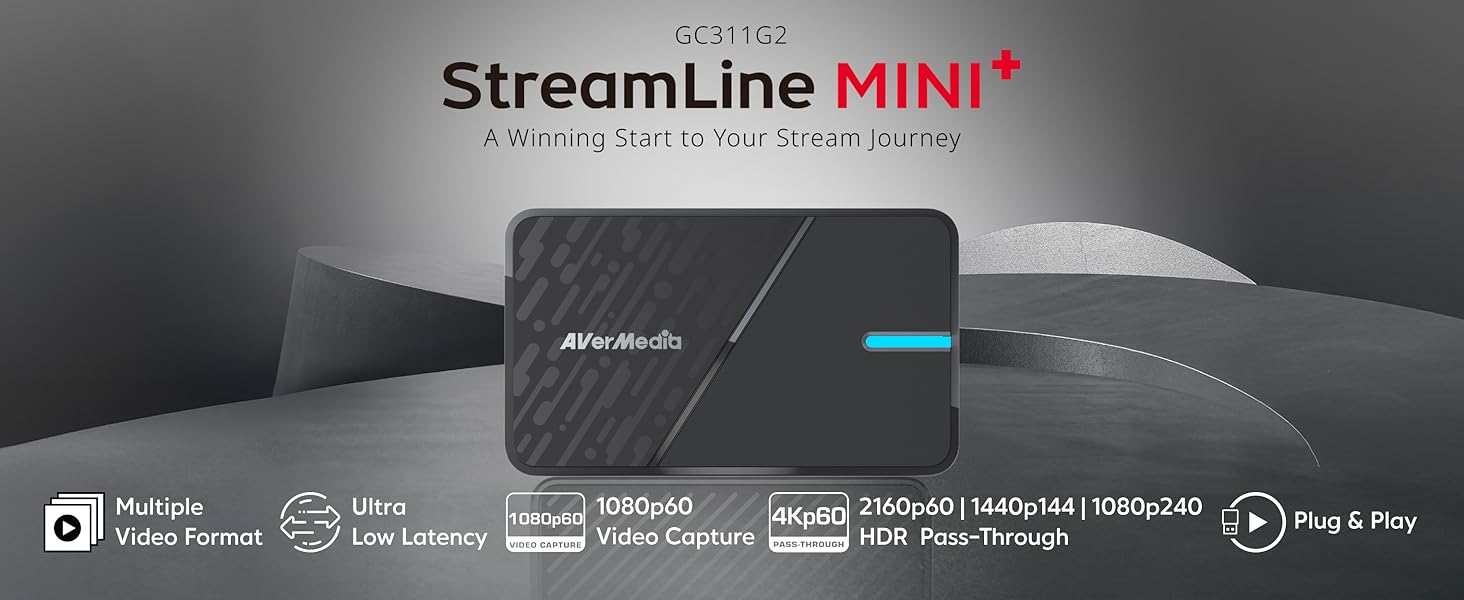
AVerMedia Capture Card for Streaming, 4K60 HDR Passthrough, 1080p60 Video Recording, Ultra-Low Latency Game Streaming for Switch 2, Xbox, PS5, PC on Twitch, OBS, Win11, Mac – StreamLine MINI+ GC311G2
$69.99
Related Products



Product description

Technical Specifications
Video Input& Output HDMI 2.0 (passthrough) Audio Input & Output HDMI 2.0 (passthrough) Capture Resolutions 1080p60 Passthrough Resolutions 2160p60 HDR,1440p144 HDR, 1080p240 HDR System Requirements Windows 10 x64 / 11 x64 or later, macOS 13 / 14 or later, iPadOS 17 or later What’s In the Box StreamLineMINI+ (GC311G2), Type C to Type A Cable, Quick Start Guide Supported AVerMedia Software AVerMedia Assist Central Pro, AVerMedia Streaming Center (Windows only), AVerMedia Streaming Center Plug (OBS Plugin), Firmware update tool Supported Resolution (Input) 2160p, 1440p, 1080p, 1080i, 720p, 576p, 480p, 480i Video Format NV12, YUY2, MJPEG
Discover Your Capture Card
Add to Cart
Add to Cart
Add to Cart
Add to Cart
Customer Reviews
4.3 out of 5 stars 181
4.3 out of 5 stars 1,076
4.1 out of 5 stars 219
4.3 out of 5 stars 181
Price
$69.99$69.99
$141.15$141.15
$208.86$208.86
$129.99$129.99
Interface
UBS 3.0
UBS 3.2
USB 3.2
USB 3.0
Output Interface
HDMI 2.0
HDMI 2.0
HDMI 2.1 / 4-Pole 3.5 mm
HDMI 2.0 / 3-Pole 3.5 mm
Max VRR Pass-Through Res.
–
4K60, 1440p144
4K144, 1440p240, 1080p360
1440p120 / 1080p120
HDR Max Pass-Through Res
2160p60,1440p144, 1080p240
4K60 HDR/VRR,1440p144 HDR/VRR
HDR:4K144,1440p240,1080p360
HDR:4K60 / 1440p120 / 1080p240
Max Capture Resolution
1080p60
4K60, 1440p144, 1080p240
4K144 (with RECentral)
4K30
Ultra-wide Resolution
–
3440×1440/2560×1080
3440x1440p 120Hz/100 Hz
–
Compatible Game Console
PS5/Pro, Xbox Series, Switch 2
PS5/Pro, Xbox Series, Switch 2
PS5/Pro, Xbox Series, Switch 2
PS5/Pro, Xbox Series, Switch 2
Streaming Platform
OBS/Twitch/YT/FB Live/Mixer
OBS/Twitch/YT/FB Live/Mixer
OBS/Twitch/YT/FB Live/Mixer
OBS/Twitch/YT/FB Live/Mixer
Windows Operating System
Windows 10×64/11×64
Windows 10×64/11×64
Windows 10×64/11×64
Windows 10×64/11×64
macOS Operating System
macOS 13 / 14 or later
macOS 13 / 14 or later
macOS 13 / 14 or later
macOS 11 / 12 / 13 or later
Experience Video Quality (HDR) issue (Gray/Flickering) when connected to the Switch 2?
Connect Switch 2 directly to your monitor to test HDR. If colors look off with a capture card, check HDR support and try disabling or adjusting HDR on the Switch 2.
Why do I only see a black screen in the software preview with no error messages?
Black preview screen? Check: (1) Camera access in privacy settings (2) No protected content (e.g. Netflix) (3) No other apps using video source (4) Antivirus isn’t blocking capture (e.g. Kaspersky)
How could I fix the error message Resolution is not supported?
Use HDMI 2.0 source. For iPhone/iPad, use Apple adapter (with power for iPad). Check resolution/FPS is supported. Connect HDMI to “In,” not “Out.” Try another HDMI cable. Avoid splitters. Match source resolution in software.
Can I record from an iOS/iPadOS/Android device using an AVerMedia capture card?
To capture from iOS/Android, turn off HDCP in Assist Central Pro. Use an Apple adapter for Type-C to HDMI. Close apps like Disney+ that may enable HDCP and block capture.
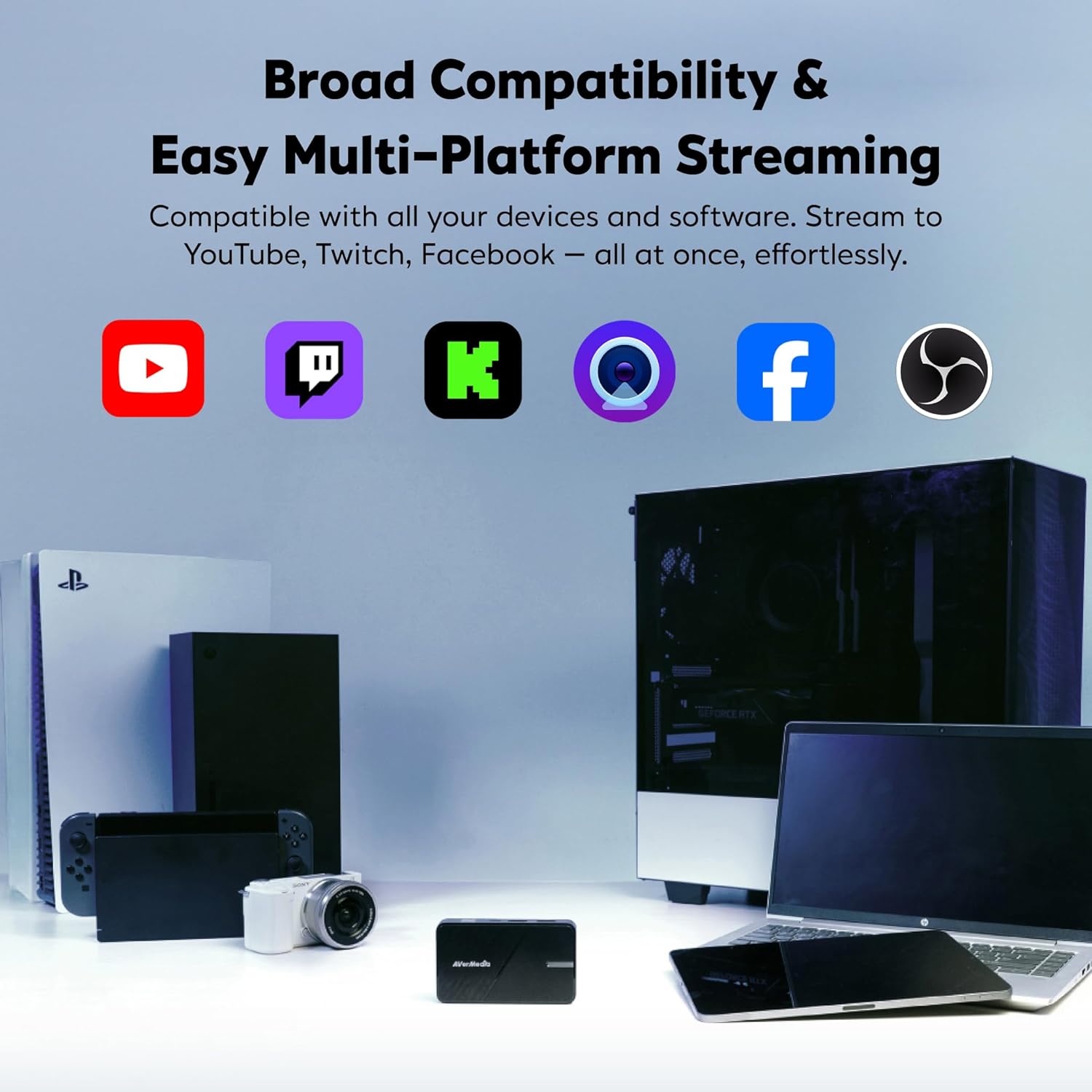
Seamless High-Refresh Game Streaming: Play on Switch 2, Xbox, or PS5 in 4K60 HDR or up to 1440p144/1080p240, all while recording in smooth 1080p60.
Plug & Play USB Capture Card: No drivers needed. Easy setup with beginner-friendly Streaming Center. Also works with OBS, CameraFi, Camo Studio, and more.
4K60 HDR Pass-Through with Ultra-Low Latency: Play in stunning 4K while streaming in 1080p, with near-instant response and zero-lag performance for smooth, real-time gameplay. Enjoy synced audio and video for an immersive gaming and viewing experience.
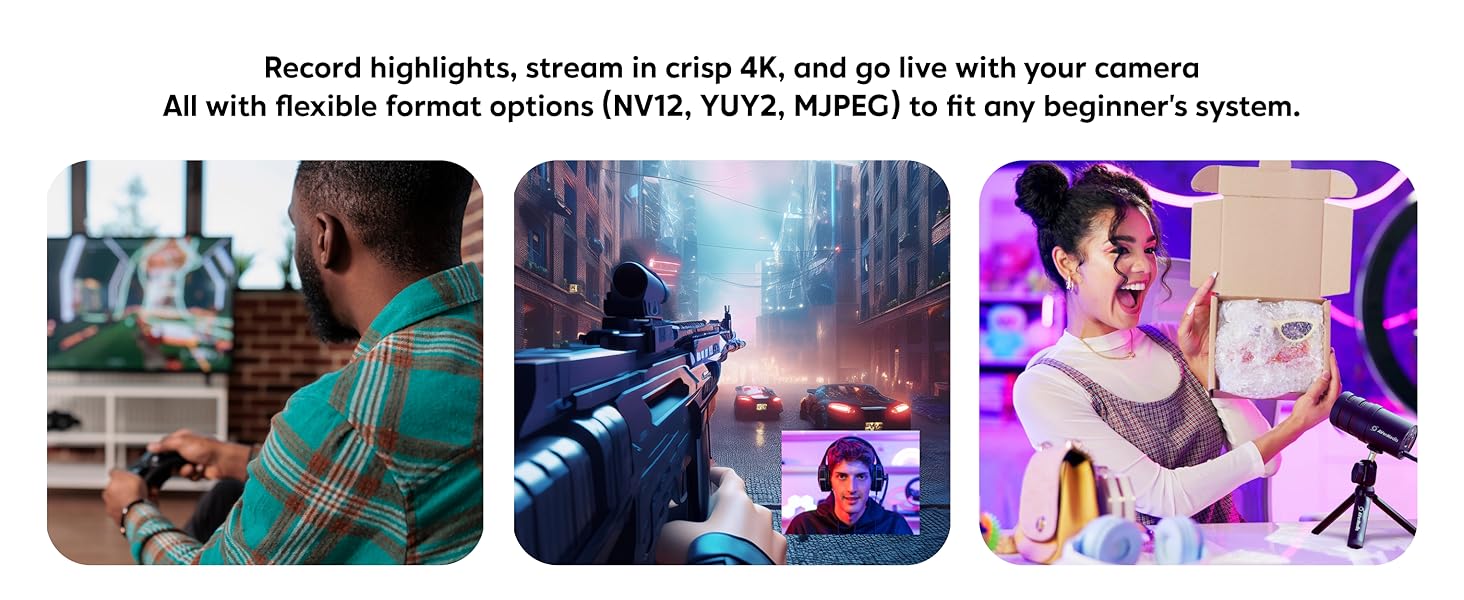
Flexible Format Options: Choose from NV12, YUY2, and MJPEG to match your workflow, from game streaming and live streaming with camera setups to professional editing and quick content sharing.
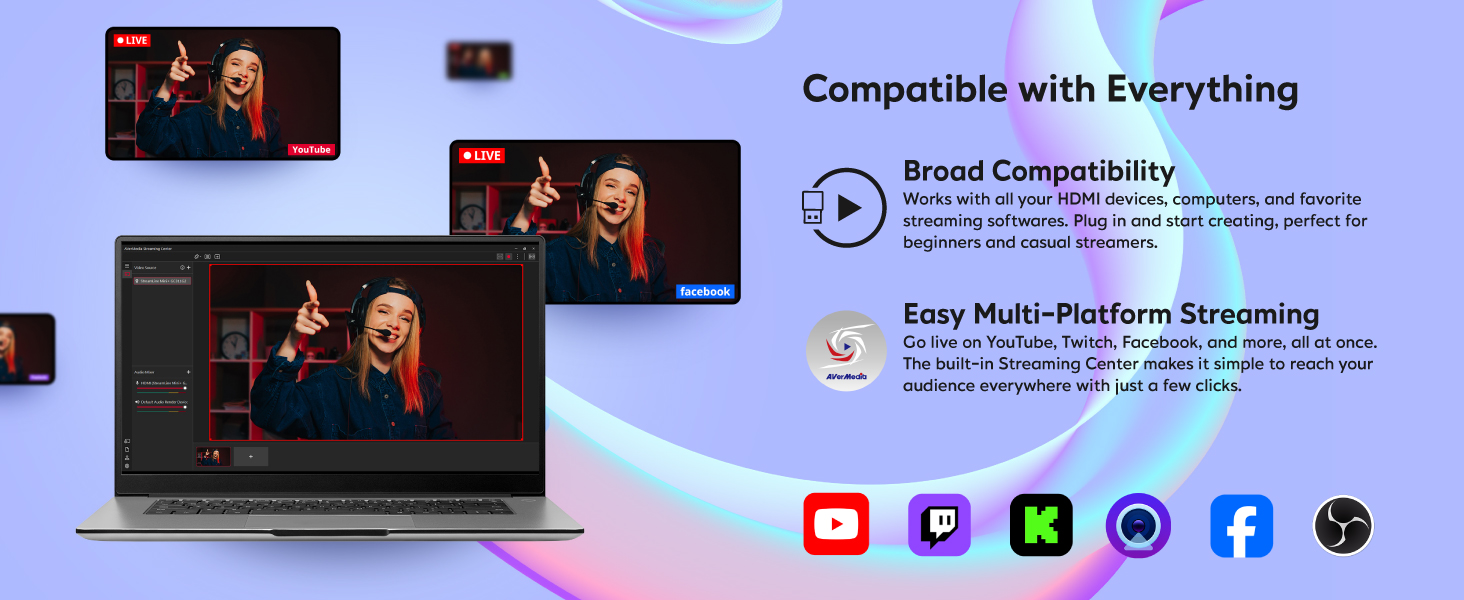
Stream in Minutes, Everywhere: Just plug in, sign in, and go live on YouTube, Twitch, Facebook, and more, all at once with AVerMedia Streaming Center’s simple 3-step setup.
13 reviews for AVerMedia Capture Card for Streaming, 4K60 HDR Passthrough, 1080p60 Video Recording, Ultra-Low Latency Game Streaming for Switch 2, Xbox, PS5, PC on Twitch, OBS, Win11, Mac – StreamLine MINI+ GC311G2
Add a review
$69.99
Diana –
Capture Card for Seamless Next-Gen Recording and Streaming
As an avid gamer, I can confidently say that the AVerMedia GC551G2 Game Capture Card is a reliable companion for next-gen console enthusiasts who want to capture and stream their gameplay effortlessly. The 4K HDR pass-through feature ensures that the visual quality of my games remains stunning, even when I’m recording or streaming at a lower resolution. It’s a game-changer for content creators like me.One aspect that impressed me the most is the high frame rate (HFR) support. It delivers incredibly smooth and fluid motion during recordings and streams, making the gameplay look incredibly immersive. There’s no jarring or stuttering, even during fast-paced action scenes. It truly elevates the viewing experience for my audience.Setting up the GC551G2 was a breeze. With its multiple input options, including HDMI 2.0 and USB 3.0, connecting it to my Xbox Series X was quick and hassle-free. The user-friendly software provided by AVerMedia made the entire process straightforward, and I was able to start recording and streaming in no time. The software’s compatibility with popular streaming platforms allowed me to effortlessly share my gaming adventures with my audience.Another great feature of the GC551G2 is its audio mixing capabilities. Being able to balance the game audio and my microphone input right within the capture card itself was a huge convenience. It gave me more control over my streams and recordings, ensuring that my voice was clear and balanced with the game sounds.What truly sets the AVerMedia GC551G2 apart is its competitive price. It offers excellent value for gamers on a budget who still want a reliable and feature-packed capture card. The performance and features it provides easily rival some of the higher-priced options on the market.Lastly, I must mention the Variable Refresh Rate (VRR) support. This feature synchronizes the refresh rate of my captured footage with the frame rate of the game, resulting in tear-free recordings and streams. The smoothness it brings to the table is impressive, enhancing the overall quality of my content.In conclusion, the AVerMedia GC551G2 Game Capture Card is a dependable choice for next-gen console gamers seeking seamless gameplay recording and streaming. With its impressive 4K HDR pass-through, HFR support, low latency, and versatile features like audio mixing and VRR, it delivers exceptional performance. The user-friendly setup and competitive pricing make it an attractive option for gamers looking to create content without breaking the bank.
Evan –
Long lasting
Everything works had it for about like 2 years nd I still use it with heavy use. The only that suck about it is that you have to use a 3.0 usb port or else it records at 1080p 30fps. with the usb 3.0 works amazing
OwlBrother –
These new external cap cards are the bomb.
I used to have the old Elgato GameCapture HD. It had terrible latency; this was back around 7-ish years ago. Since then, I have been using internal capture cards. I decided to pick this external capture card on the off chance that I may stumble upon a dual PC setup down the road. I am amazed on the quality of these new external capture cards as they are just about as good if not equal to their internal counterpart. The setup is exactly the same as they have always been but with now zero latency and video quality that exceeds my expectations. I mainly use it for gaming streaming, but the recording quality is also amazing. The build on this one doesn’t feel really sturdy mainly plastic but if you are not moving it around and just keep it one spot it should be fine. I am truly impressed.
Mark Michel –
Great once I figured it out!
If you know someone who has used a capture card before, ask them for help if it is your first time! This product is great but it was so challenging to set up. The instructions are not clear and there are not a lot of tutorial videos to assist you. Once my friend who often streams helped me, it has been so nice and easy to use. I bought this so I can stream my switch on discord and it has great quality. After the initial set up, it is pretty easy to to use.
Arin Green –
Great for streamers.
Works like a charm. Takes a bit to setup after updates. And the quality of the audio and video.
Sergei –
Doesn’t work with AVR
Too complicated… doesn’t work with my AVR.
Peace Keeper –
OBS game station
I have some consoles next to my PC, and my buddies like to stream games for friends to show off new games or cool tricks and stuff.My PS4 can stream natively, but only YT and twitch. I want to stream on discord for friends.So I got this, messed with it for a while to get the setting just right in OBS.IF YOU NEED OBS HELP AND SEE THIS:1. Add New Capture Card to your scene. It’s towards the bottom of the list which is why it’s hard to find2. Once added, a pop-up will give you a preview of what the card is capturing. Take this opportunity to adjust brightness and contrast settings if you need to.3. Leave the setting in the pop-up window default for now. The main changes won’t happen here anyways4. Setup your audio so that the capture card you added is operating as both the Output Source and Monitor. This should get the audio to come through OBS5. Right-click the stream preview on the right side, I think it’s called the Projector. You want to full screen this.6. Play gamesThis will allow you to play your console by using the OBS as your TV and telling the PC to give you audio console audio. There should not be any input lag or latency to worry about, as long as you are using a USB 3 port on your PC. I made a mistake one day, and the USB 2.0 introduced noticeable input lag.My only recommendation: couple this with an HDMI switch that detects the video source and automatically change the input for you. This allows multiple consoles to feed into the 1 capture card without needing to swap around HDMIs. Turns your PC into the ultimate gaming rig.Of course you can record gameplay too, but I got this for the streaming. I’m not recording badass plays for YouTube and what not.Get this thing. Best balance I could find between price and features. One of the only devices in this price range that offers 4K60fps passthru. My Consoles don’t need the 4K, but that extra wiggle room inpower is what helps reassure me that this thing is more than capable of handling whatever I throw at it today.
Sully –
THIS CAPTURE CARD IS AMAZING!!!
Awesome Capture Card! Easy to set up and the quality is amazing. I experienced little to no lag while streaming. Definitely the best choice to get that’s under $100.
sonderx –
Muchos prefieren elgato pero avermedia siempre me a funcionado correctamente y sin ser tan cara
Nato Boram –
The software that goes with it is exclusive to Windows, making this device very cumbersome to use.It’s also very slow, unstable. Most of the time it doesn’t even work. Not only that, but it’s the only way to get the maximum quality out of it.The device itself is hard to configure with OBS Studio and it doesn’t come with a configuration that you can directly use in other recording software to instantly get the max quality.If they made a software for Linux that allows you to instantly record at max quality without crashing all the time, it would be 5/5, but right now it’s very cumbersome.
KHD –
ممتازه جدا ولا فيها تاخير وجودتها حلوه بس مافيها فور كي فقط الحد حقها ١٠٨٠ اتش دي….فيها مشكله بسيطه لو انك تبي تبث وتصور دايم ترا مراح تقدر تفصلها عن السوني ٥ يعني بتضطر تشغل الكمبيوتر عشان تشغل السوني.. الباقي ١٠٠٪
Mirko Fong –
Sfortunatamente la confezione è arrivata danneggiata. Il dispositivo di per sé funzionava bene con Recentral arrivando a 4K’30.Invece su Obs mi dava il problema di “not supported” se salivo sopra i 1080p60 (idem streamlabs). Ho fatto il reso dopo diversi tentativi. Soddisfatto invece dell’assistenza di Avermedia nel cercare di aiutarmi a risolvere le problematiche.
Shreya shandilya –
Works like a charm for 1440p 60fps recording.Plug and play on obs no external software required