

EMEET 2024 Upgraded C960 Webcam for PC, Autofocus, 1080P HD, 73° View Angle, Computer Camera w/Privacy Cover and Microphone, Plug and Play USB Webcam for Video Calling/Zoom/Teams/Google Meet
$35.99
Related Products




Product description
2024 Upgraded C960 Autofocus Webcam: Capture Every Detail in Clarity 

Diverse Usage Scenarios


Choose Your Preferred EMEET Webcam
Add to Cart
Add to Cart
Add to Cart
Add to Cart
Customer Reviews
4.4 out of 5 stars 36,172
4.4 out of 5 stars 36,172
4.4 out of 5 stars 36,172
4.4 out of 5 stars 36,172
Price
$35.99$35.99
$28.48$28.48
$44.99$44.99
$49.98$49.98
Focus
PDAF Autofocus
Fixed Focus
PDAF Autofocus
PDAF Autofocus
Resolution
1080P
1080P
2K
4K
Max Frame Rate
60fps
30fps
30fps
30fps
FOV
73°
90°
76°
50°~66°
Software
EMEETLINK
EMEETLINK
EMEETLINK
EMEETLINK
Privacy Cover
✔
✔
✔
✔
Plug and Play
✔
✔
✔
✔
[FHD 1080P Autofocus Webcam] The EMEET C960 AF Webcam, equipped with a CMOS sensor, delivers up to 1080p resolution at 60fps for superior video quality. This model advances from the EMEET C960 by incorporating PDAF technology, enabling fast and precise autofocus within a range of 20-300cm to keep your videos consistently sharp and clear.
[73° Webcam with Privacy Cover] Designed with a 73° field of view, the EMEET C960 AF is ideal for personal use, minimizing unwanted background in your frame. The included privacy cover shields the lens when not in use, safeguarding against unauthorized access and protecting it from dust and debris to maintain pristine video quality throughout the camera’s lifespan.
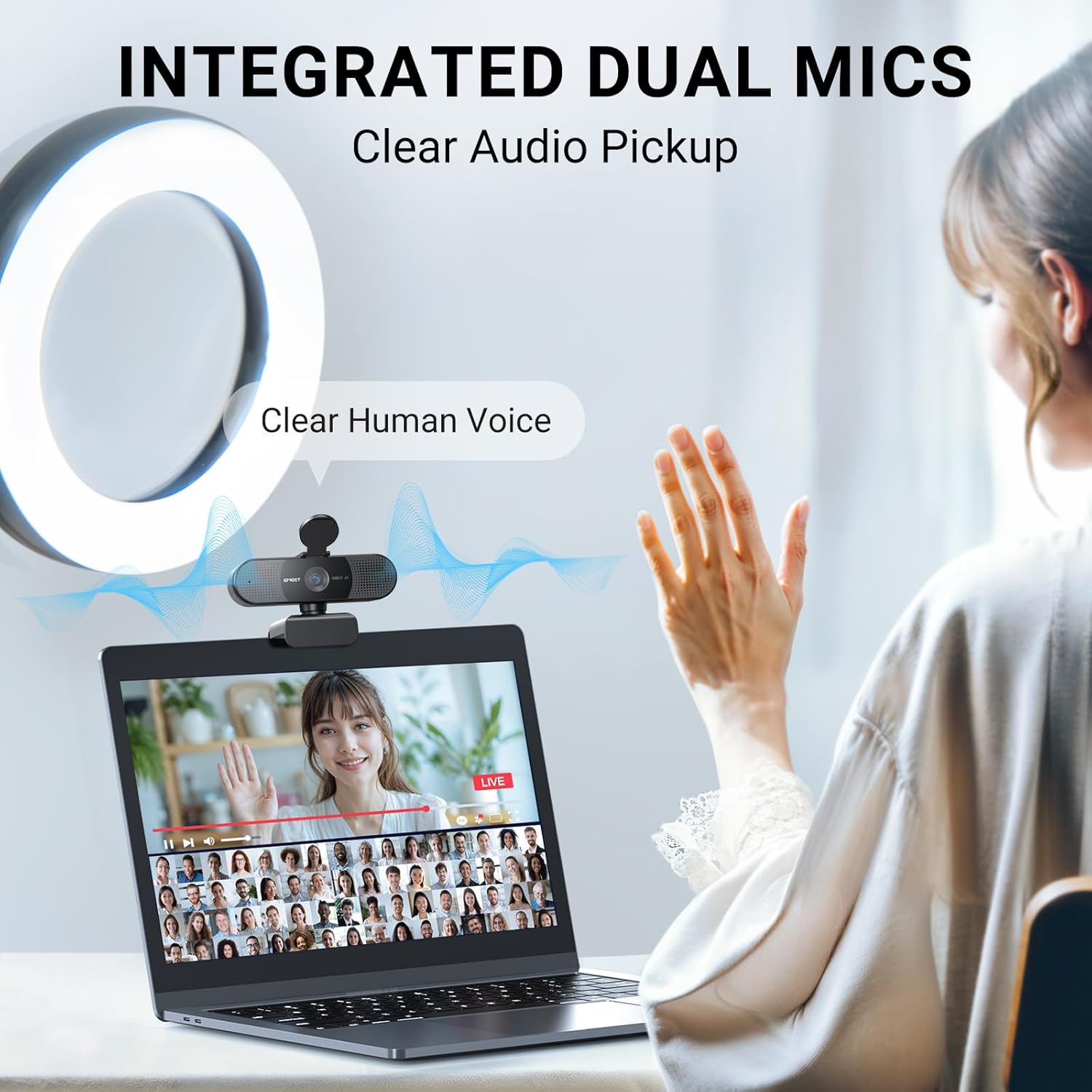
[Built-in Dual Noise Reduction Microphones] Featuring dual built-in microphones with noise cancellation, the C960AF webcam enhances your audio by reducing background noise. This makes it perfect for a variety of online interactions such as Zoom, Facetime, video calls, streaming on OBS and Twitch, social media activities on Facebook and YouTube, conferences, gaming, and online education.
[Plug and Play USB Webcam] This plug-and-play webcam requires no additional drivers, making it ready for use in under a minute with any compatible device. Its foldable design and 4.9 ft (1.5m) USB cord offer flexibility and ease of transport. The adjustable stand can rotate 360° horizontally and tilt 15° vertically, ensuring versatile placement on monitors, laptops, tripods, or flat surfaces.
[Broad Compatibility and Software Support] The C960 webcam supports a wide range of operating systems including Windows 10/11, MacOS 10.14 or later, Linux, and Android TV 7.0 or later. It is highly compatible with major applications like Zoom, Teams, Facetime, Google Meet, and YouTube. Additionally, the EMEETLINK Software enables customization of the webcam’s settings to suit your preferences.
13 reviews for EMEET 2024 Upgraded C960 Webcam for PC, Autofocus, 1080P HD, 73° View Angle, Computer Camera w/Privacy Cover and Microphone, Plug and Play USB Webcam for Video Calling/Zoom/Teams/Google Meet
Add a review
$35.99
Michael N. Lee –
This works great!
I wasn’t really sure about this due to its price, but I have been very happy with the quality and easy setup. Video quality is really good.
Manoola –
Easy setup and great product
Great product and easy setup.Plug-and-play worked perfectly right out of the box with no drivers needed. The 1080P video quality is clear and sharp, and the dual microphones pick up voice well without distortion. Wide 90° field of view is great for calls and meetings. Works flawlessly with Zoom, Teams, and FaceTime. The included USB-A to USB-C adapter is a nice touch. Overall, excellent value and hassle-free setup.
Rose –
Pretty decent
I’ve had this camera for a very long time now and I’d say I recommend this for people who need a simple webcam.The main pros I’d say is the autofocus and the software feature. The autofocus is really good and it focuses really fast. Sometimes, there will be an issue with it not focusing but I’d fix it by doing the classic item in front of the hand. There is also a software for this camera called the eMeetLink and it works pretty well and you can adjust other settings for the camera. The camera fits pretty well on my monitor, the cable is long so I wrap it around. I also like that I can adjust it down to face my table for table cams when I’m building keyboards.Now to the cons, I would say is you cannot zoom and the camera may stop working properly but I’ll explain that in a bit. So as good as this camera is for its price, you can’t zoom in and out. So, if you need it for things like Twitch or you don’t want to show your entire room, probably should get a green screen or pick a good spot to use this camera. You can probably use some software to crop too. Now for the camera not working; when I first got it, I barely used the camera but it would glitch and the screen would go crazy even though I barely used it (1-2 times to test it). And no matter how much I disconnected the camera and deleted the software, it would still glitch and not work properly. I even contacted support and they weren’t really much help but I figured out the problem on my own late. I basically had to update the software I believe or the camera because there’s updates and after updating the camera on the software it literally fixed the issue. Ever since then I was able to stream on twitch with this camera and to my friends on Discord with no problem.As for the microphone I have no clue how it sounds but be sure you disable the camera mic (if you don’t need it) in sound settings on windows (search this up separately) because fortunately, I tested this webcam with a friend before streaming and the sound was automatically on somehow and I thought it was only my mic that people could hear. I muted my mic but the webcam mic was still on. So make sure you disable it if you don’t intend to use it!!As for the quality it’s like 50/50, sometimes it’s good but sometimes it can be blurry or wonky. I’m pretty sure lighting though affects it a lot. I’d say as long as you have good lightning the quality should be fineThe reason why I say it’s good for simple use or beginners too, it does the job if you’re not worried about professional quality.
JayG –
Great camera for the price!
This thing works as described. I plugged it in and my computer recognized it immediately and it started working. Zero setup. So i went into the camera app and ran a test. Sure enough it was working as it should. Ran a short video and the picture and sound were top notch.
Jason Manade –
Great video and sound quality
Works great. Easy to setup. Plug and play.
YUDIT VEGA –
Reliable Dash Cam for Everyday Driving
This dash cam is easy to install and delivers clear video quality day and night. It starts recording automatically and captures a wide view of the road without blocking my vision. It gives me extra peace of mind every time I drive. Great quality for the price and definitely worth it.
Active Mom –
Can’t turn off attached microphone
This was gift for my son. He said the camera part is good, but he can’t turn off the microphone which is causing him problems. He uses a gaming headset with a microphone attached and wants to continue using his headset, but the microphone on the camera is interfering. If he can’t figure out how to turn off the microphone attached to the camera, it will need to be returned.
Yudisleivis M. –
Excellent quality for the price!
This webcam works really well. The image is clear, the sound is crisp, and it was very easy to set up. I’ve used it for video calls, online meetings, and streaming, and everything looks perfect. Excellent quality for the price. I highly recommend it!
Manuel L. –
They promise a lot with this webcam and the quality was just bad. And as I had to use it to figure that out, I just got 50% refund from them as it was used + I had to pay the return shipment. Don‘t waste your money and time with this product and the seller!
MF –
work really well for its price, and the quality is actually surprisingly good. Obviously the only downside is the mic quality isn’t good and you can’t twist the cam left to right for adjustments, only up and down.
Chay –
I can definitely say, after hooking up this camera, that it does its job perfectly. The video quality for making video calls was perfectly clear. The audio aspect was equally impressive. The microphones seemed to pick up the voice from a couple of feet away from it (sitting at the computer desk) but wasn’t overwhelmed by any background noise. Whether this is a design function utilizing noise cancellation or just a matter of it not being a very noisy environment remains to be seen.The snap down cover for privacy is about as basic as it gets. A well fitting plastic lens blocker on a hinge, but really what more do you need to achieve those results?The only complaint I would have (and it’s being very very picky I suppose) is the way it “mounts” on the monitor. While it initially sat quite still and steady, as soon as I reached up to tweak the positioning it shifted all over the place. This was very easily rectified, however, with about 5 cents worth of electrical tape to hold the clip solidly to the top/back of the monitor. So in reality, it’s not so much a “complaint” about it as a VERY minor inconvenience.In summary, high quality, great sound, great picture, very easy to install and use. I’d certainly recommend it to anyone looking for an affordable camera with built in mic.
Mark Chin –
Wow! Very impressive webcam. Plucked into an empty USB port and it started working. Did a self test using Zoom app and was surprised by the crystal clear image of myself and the good voice quality. Exceeded my all expectations.
Laurent BARONI –
Très bonne webcam pour les visioconférences et le télétravail. La qualité 4K est nette et fluide, l’autofocus PDAF garde l’image toujours bien piquée, même en changeant légèrement de position. Les micros à réduction de bruit offrent un son clair et sans souffle, idéal pour les appels professionnels. L’installation est extrêmement simple (Plug&Play) et la webcam est immédiatement reconnue sous Windows. Le cache de confidentialité apporte un vrai plus pour la discrétion quand la caméra n’est pas utilisée. Je l’ai achetée avec le trépied pour pouvoir faire des présentations professionnelles.