

VIVO Dual Monitor up to 32 inches and 19.8 lbs per Screen, Pneumatic Arm Desk Mount, Articulating Counterbalance, VESA Stand, Classic, STAND-V002O
$49.99
Related Products





From the brand
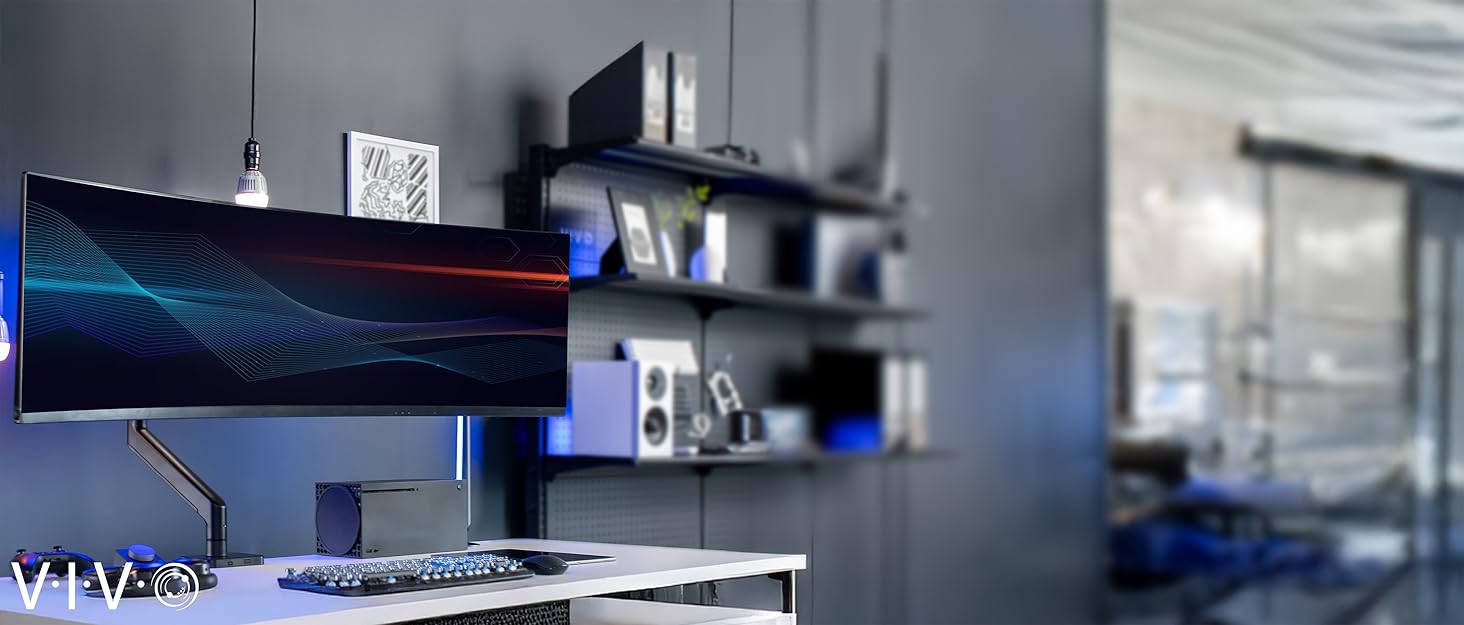



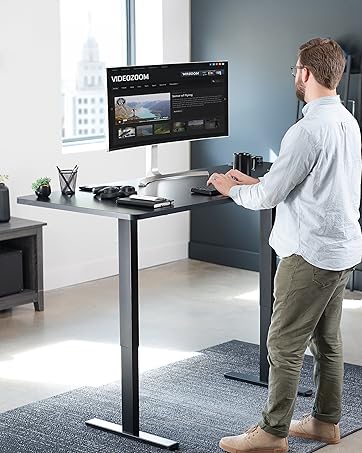
Electric Desks
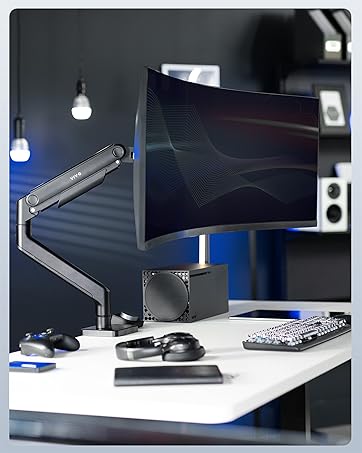
Desk Converters
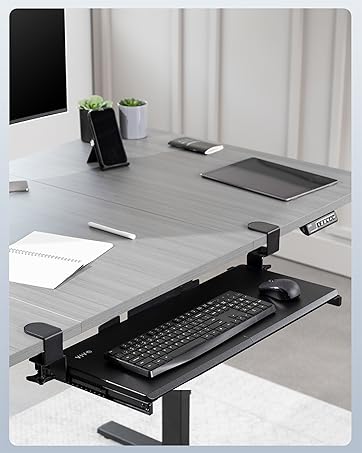
Desk Accessories


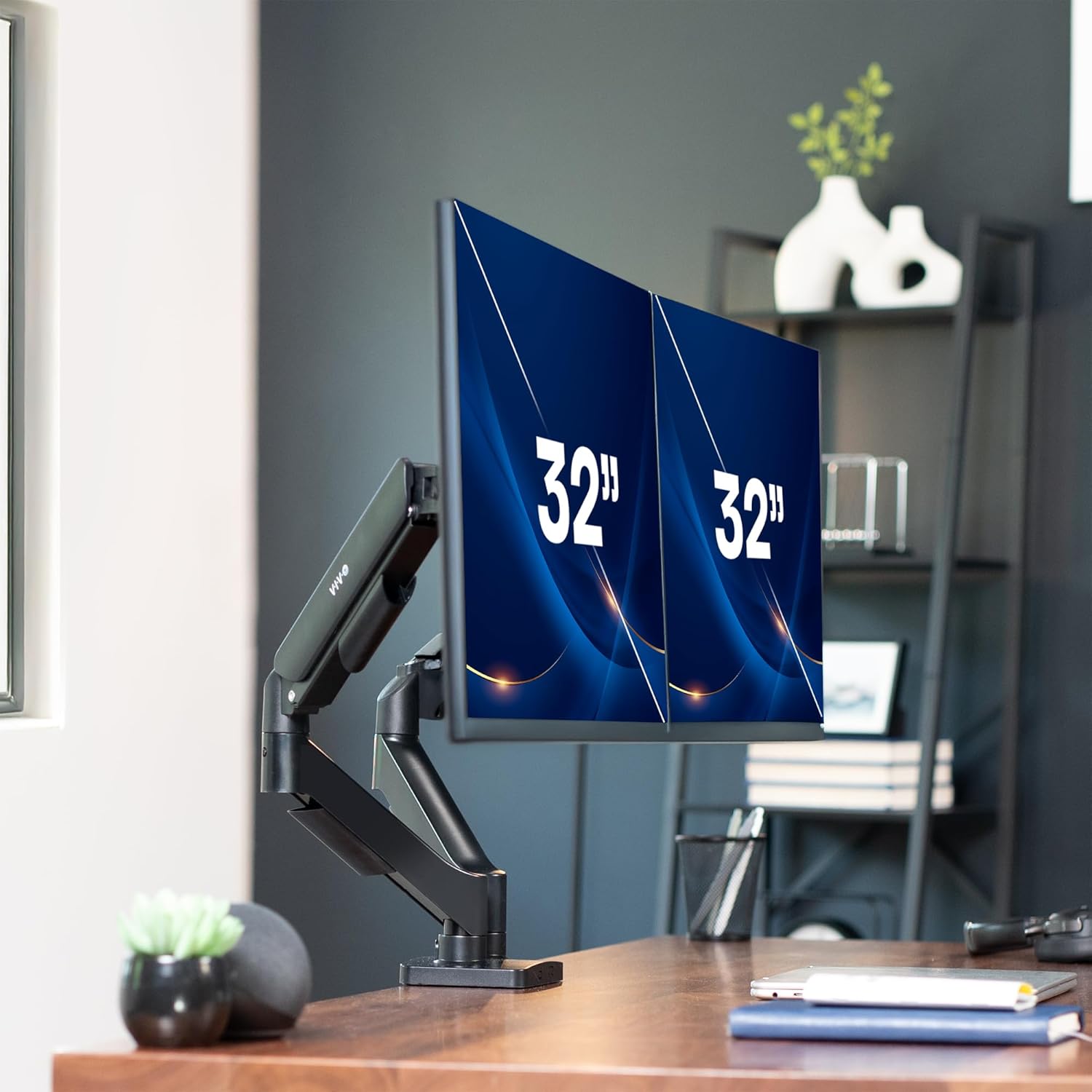
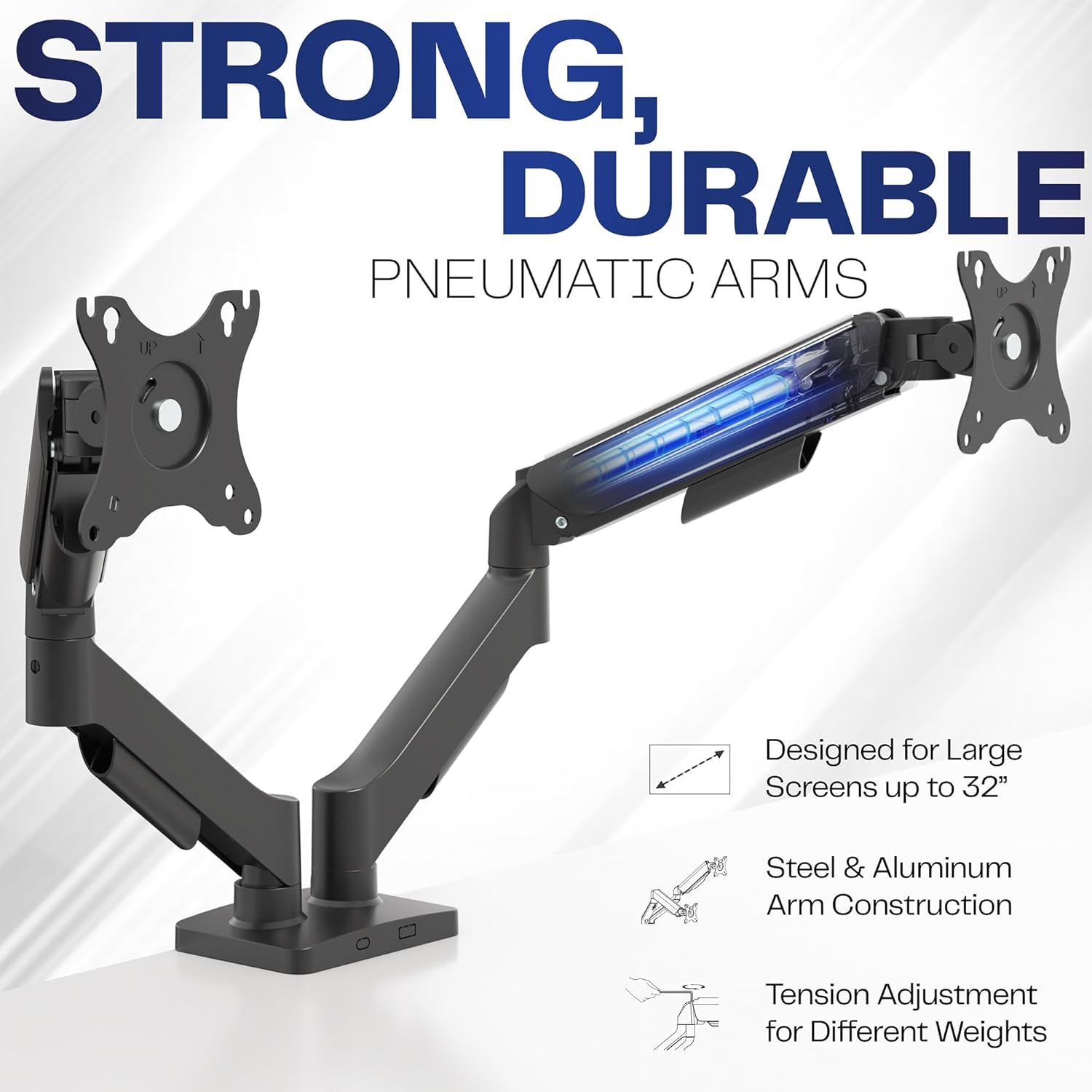
Screen Compatibility: Universally compatible with most 17-inch to 32-inch flat and curved screens weighing from 4.4 lbs to 19.8 lbs each with VESA 75x75mm or 100x100mm mounting patterns
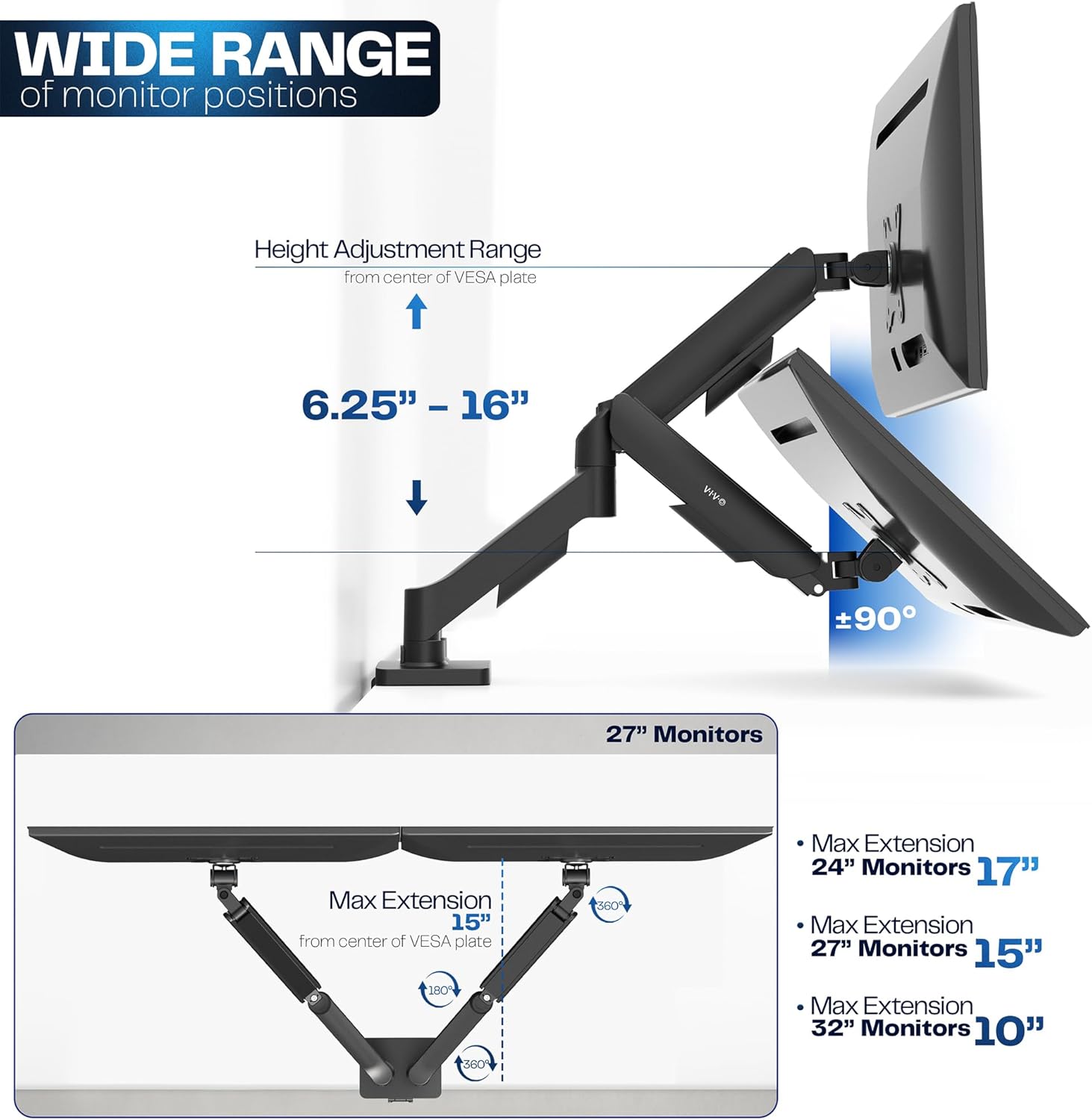
Mechanical Spring Adjustment: Toolless monitor placement with perfect counterbalance presentation in all directions. Please Note: The back of the arms will extend past the edge of your desk
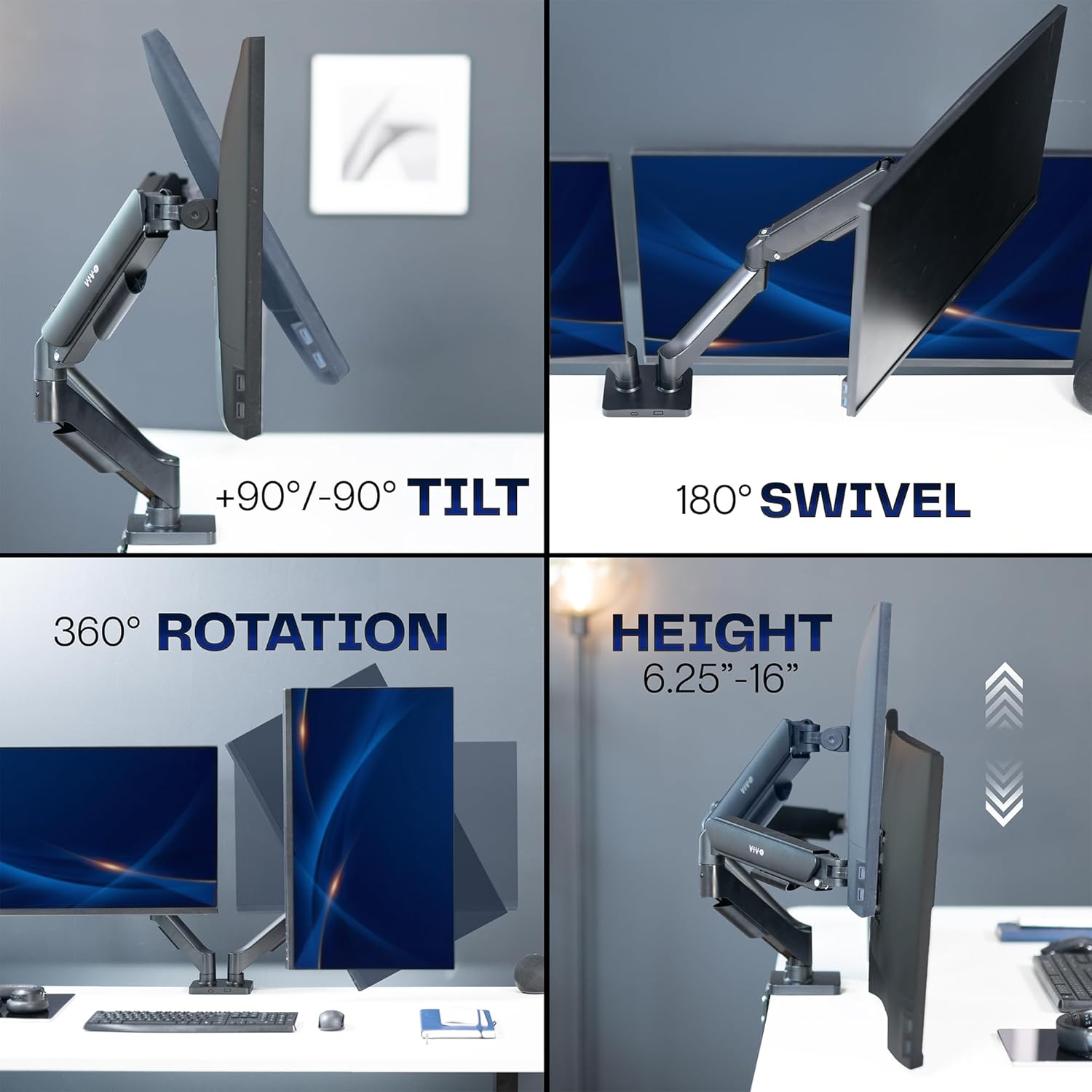
Articulation, Swivel, & Tilt: The mounting brackets offer +90° to -90° tilt, 180° swivel, and 360° rotation for convenient, customizable viewing angles
Easy Assembly: All hardware and step-by-step instructions are provided for smooth assembly. The open-top VESA plates create easy slide-on monitor installation
Clear Up Desk Space: Reclaim valuable desk space by elevating 2 screens and mounting this stand to your surface of choice with the heavy-duty C-clamp (tops up to 3.1″) or optional bolt-through grommet mount (tops up to 1.9″)
11 reviews for VIVO Dual Monitor up to 32 inches and 19.8 lbs per Screen, Pneumatic Arm Desk Mount, Articulating Counterbalance, VESA Stand, Classic, STAND-V002O
Add a review
$49.99
Alex –
Outstanding quality for the price, Just make sure you have room between desk and wall
This is an amazing monitor arm for the cost. I checked a lot of longevity and quality focused online forums for recommendations on monitor arms that didn’t suck, and I’ll say that these don’t disappoint, at least so far.They don’t sag or otherwise move in a way you don’t want them to after you’ve positioned them, they weren’t terribly hard to assemble either, and they’ve got a great range of movement in all directions, whether you need them to just be higher up, or way further back from your face.The base takes up about 2 inches of space forward into the desk, and doesn’t feel obtrusive. It’s holding my relatively heavy monitors, with extra weighty cables, and can take a bit of downward or upward pressure from my hand on top before it begins to move, so it’s definitely very sturdy.One thing you MUST be aware of though, is that if you have your desk close to the wall, this will have to push your monitors closer to you, since the arms extend backwards if you push the monitors away from you. Think of a “W” shape, where the two points at the bottom of the W are the back of the arms. Pushing the monitors further away makes it more of a point, and pushes that point further back, meaning it could bump into your wall if your desk is too close. Give your wall and your desk some room where possible.
Eric Canfield –
Returned, but is still a good product if it fits your use case
Pretty easy and straightforward install. Felt sturdy and worked well.I did end up returning because I couldn’t angle one monitor how I wanted. The mount works well to keep to monitors flat against each, however I wanted to have one monitor offset at an angle and the arms weren’t long enough to be able to do with without the monitors interfering with each other. I went with two single arms instead and the setup works much better for me.I used 2 27″ inch monitors, so perhaps with smaller monitors I could angle them how I would want.With that said though, if you want you monitors to be positioned flat against each other, this mount will be fine.Hindsight 20/20 for me, but if you want to have one monitor angled differently and have more positioning options, just get two single mounts instead.For what this product is though and how it works, it’s pretty solid for the price.
James Brynn –
Good, but longer arms would be nice
I recommend with a sturdy tabletop, ikea wooden tops cave in. When I switched a sturdier material it was perfectly compatible. Quite easy to assemble on my own. A fit of two 27” monitors was a hair too difficult for my liking. Otherwise whence you tune it with provided gear it’s perfect.
Nipdawg –
Dual Monitor Stand Installed, Good Stand for the Price
This is a good dual monitor stand for the price. While I was assembling the monitor stand with the two monitors, I found it easy to adjust the tension on the screws to put the monitor where I wanted them. The two monitors are off the desk, providing me more desk space, and at the level of my eyes where I am not bending my neck down. This should help me avoid neck pain problems or stiffness. Adjusting these monitors after installation is easy, the motion range for more custom adjustments is good. The monitor stand seems sturdy and stable where the monitors are not moving from vibrations.My rating would be 4.5 out of 5.0. There were a few screws missing from the package and the Large Pad missing. I found something to substitute the missing large pad to avoid scratching my desk.
Testeverything –
Great for the Price, Clamp placement very important,
In my initial setup, I sought to optimize my desktop space by utilizing an arm for my 30-inch 4K Asus display. This display, weighing 18 pounds, is manageable for the arm to hold it without any issues.When considering the arm’s placement, it is crucial to evaluate the proximity of your arm to the wall. If there is sufficient space on your desk to position the clamp centrally, this configuration offers the most comprehensive functionality. Conversely, if your desk is adjacent to the wall, you will require additional space to accommodate the clamp on your desk. In such cases, the clamp will need to be positioned to the left or right of the center, rendering certain features ineffective.1. Potential challenges include cable routing and display movement. Cable routing necessitates ensuring that cables have adequate reach. Additionally, as you move the display towards you, the arm may not maintain its level, necessitating adjustments at each step. If the arm is positioned to the right of the center, it will begin to tilt to the right, and the same issue occurs on the left side.The arm’s design presents certain inconveniences. Tightening the arms to secure the display can hinder adjustments, as loosening them results in sagging. Furthermore, if the arm is only positioned vertically, it will maintain its level but begin to move to the right. Moving it back to the center requires repositioning it downward. The same principle applies when moving the arm downward, causing it to tilt to the left.To mitigate these issues, it is advisable to adjust the arm to its most frequently used position.In my setup, I installed speakers on both sides and centered mine at the appropriate height.Lastly, cable management is a critical aspect to consider. The arm itself was relatively straightforward to assemble, but concealing the cables proved to be the most challenging task. It is essential to plan the routing of cables through the arms. I utilized a power cable, two HDMI cables, and cables originating from both the right and left sides. Due to the arm’s placement, I had to procure a longer power cable.
emcarlson4 –
Flexible and Reliable Dual Monitor Mount
I replaced my old monitor arms with this VIVO dual monitor mount and couldn’t be happier. I love that the arms are completely separate, so I can adjust the height and angle of each screen individually. Setup was straightforward, and it’s been reliable and sturdy so far. Highly recommend for anyone looking for flexibility and stability.
Konstantin Kirilin –
I’ll start with the main stuff – it works, it’s pretty, the cable management is good, the motion is smooth, and it doesn’t sag with my 27″ Asus monitor. Well, mostly.2 problems – angling it upwards doesn’t really hold that well, and the most annoying thing – you can lock the level of the monitor. It sounds like a non issue, but it is – every time you want to move the screen you will almost inevitably ruin the level of the screen, since rotation is so sensitive. For the price it’s still a good offer, but inability to really lock in rotation for me kind of ruins experience.
Divya MP –
This stand/mount is very sturdy and pretty easy to put together. I’m using it for my 27 inch monitor and it works great. The clamp is sturdy and the adjustments to height and angle are easy to make
colmou jean pierre –
1) Impossible de faire pivoter les écrans à la verticale.2) Si le serrage du pivot d’écran est sécuritaire, le mouvement verticale (pivot de bas en haut) se bloque et l’écran reste dans la position définitivement , donc si vous l’avez monté et qu’il pique du nez , c’est foutu pour toujours.3) la couleur blanche est plutôt couleur vanille, à la rigueur, çe point est le moins gênant.4) les ranges cables intégrés sont périmés/obsolètes. Impossible de passer les fils des port DB ,on ne peut faire passer que de l’USB .. super nul pour des câbles d’écrans larges….
sudin kandel –
Dont buy this as this does not support your 27 inch monitor as it fall down.
Victoria –
Yo tengo dos monitores de 24 pulgadas y los aguanta perfecto.1.- Para atornillarlo en la mesa tienes dos medidas y viene bastante amplio aunque si tienes una mesa delgada no te lo recomiendo mucho porque por el peso se puede llegar a pandear y maybe se rompa la mesa,2.- Debes considerar el espacio que tienes entre la mesa y la pared porque afecta mucho en la movilidad de los brazos y si no tienen espacio no podrás mover los monitores.3.- No es difícil de armar si te llegas a confundir puedes buscar algún video en YouTube.4.- Tiene forma de esconder cables para que se vea más limpio.5.- Puedes mover los monitores de arriba a abajo y no sé si puedes cambiar el monitor a manera vertical (no lo he probado)6.- Tienes que ajustar las resistencia para poder mover los brazos y es muy fácil, igual puedes buscar un video en YouTube o TT si se complica un poco.Por el momento ya que lo acabo de instalar hoy, no le encuentro ninguna falla y se me hace increíble.Lo volvería a comprar y así.Gracias por leerme :3