

REOLINK Video Doorbell PoE Camera – 2K IP Security Camera Outdoor with Chime V2, 4:3 Aspect Ratio, 180 Degree Diagonal, 2-Way Talk, Plug & Play, Secured Local Storage, No Monthly Fee
$93.49
Related Products






From the brand


Doorbell PoE & WiFi Camera
New Release-Wireless Doorbell


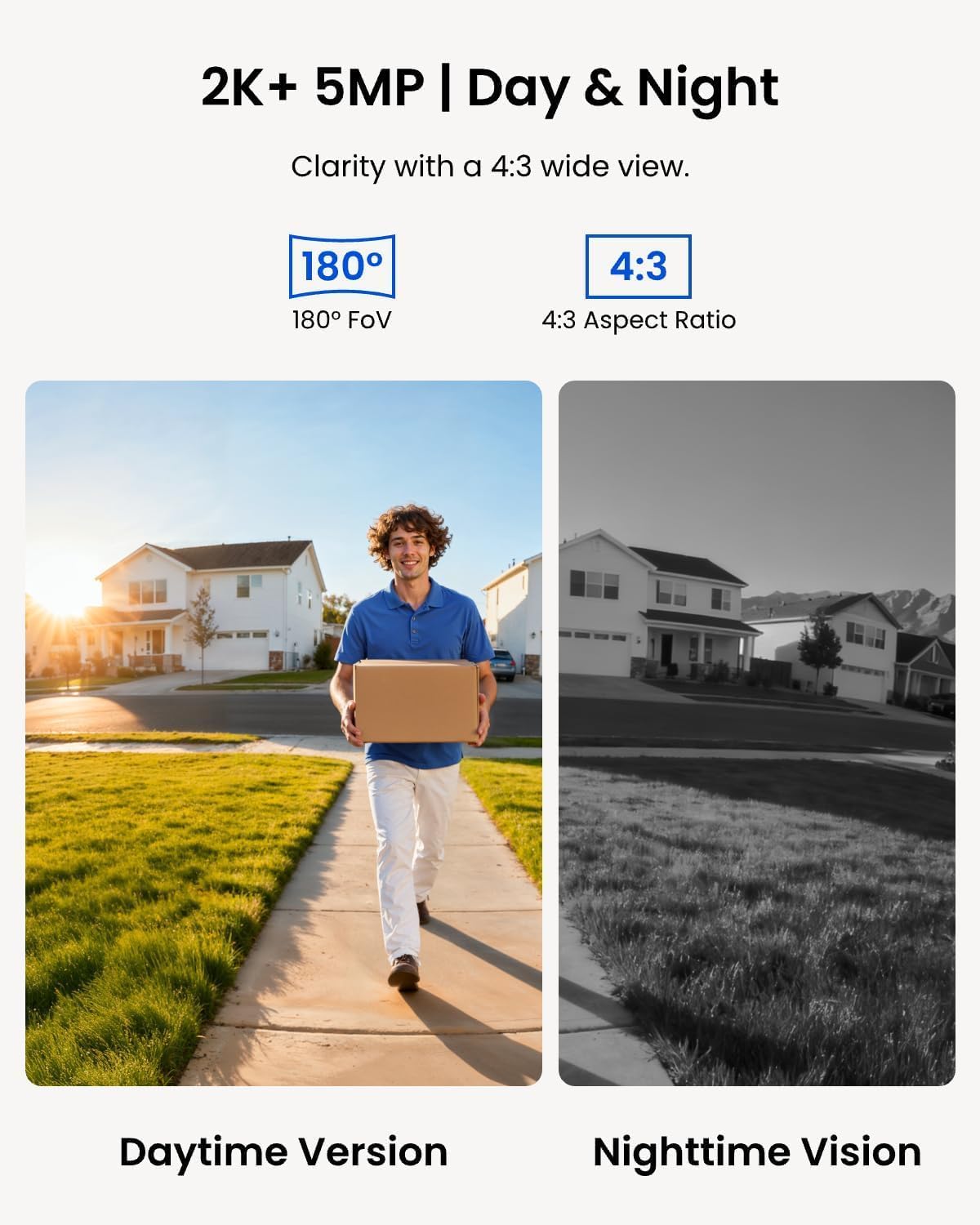
2K Super HD & 4:3 Aspect Ratio: Enjoy the super wide field of view of 135° (H) x 100° (V) x 180° (D). Find the right position for your doorbell with its 15° wedge kit. Incredible 2K HD, along with advanced HDR, 3D DNR, and distortion correction technologies, provides sharp and detailed images even in low light conditions.
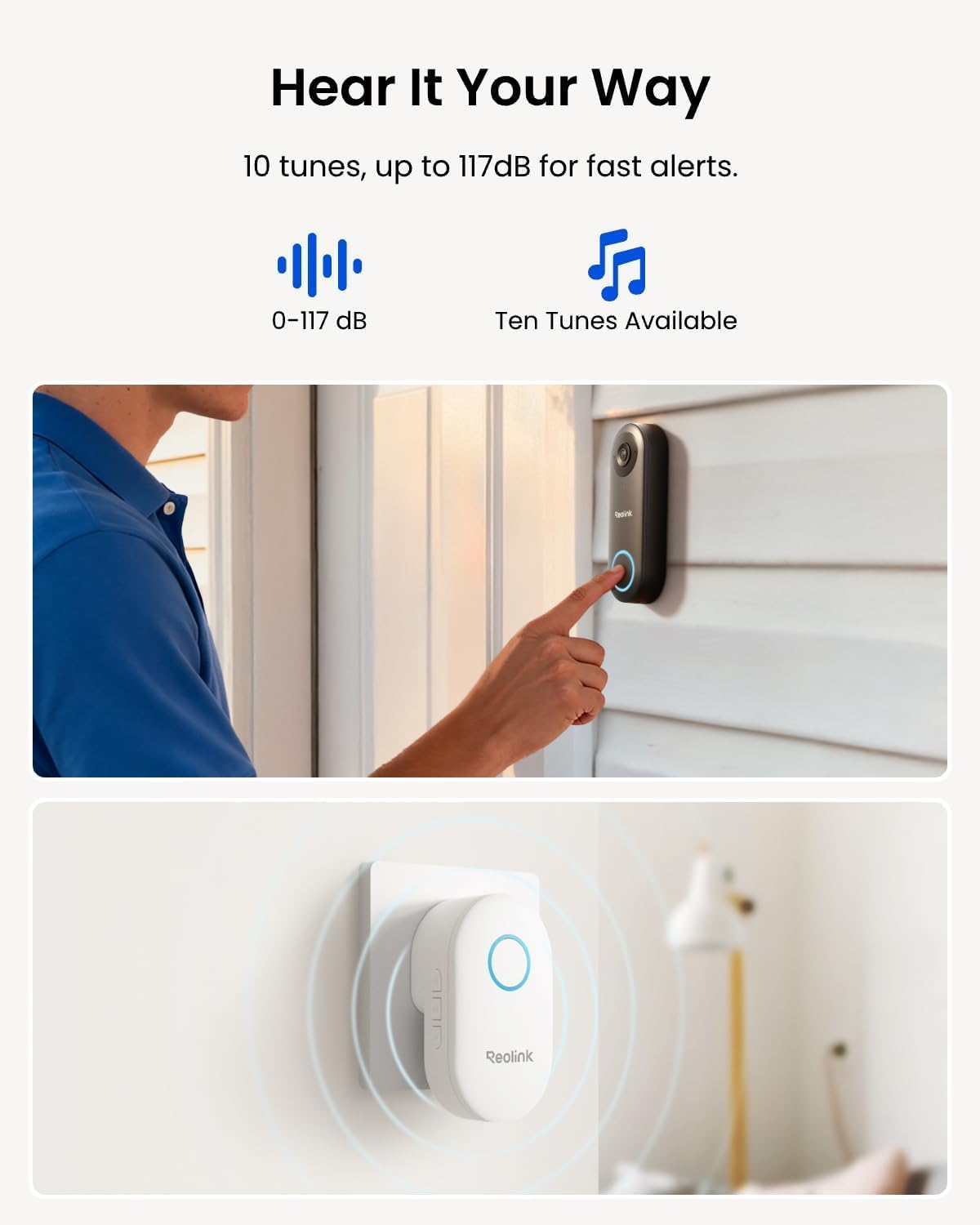
Chime V2 Included & Answer the Door Faster: Plug the chime included into any electrical socket in any room and be confidently alerted when visitors “knock”. You can choose 1 of its 10 tunes and adjust its volume. You can also preset voice messages or automatic replies for times when you’re occupied. Chime Compatibility: Reolink Chime-V2.
Easy & Reliable PoE Setup: Finish the installation in minutes with a Power over Ethernet design (power supply NOT included) also with unmatched stability – data transfers with no reliance on spotty signal but with a wired connection. An internet break won’t stop it from 24/7 recording. Please note that a third-party NVR is NOT supported. Supports 12-24V AC 50/60Hz, 24V DC power, IEEE802.3af PoE switch/injector, or Reolink PoE NVRs. Additionally, WiFi is NOT supported.
Flexible Storage Options & Versatile Software: Reolink software provides lifetime service that requires NO monthly fee. It supports pre-roll recording, which provides valuable 6s footage from before an event is triggered. Recordings can be stored on a microSD card (Max. 256GB, not included), Reolink NVR for built-in 2TB/4TB HDD local storage, or FTP/NAS.
Accurate Alerts by Humanoid Detection: You can set it to alert you when a human is detected, ignoring trivial non-human passers-by, and you can set the motion zone to decide where objects’ movements will be detected.
9 reviews for REOLINK Video Doorbell PoE Camera – 2K IP Security Camera Outdoor with Chime V2, 4:3 Aspect Ratio, 180 Degree Diagonal, 2-Way Talk, Plug & Play, Secured Local Storage, No Monthly Fee
Add a review
$93.49
T. Kenny –
High-Quality Video & Privacy — The Perfect PoE Doorbell
I really like that this is a PoE (Power over Ethernet) unit. We already had a Cat6 cable running to the front door, so installation was incredibly easy and the connection is rock solid. The included chime works perfectly as well, making it a complete out-of-the-box solution.The camera works very well, and I have absolutely no complaints regarding the video quality; it’s sharp and clear. One of the best features is the ability to store video on-premises instead of paying a company a monthly fee to store it for me. I’ve always been concerned with privacy when a third party has access to my video, so local storage is a huge win.For those looking to take things to the next level, this doorbell easily incorporates into Home Assistant. This allows for advanced camera automations you may not get with more “locked-down” brands.
Terry Smith –
Easy install and configuration with existing NVR with Onvif compatability
We’ve owned a security system NVR for a few years now and finally decided it was time to install a doorbell camera. I chose a Reolink camera because I’ve read positive reviews for their products in the past. I wanted a PoE camera that was onvif compatible, hoping that it would work with my existing AvertX recorder, which is compliant with the National Defense Authorization Act (NDAA). I recieved the Reolink doorbell camera and installed it in the same spot our existing doorbell was mounted previously. This is a wired PoE camera and in order to keep the install hole small, it required me to wire my own ethernet cable with my favorite RJ45 “pass through” connectors. I chose cat5e cable because it was thinner than the cat6a and cat8 cables that I have. The Reolink unit comes with an adapter to tilt the camera at a 15° angle which I chose to use since our sidewalk curves off to one side. I was able to install this, and configure it to work with our AvertX NVR all in the same day. The Reolink app was easy to install, works well and notifies me of any activity captured by the doorbell camera. The picture is crisp, the two-way audio is a great feature and the ability to play quick reply messages to visitors at the door is a nice feature. You can also record your own custom quick reply messages. There are different sounds for visitors, person, or any motion, you can also opt to turn these sounds off. To be honest, the only thing about the Reolink doorbell camera that was disappointing to me was the fact that there are only 10 different sounds to choose from. The ability to add more sounds or make custom sounds for the different motion events would have been a huge plus in what is already a solid performing camera. If you’re looking for a great doorbell camera that performs well and requires no monthly fees, Reolink has you covered!
maurice –
Connect to your NVR through NVIF, great system with lots of features at good price
This is the POE version, not wifi. Some basics- for poe, you need to wire the doorbell using Cat 6 cable to an nvr or injector. If you don’t know what that is, hire someone to do the wiring and figure out which nvr to buy. If you want home security with nvr capabilities, i.e. many cameras, secure recording to a hard disk, etc. then become familiar with nvr and wired cameras. POE cameras simply mean one Cat 6 cable is used to both power the camera and send its signals to the NVR. Older systems use two cables.So, if you are in the right place and you have a POE Cat 6 cable at your door, this camera is terrific. I had a professional do the wiring and sell me an NVR and 4 cameras plus a doorbell. NVR and cameras are from Dahua. Doorbell was from Aukvox. The latter was very sophisticated, could unlock two locks remotely, had provision for a security card, etc. But its night vision was zero even with infrared, its motion detection was zero and you could only hear but not talk back. Good for business maybe, not residence. $500 device useless to me as a homeowner/residence. Wanted service fee of $175 to come out each time and tinker with it. Had enough and bought this POE reolink.Installed it and it has great night vision and motion detection, 2 way intercom, great features.The rub is how to install it so it shows up on my nvr monitor? It has NVIF capability and my Dahua nvr has nvif ability as well so I gave it a shot. Bought it from Amazon because they have a great return policy and if I was not able to set it up I would return it.The reolink support documents did not help. I did not bother to call tech support. I googled Dahua nvr and Reolink POE camera how to connect and got a lot of good info that way. I will not go into all the detail. Too long already. But, they say get into the camera interface through the URL address. I got in but that didn’t help. So if you are trying to connect to nvr, you have to enable NVIF on the camera. How? Do the following on the APP, not the interface or Reolink client on the web.Go to Settings, hit the device name (first item), another screen opens Device Info, go to Network Information, then Advanced, BOOM, the screen gives you choices to enable RTMP, HTTP, HTTPS,RTSP and ONVIF. I enabled them all.Plug the camera into POE. The NVR will now be able to add the camera to its list of cameras. Add camera, initialize, do whatever your nvr manual says to do and it will appear in your phone app as well along with all your other cameras. When you add it, you will have to enter username and pw. I am skipping the nvr steps. Figure those out.I see some negative reviews here but I am very satisfied with it. You also have to pair the chime. My old battery chime ate batteries every 3 months. This is plug in and quite loud with choice of rings.Overall, one week later, very happy. Lets see how it performs over time.
Carol –
I didn’t use the doorbell feature
After fighting with WIFI cams trying to keep the connection functional, I switched the front porch to a POE ethernet cam. It was small and very quick to install. The resolution isn’t quite as good as the previous, but I can see who is near the door I can see dog walkers and traffic well enough day and night. Good for the purpose, and has been reliable for a month with no issues. The doorbell ringer is still in the box.
柳井 大河 –
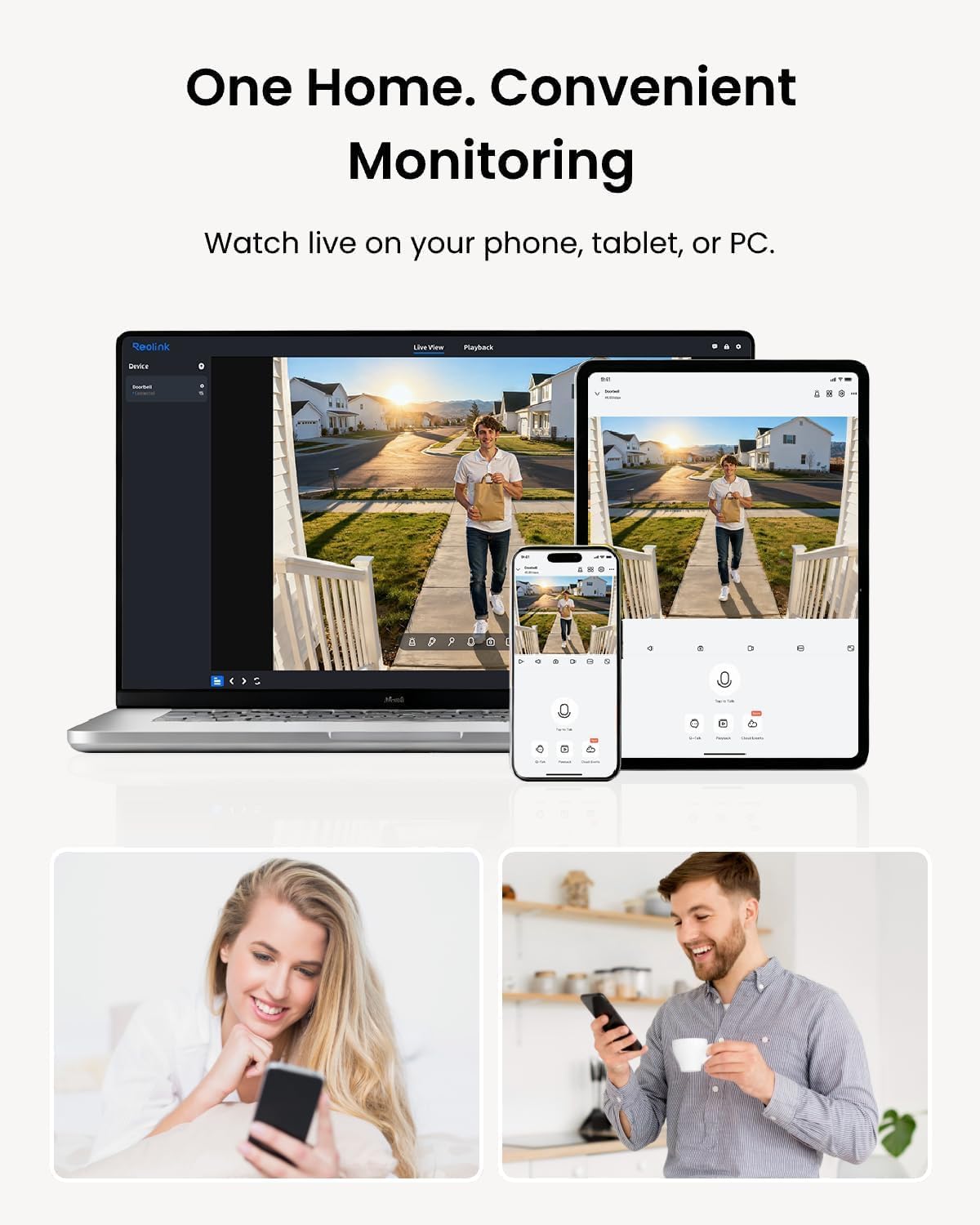
スマホを使いReolinkアプリでどこからでも通話ができます🤙(もちろんインターホンの映像も見れます)非常に便利。遅延は確かにあるけれど、そこまで気になりません。PoE最高!!
Amazon Customer –
It is perfect, I like the POE because I don’t need to use any transforrmer.I need to add that homeassistant integration was a real added value for me.
Amazon Customer –
I purchased this camera on august 09, 2023. It has an excellent 2K+ picture and lots of great features. I really like its ability to store my videos on a FTP server. The video storage is limited only by the hard disk storage on my server. I don’t have to pay for cloud storage and I already had several computers to use as a FTP server. My neighbour pays a monthly fee for his storage. I was worried that it wouldn’t survive the harsh Newfoundland winters. It worked fine during winter of 2023 but began to fog up last winter. We get a lot of freeze thaw cycles and a lot of wind rain and snow. I couldn’t really fault the camera. I also have two Reolink RLC-810A 4K cameras with the same features and they have been working great through two winters. I got in contact with Reolink support and they were good enough to send me a replacement camera. I installed it today and it works great. Overall I am quite pleased with my Reolink cameras. When I need another camera I’ll definitely purchase another one from Reolink. The cameras and support are top notch. Thank you Reolink.
Alter –
No subscription required. Very good image and performance
DXB_Uzi –
This has the best 2 way audio i have ever experienced on a doorbell. I have it on a noisy street, and I have previously used Nest, Logitech, Ring (their most expensive model which was PoE), and Eufy. Nothing compares in terms of audio – its almost like as if it is a phone call with no background noise.