

Petoi Programmable Robot Dog Bittle X V2 Alloy Servo (Construction) | Coding Smart Robot Dog Kit, Voice Controlled, Quadruped Interactive Robot for Kids, Open Source, STEM & Robotics Education
$322.15
Related Products


Product description
The video showcases the product in use.The video guides you through product setup.The video compares multiple products.The video shows the product being unpacked. Bittle X V2 Smart Robot Robotics Kit Intro Merchant Video
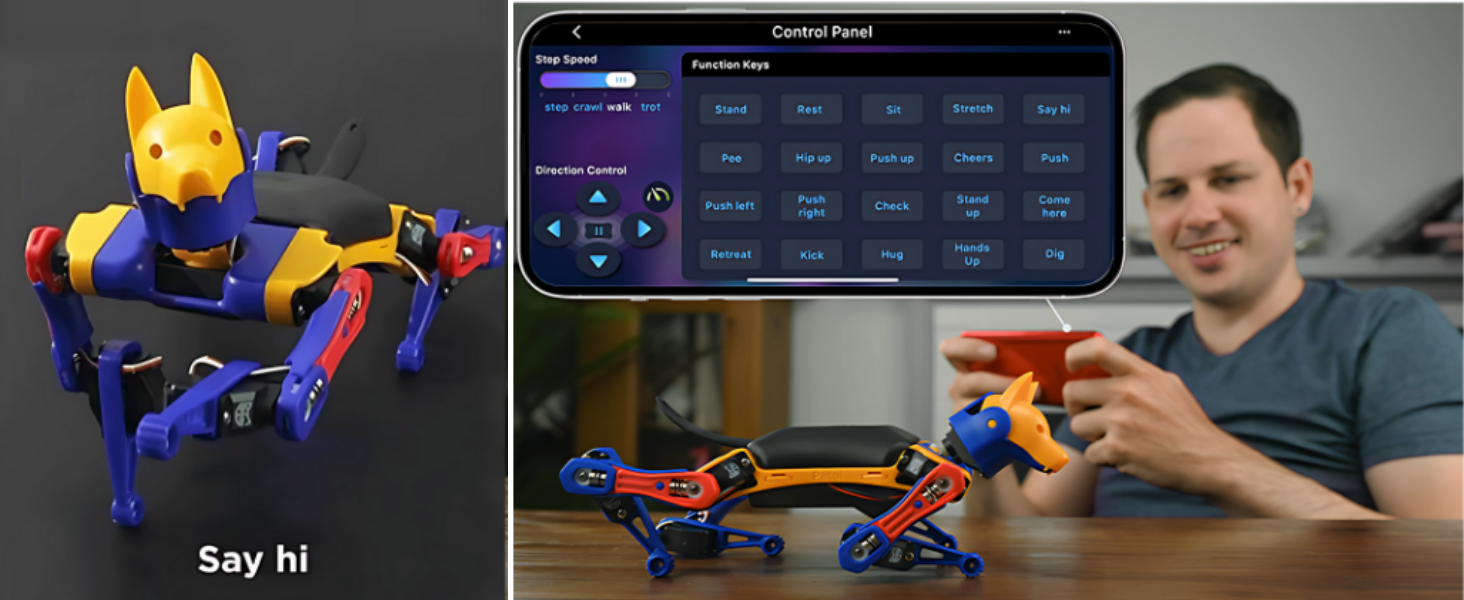

1 App Control
2 Voice Control
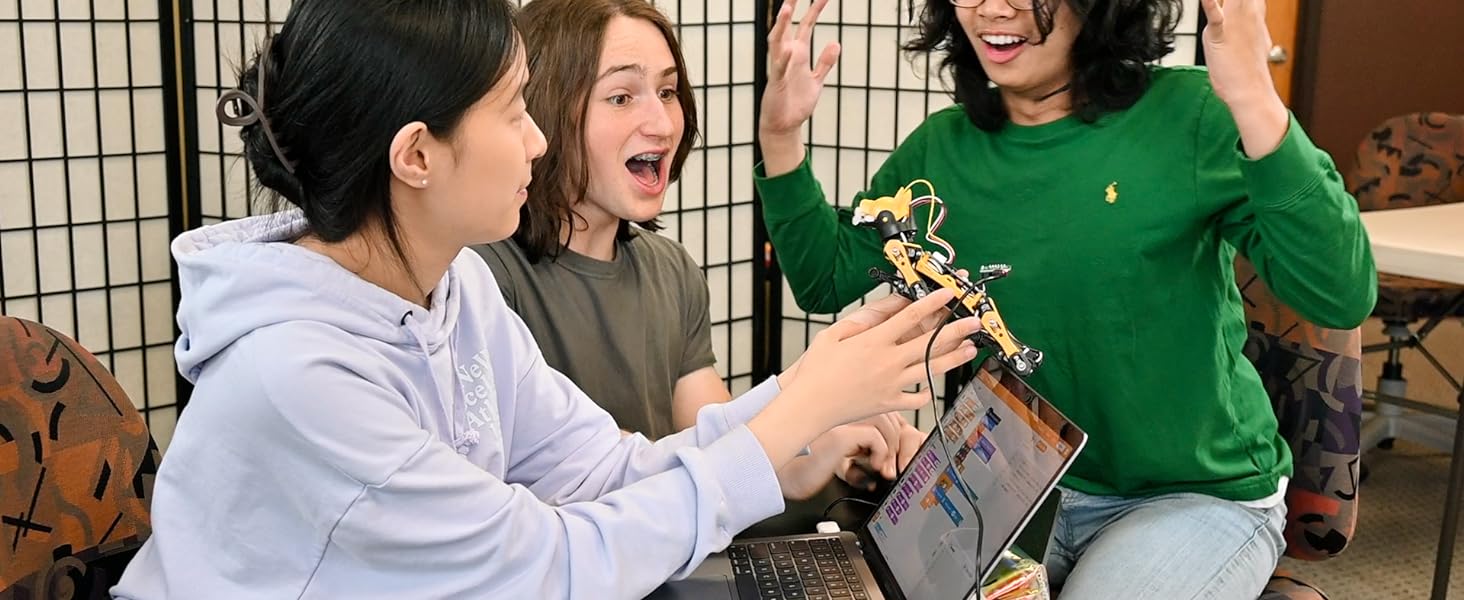
 Petoi Coding Blocks – A Scratch-like Coding Tool
Easily program Bittle X to make it move around and play tricksProgram with the optional sensors to make Bittle sense and reactSuitable for kids, teenagers and anyone just getting started with coding 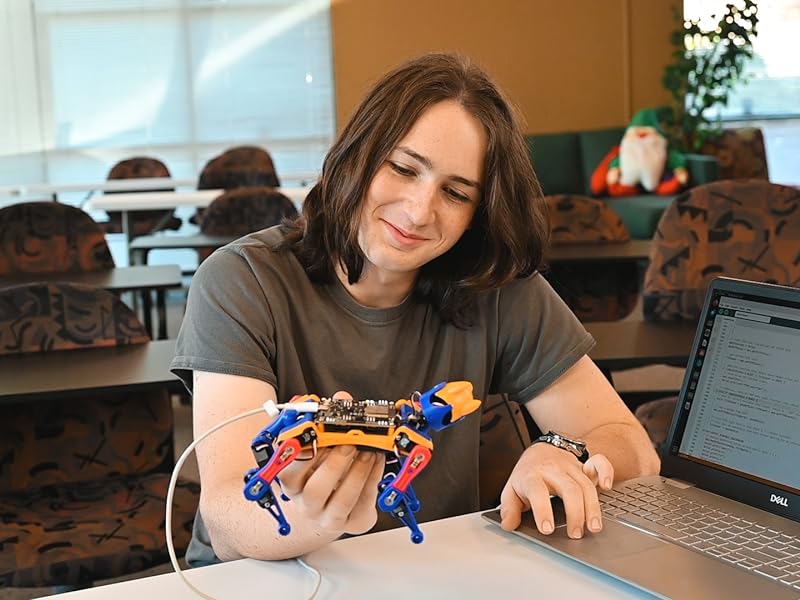 Native C++ API and Python Serial APIs
Program Bittle X via the C++ and Python APIsAdvanced users can modify the OpenCat open source code and hack their own quadruped robots
The video showcases the product in use.The video guides you through product setup.The video compares multiple products.The video shows the product being unpacked. Create new robot dog skills via the Skill Composer Merchant Video
Petoi Skill Composer
Visually build new robotics skills with easeExport skills to code and integrate with your applications

 Knowledge Coverage
Fundamentals in codingFour-legged robot codingMath, physics, and robotics mechanics  Learn with Block-Based Coding Video Tutorials
The video tutorial series is a step-by-step guide to the Petoi Coding Blocks curriculum.
1 Free Robotics Curriculums
2 What You Will Learn
3 Free Video Tutorials
 Teach Your Robot Dog New Skills
Develop new behaviors & skillsUse simulation & machine learning for motion planning & movements 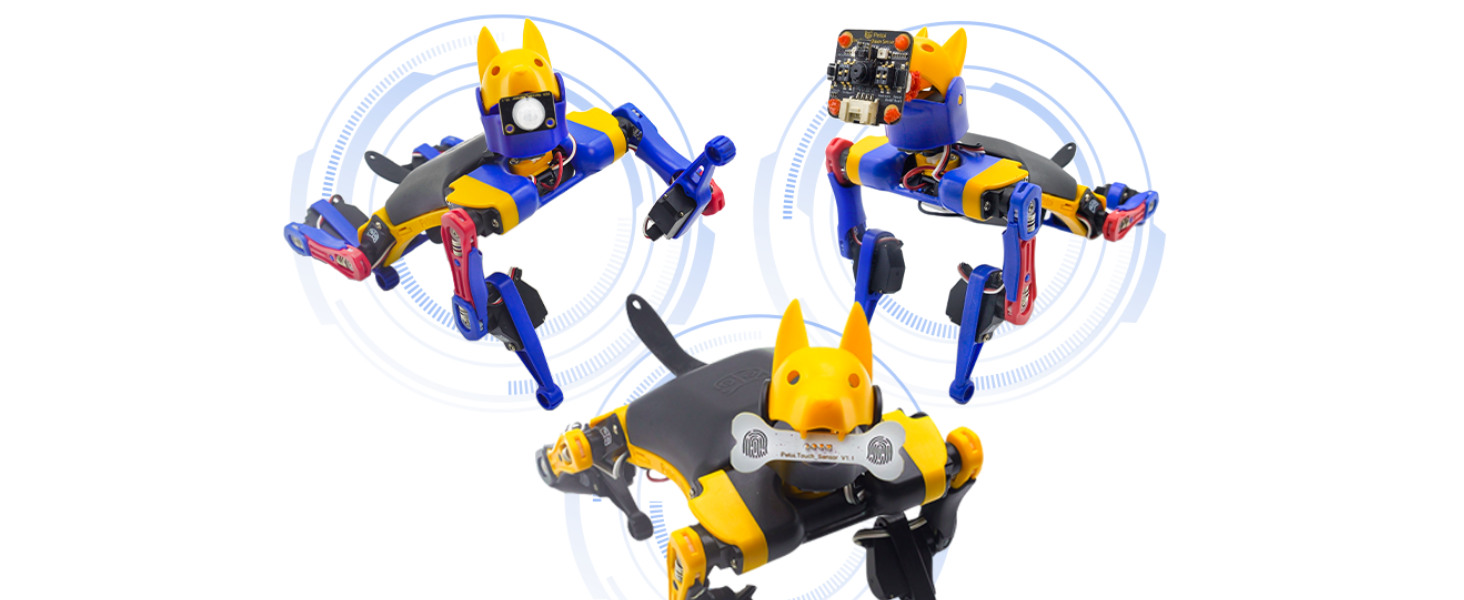 Develop ESP32-based IoT Applications
Seamlessly navigate and sense the surrounding environment using a range of optional sensors
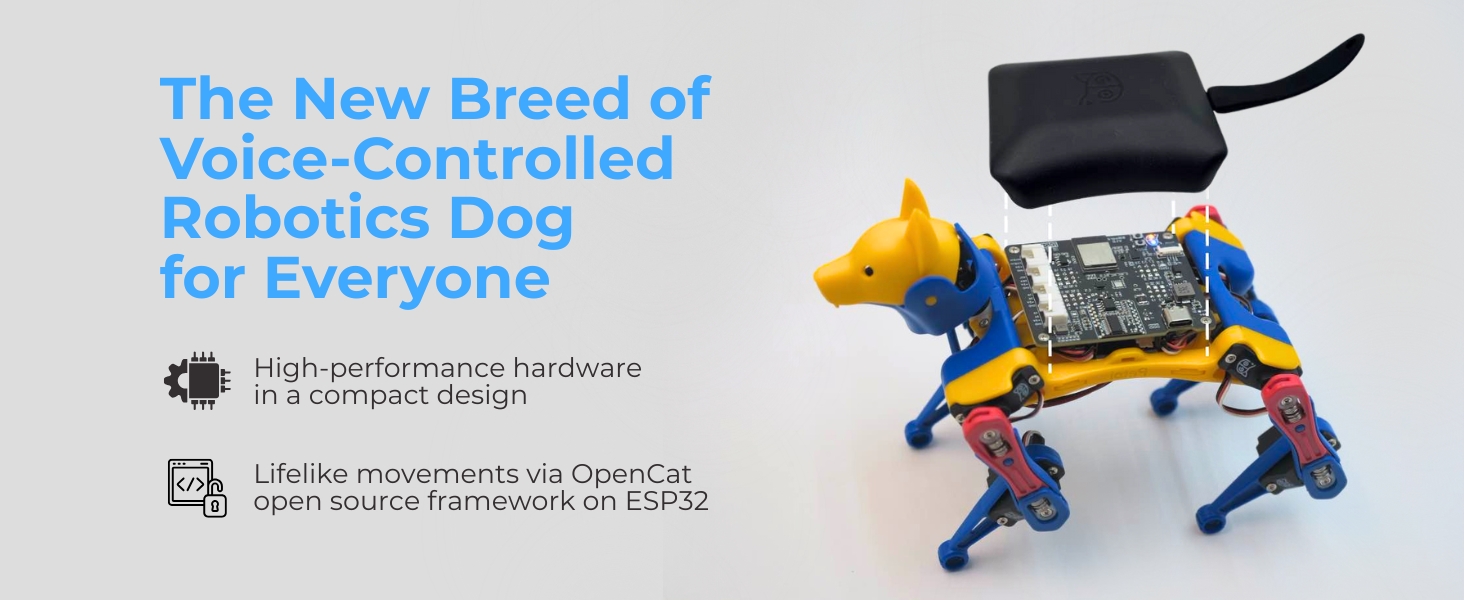
 Customize Your Own Quadruped with OpenCat
Opencat is Petoi’s open source quadruped robotic pet framework with over 2500 stars on GitHub.
1 Code Robot Dog skills
2 IoT with Sensors
3 Hack Your Own Robot Dog
Bittle Model Comparison
Add to Cart
Add to Cart
Add to Cart
Add to Cart
Add to Cart
Customer Reviews
4.0 out of 5 stars 48
4.0 out of 5 stars 48
4.0 out of 5 stars 48
4.0 out of 5 stars 48
4.0 out of 5 stars 48
Price
$271.15$271.15
$288.15$288.15
$322.15$322.15
$399.00$399.00
$285.70$285.70
Require Assembly
✔
✘
✔
✘
✘
Servo
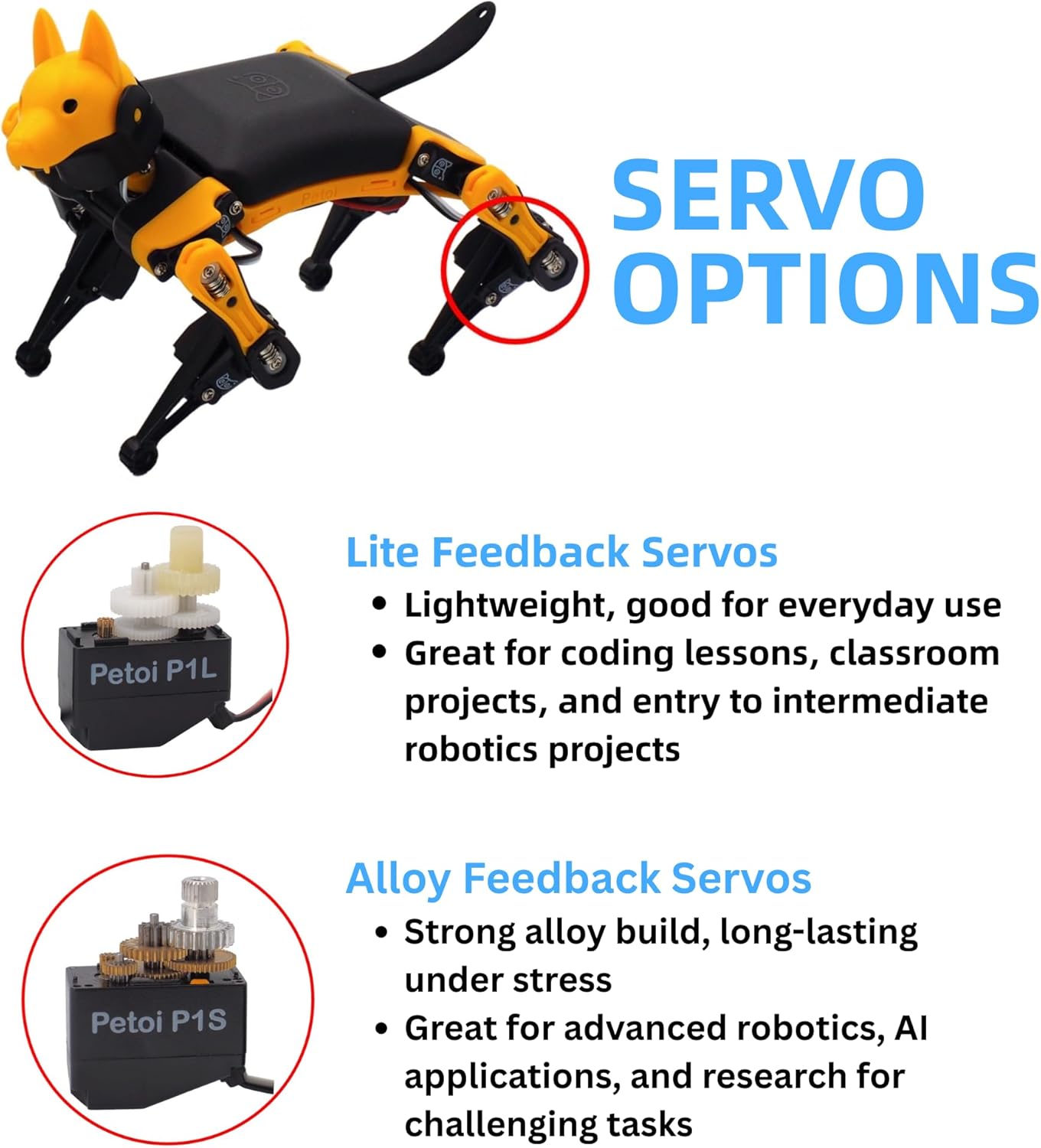
Lite feedback servos
Lite feedback servos
Alloy feedback servos
Alloy feedback servos
Lite servos
Servo Ferformance
Good for everyday use
Good for everyday use
Boosted strength & moves
Boosted strength & moves
Good for everyday use
Microcontroller
BiBoard V1 – ESP32
BiBoard V1 – ESP32
BiBoard V1 – ESP32
BiBoard V1 – ESP32
NyBoard – Arduino Uno
Voice Control
Built-in voice control module
Built-in voice control module
Built-in voice control module
Built-in voice control module
Optional voice control module
Remote Control
Petoi Mobile App
Petoi Mobile App
Petoi Mobile App
Petoi Mobile App
Mobile app & infrared control
Color Options
Black+Yellow
Black+Yellow
Black+Yellow
Black+Yellow
Black+Yellow+Blue
Applications
STEM/robotics education & app
STEM/robotics education & app
STEM/robotics education & app
STEM/robotics education & app
STEM/robotics education & app
Programmable Smart Interactive Robot Dog with Realistic Play: This upgraded robo dog offers 1 hour of playtime. Control your realistic robot dog via app, voice, or coding. A fun pet robot and robot companion for adults and kids ages 10 and up
Voice Command Responsive Educational Robots: Our upgraded coding robot performs 35+ lifelike actions like sit, walk, and backflip. Customize up to 10 voice commands using C++. A perfect robotic dog experience for kids 10+ and robot enthusiasts.
STEM Robotics Kit for Kids 10+ & Adults: Learn robotics and coding with this educational robot kit. Start with block coding, then advance to Arduino C++ & Python. A smart coding robot and robotic dog perfect for STEM learning and exploration
Program AI for Robot Dog that Acts Like a Real Dog: Program your robotic dog to see, hear, and sense the environment with optional sensors. Now upgraded with feedback servos for smarter, real-dog-like navigation and realistic robotic dog behaviors
Open Source Arduino Robotic Kit for Creative Robotics Learning: This upgraded pet robot offers free robotics curriculums and visual skill design tools. Explore endless customization with OpenCat, ideal for robotics education for students, and adults
11 reviews for Petoi Programmable Robot Dog Bittle X V2 Alloy Servo (Construction) | Coding Smart Robot Dog Kit, Voice Controlled, Quadruped Interactive Robot for Kids, Open Source, STEM & Robotics Education
Add a review
$322.15
Changrun Li –
Bought for 2 months: Fun, cool and high quality
I have bought and played with it for about 2 months and I feel like I have to get back here and give a five star! I was looking for something to have more fun after work and I accidentally found this robot when I am browsing Amazon. TBH, I bought this because it looks cool but it actually gave me a lot more fun and surprise! As a software developer who loves robotics, Petoi Bittle has been a fantastic Arduino robot kit. The robot building process was fairly straight forward and took me less than an hour. I’ve enjoyed creating different gaits and behaviors with sensors in Python and Arduino C++. I especially like to use its Skill Composer to build new skills. Its open-source flexibility allows me to experiment with Raspberry Pi. Also, I find their documentation and tutorial videos to be pretty thorough. Their forum discussion is also helpful.The other day my cousin in middle school came to my house and got hooked playing with it. He could even get hands on adjusting the program of the robot dog real quick and we had a great time together! Next, I am going to teach him more Bittle robotics coding with its block-based coding.
R. Kidd –
Fun Robot to Assemble and Program
AN interesting project to assemble (you can also order Bittle pre-assembled for a higher price) and play around with. The robot comes with a number of preprogrammed actions that you an activate through the included remote or an app downloaded to your cell phone.The assembly instructions are online. The table of contents looks like it would be step by step, but you need to jump between sections to keep the assembly on track. I eventually figured it all out. Assembly time is 2-3 hours. There are a Wi-fi, Bluetooth, and USB plug in modules for the main circuit board. YOU WILL NEED TO USE ONE OF THESE TO CALIBRATE THE ROBOT, even though the instructions do not indicate this.There is a Codecraft App that you can download to your PC or MAC. This app allows you to program different capabilities for your robot. Tech nerds will spend many a sleepless night playing with this.All in all, I am glad I made this purchase. I find it very entertaining to use and challenging to program. I believe it would be a good addition to a robotics program for STEM.
Razor_Wolf –
Very poor servo quality
7 of the 10 supplied servos had bad connections. The entire kit looked used and jumbled together.Save time; don’t buy the kit on Amazon. Just get it pre-assembled. Hopefully, the units will be checked and working before delivery.I don’t believe this to be the seller’s fault. I believe this to be Amazon’s fault.Updated to 1 star. I just wanted to order another one, but the Amazon return process has taken an excessive amount of time, and now I will be holding my money for over a month.AVOID THIS SELLER AT ALL COSTS
Sreya –
Super easy and fun
This was fun!
Amazon Customer –
A great geeky toy
I bought Bittle as a robot kit to build my own robot mini dog. It has lived up to my expectation. Though it’s not the easiest thing to assemble and configure, I enjoyed the process. The mobile app is good for controlling and playing Bittle with pre-configured actions. Coding wise, because it’s open source and the APIs are clean, I can get up & running programming my dog pretty quickly.Overall, it’s a great geeky toy for me to mess around.
S. Guan –
A Rewarding Experience
Looking for something to do for a project and to spend time with my 12-year son, I came across this little Bittle dog due to recommendation from a friend. Coming from an engineering background, I thought this is an excellent choice for me to help him explore his interest in the field.We chose the construction kit, which includes the servo motor, body pieces, battery, Bluetooth and Wifi modules, and the Arduino motion controller (Nyboard), along with other items that you would need to start the project. Assembling the kit took us little more than two hours as we took our time following the instructions. The calibration, program and control can be done via Bluetooth on either the iOS or Android devices. There is a Raspberry Pi socket for future extension.Although we’ve just started, I am amazed with the endless possibilities this kit appears to offer. The online documentation / support seems to be abundant. And with open-source, you can share with and benefit from others within the community.Overall, this is a great STEM learning kit. For some, the price may be on a high side, but it is cheaper than buying the individual pieces and modules. After all, you (or your little one) have a complete project to learn from right at the beginning, and add advanced features to build a sophisticated robotic dog if you want to take a few steps forward in the future.
Bryan Zhang –
Best Boy Bittle
If you’ve ever wanted to have a robotic companion but never had a spare 100,000 dollars, Bittle is the boy to get. Granted it might not be as large or as versatile as Boston Dynamic’s Spot, but Bittle is great for both beginners and experienced programmers alike. The hardware can be easily assembled and allows for Bittle to be flexible while still being sturdy. Bittle is also supported by a great open-source framework that allows you to build, create, and add on whatever you’d like, and with a strong and active community, you can start learning how Bittle works right off the bat!
DLS –
Tiny pieces
Way way to complicated Loss a couple tiny pieces now it sits in a drawer not put together
Bug –
I fully assembled the dog in about 3 hours. I spent the first hour following the instruction video, but then got stuck at the step of calibration. (By the way, the instruction video is for an older version of the dog that was more difficult to assemble. For me, I did not have to assemble the legs.) It turns out that Petoi has a cellphone app that does not require running Arduino on a computer. You can calibrate then control the dog using your phone through Bluetooth, which is more intuitive if you do not have previous experience with Arduino. (I learned this on the manual on their website.) Notice that once the dog is powered on, you should not turn the body over, as the dog would think it is up-side-down and attempt to “jump” back up.The dog is meticulously well-designed. You can notice a lot of details that turn out to make a lot of sense. The shock absorption mechanism in the limbs, the placement of the battery pack for the center of mass, the location of the infrared receiver (at the tail), etc … You can see the inventor’s intense love for life through these details.The dog can do many tricks right after installation (some of which even hilarious). It is really rewarding watching it behave like a real cute puppy. I attached a video showing it flipping itself back up when I turned it upside down. It even made a little “unhappy” noise before doing so!Last but not least, the fully assembled version is only $10 higher. If you do not wish to go through the hardware assembly, simply get the fully assembled version, and start programming your own moves!
Min Zeng –
My son is very interested in robotics & programming, and Bittle is just right for him.
Jade –
The operation and remote control are easy to perform. Recommend using smart phone for controlling robot. The included remote is great for controlling the robot but the app has amazing trick moves. The back flip and push up made me laugh. One downfall is the head falls off when doing flips. I crazy glued that part on. The programming is easy to follow. Not a good toy for an under 10 years old child.