

LG 34U530A-W 34-inch UltraWide WFHD (2560 x 1080) IPS Wide Computer Monitor, 100Hz, VESA DisplayHDR 400, HDMI, DisplayPort, USB Type-C, Tilt/Height/Swivel Stand, White
$229.99
Related Products


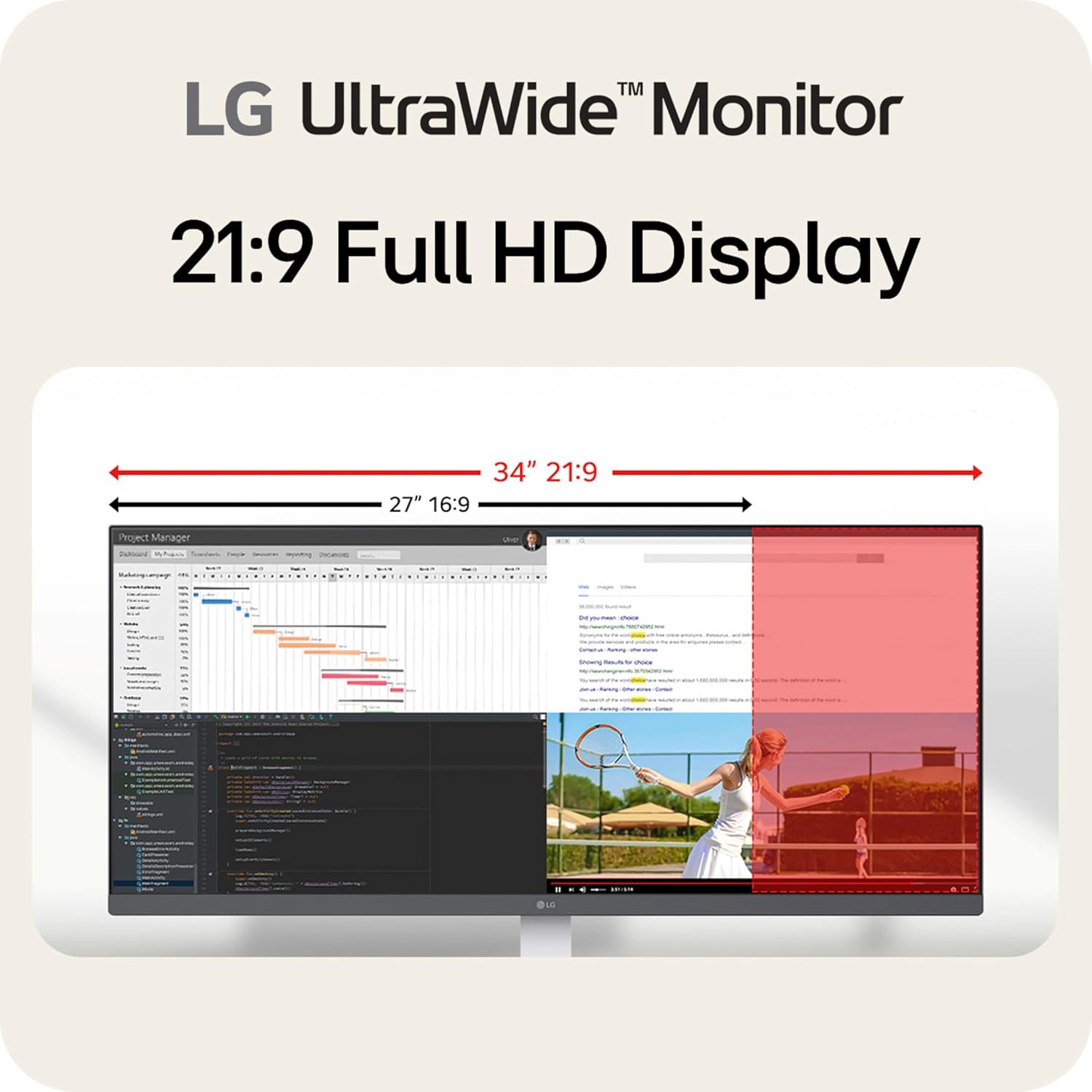
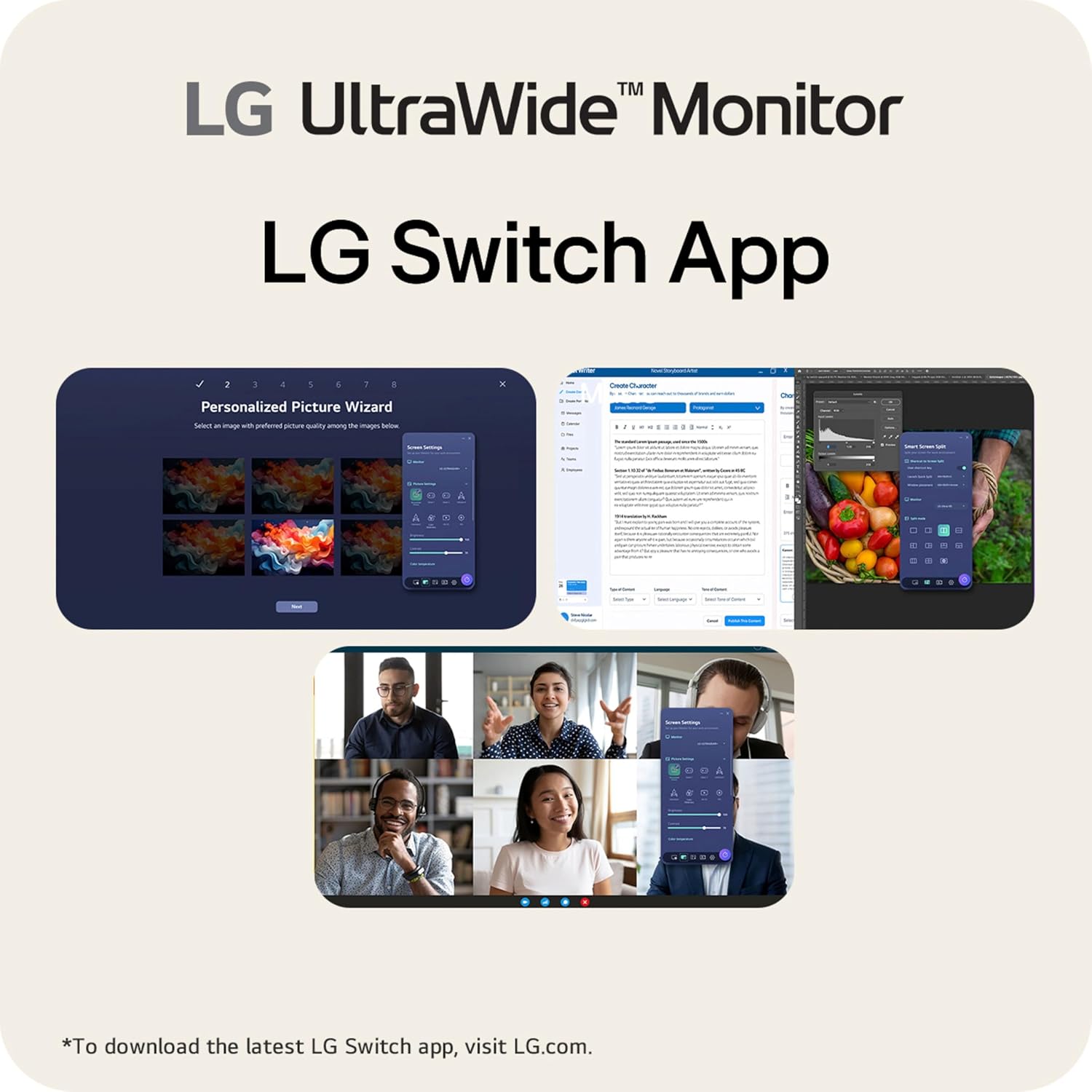
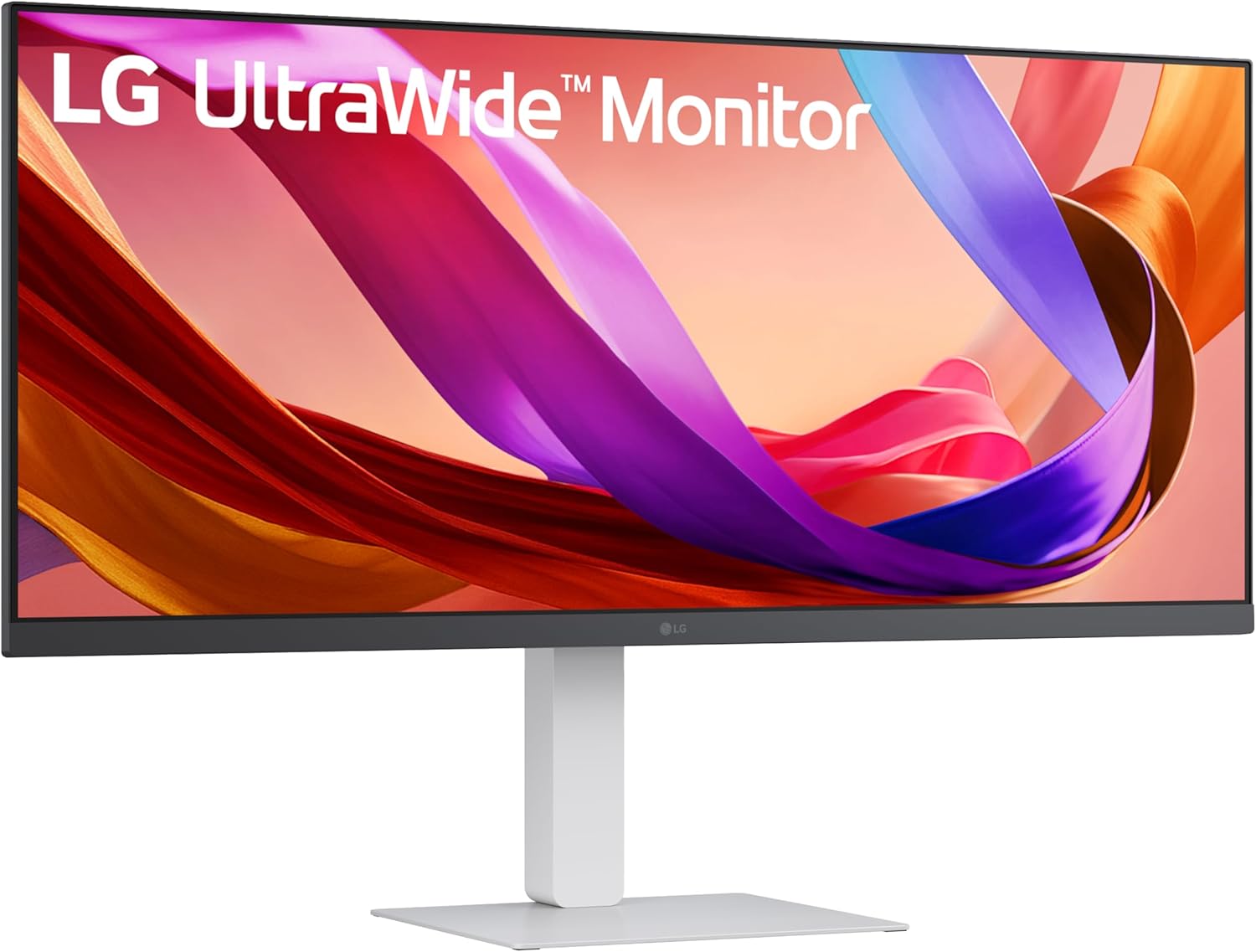
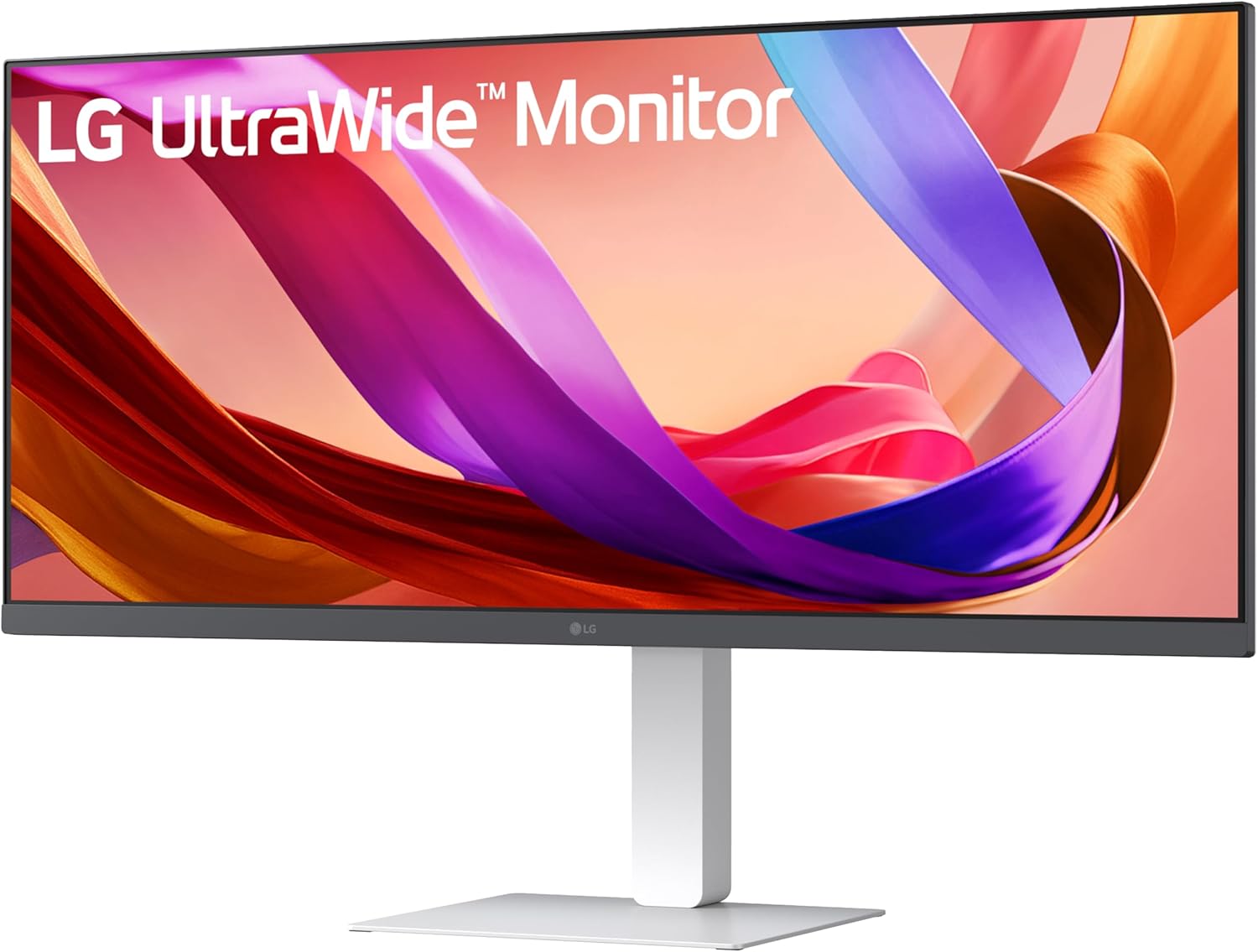
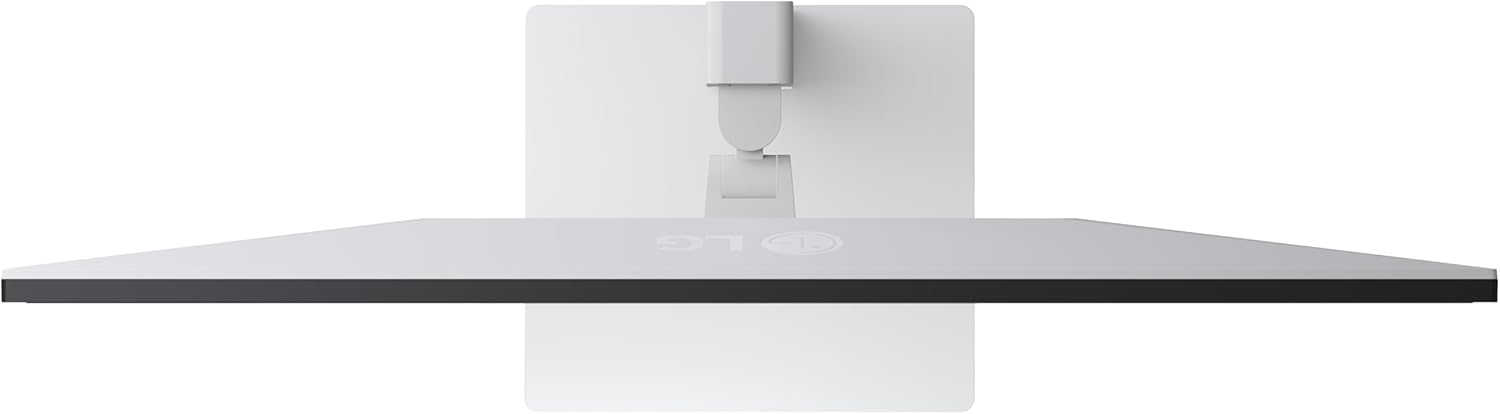
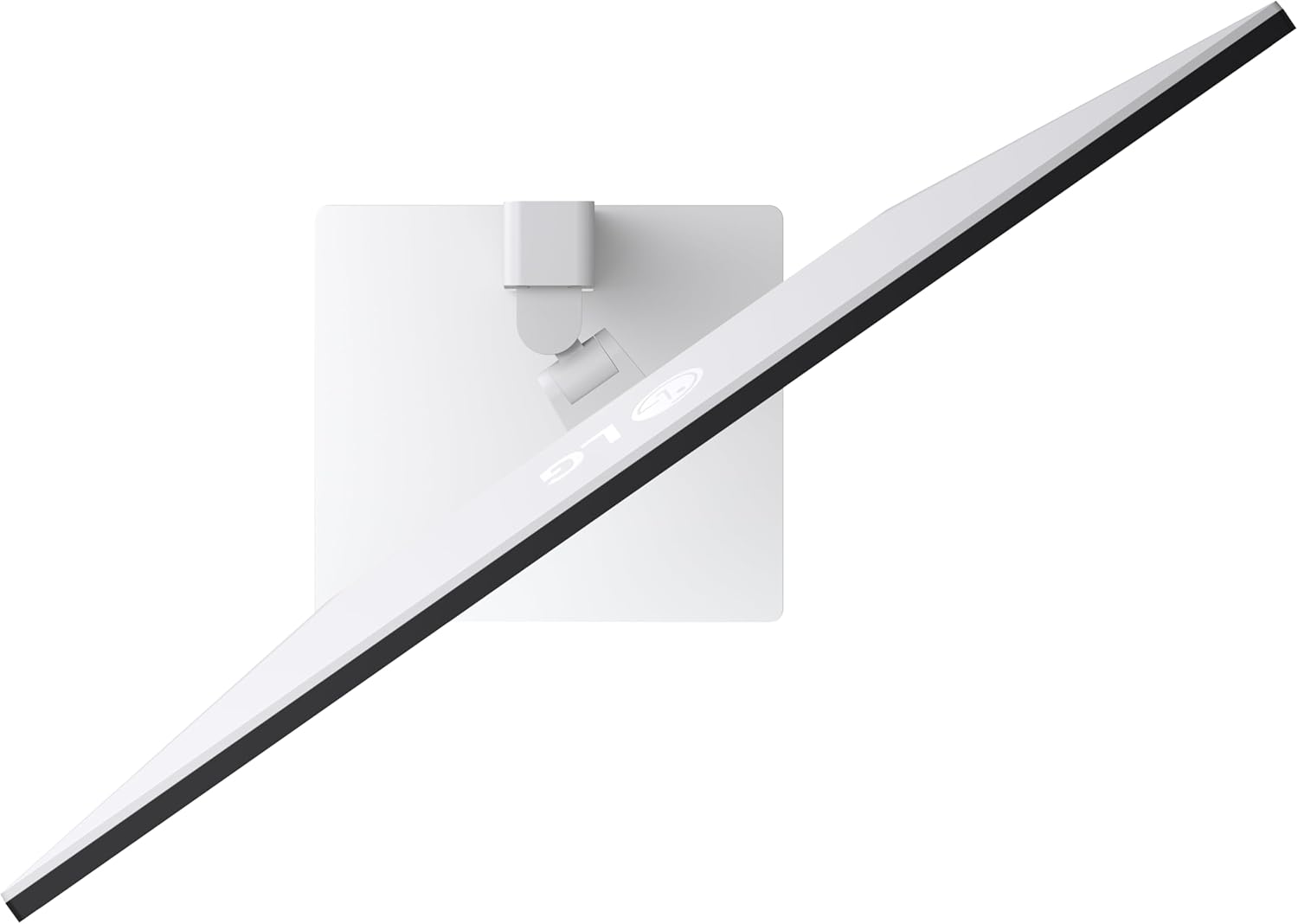
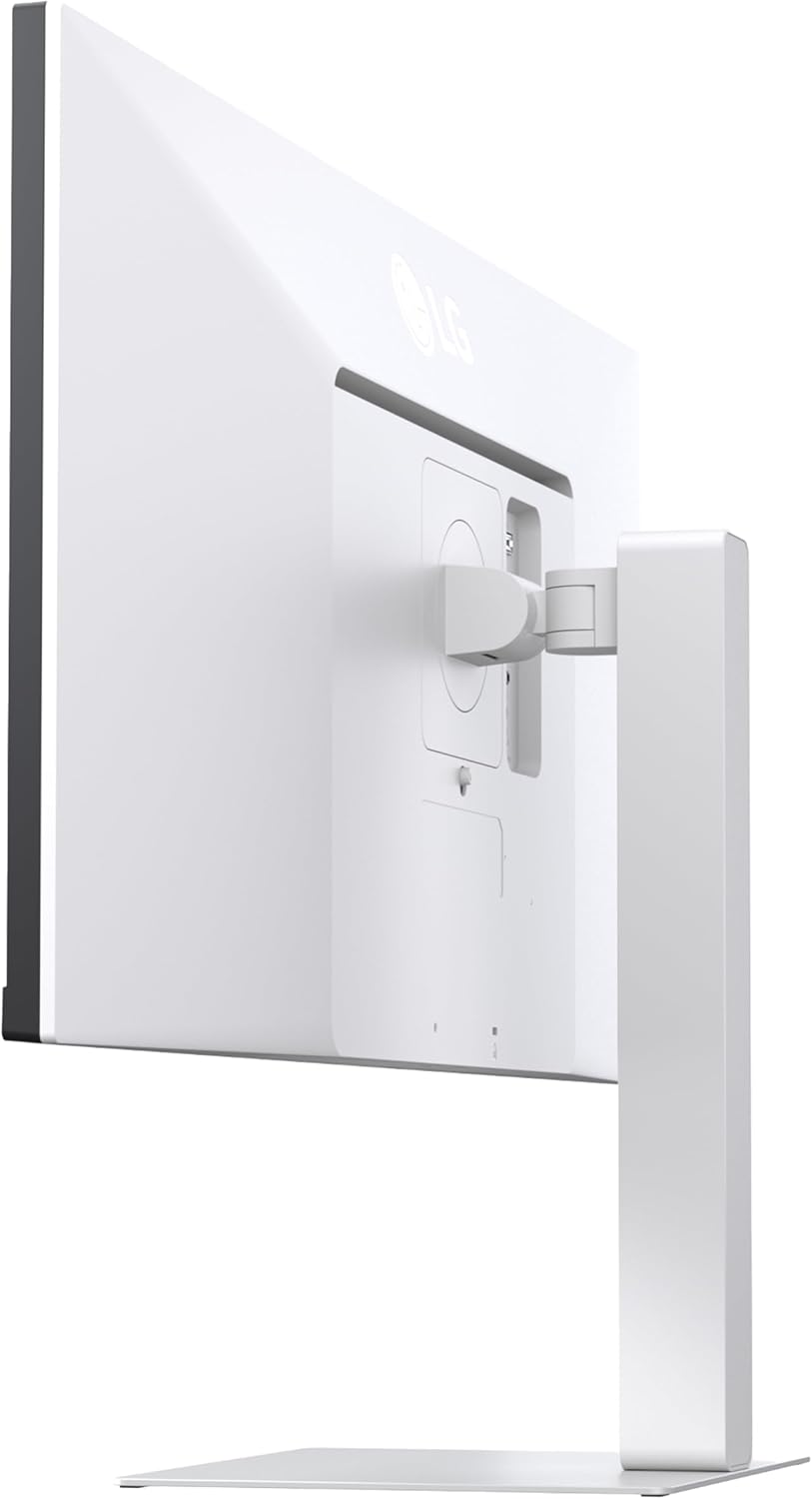
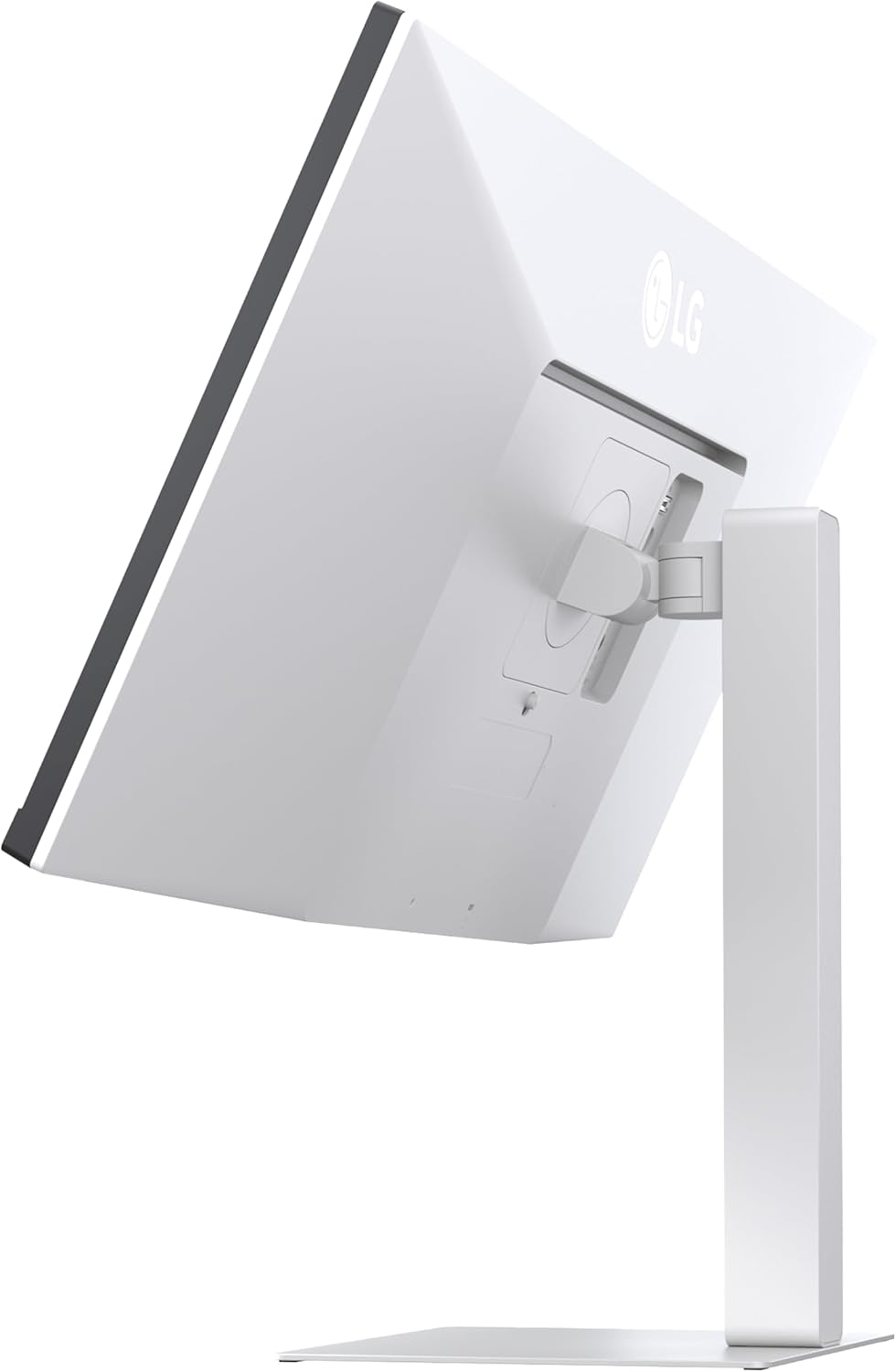
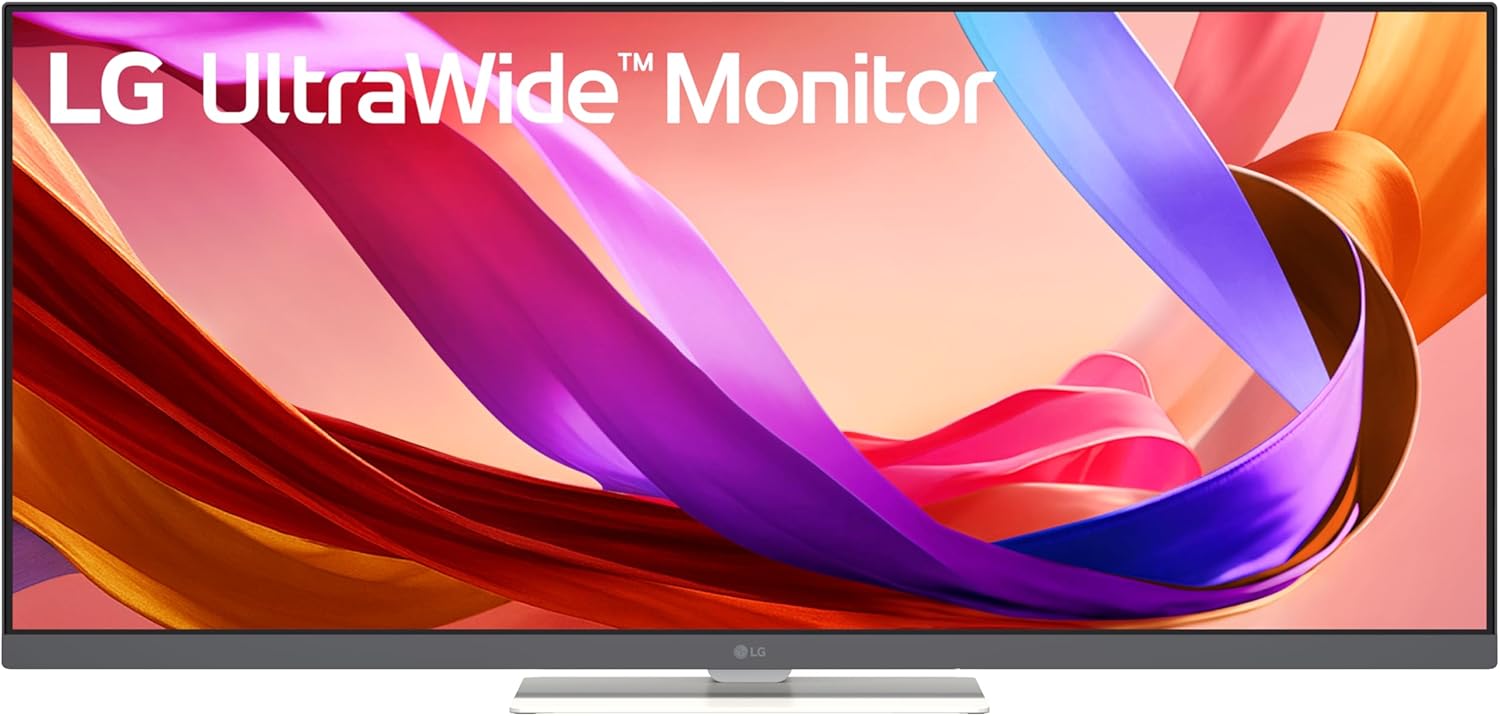

See more, do more, and enjoy more with the 34″ 21:9 UltraWide Full HD monitor. The monitor’s extra-wide screen lets you work, play, and create without constantly switching windows, while the sleek, borderless design keeps you immersed.
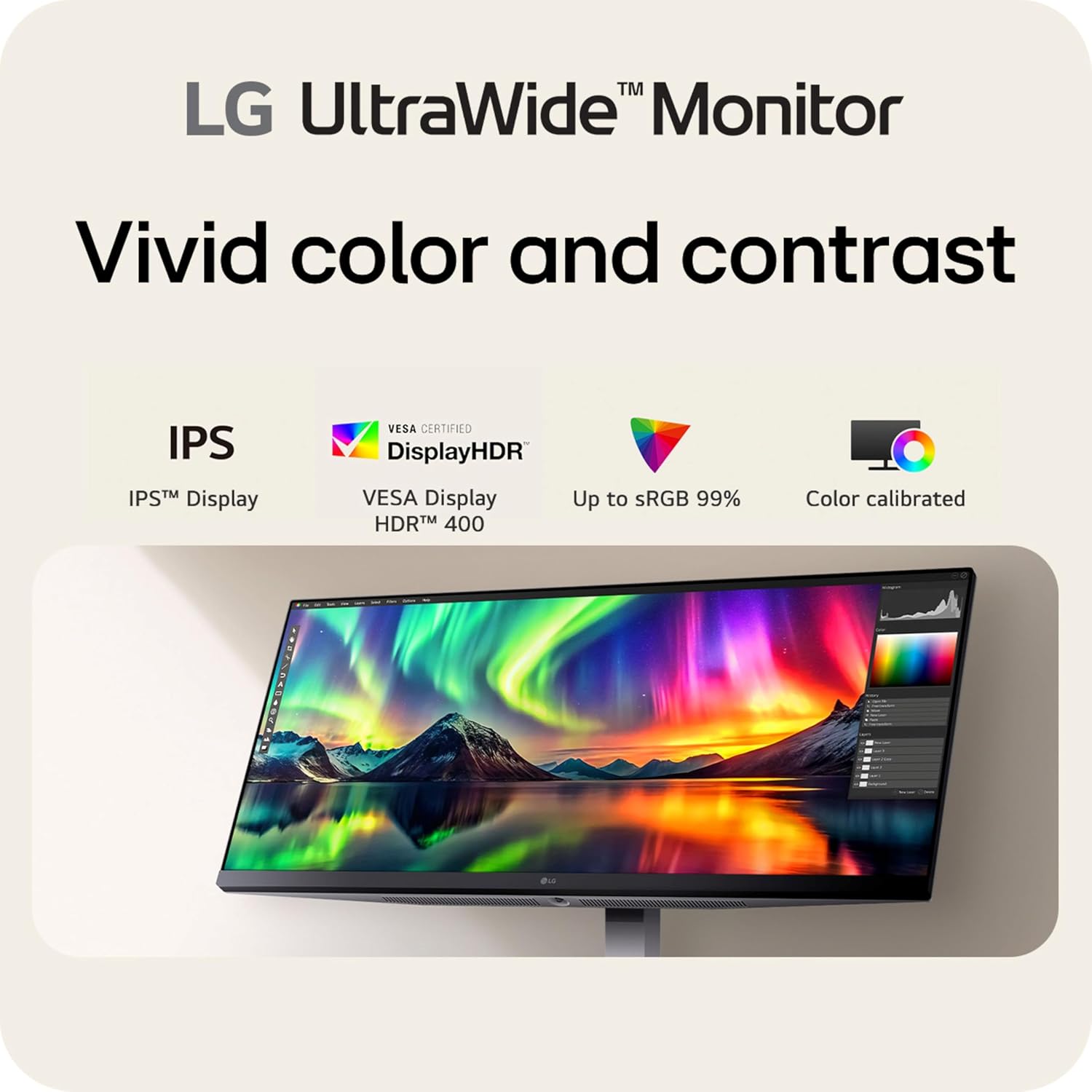
VESA DisplayHDR 400 and up to sRGB 99% coverage deliver bold, impactful color, and the 100Hz refresh rate with quick response keeps everything smooth—whether you’re in a video call, streaming, or gaming.
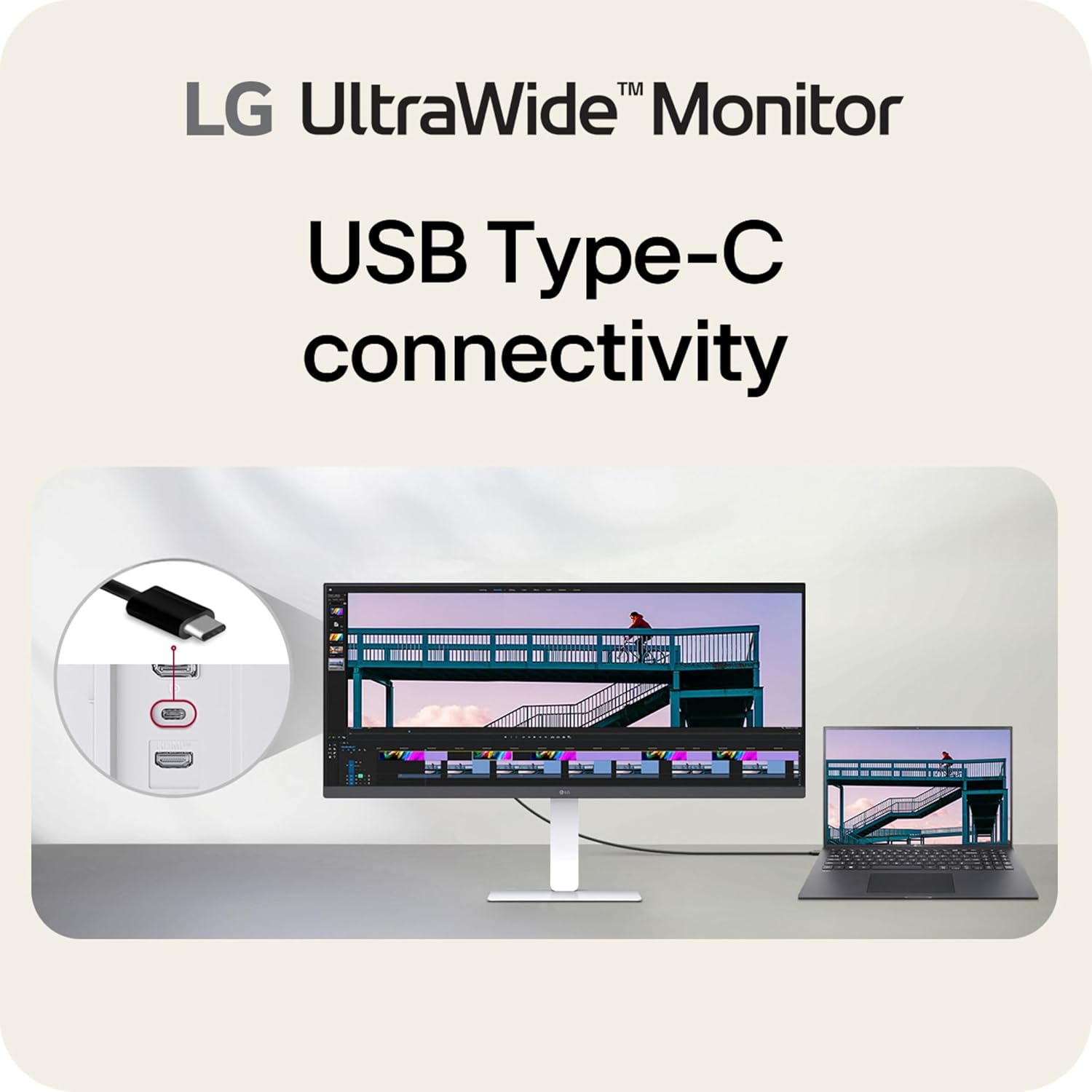
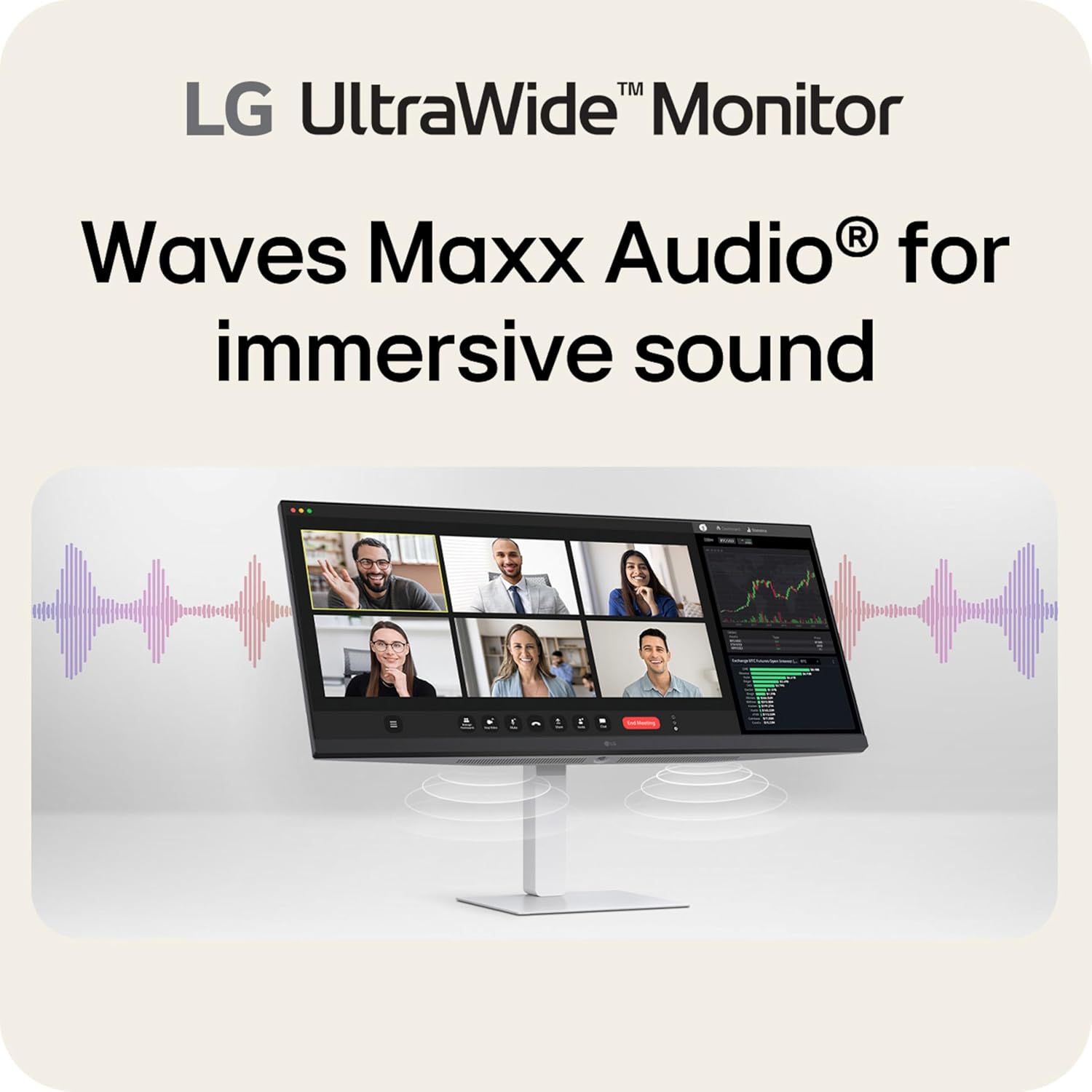
Connect your laptop with a single USB Type-C cable and enjoy immersive Waves MaxxAudio sound from the built-in speakers.
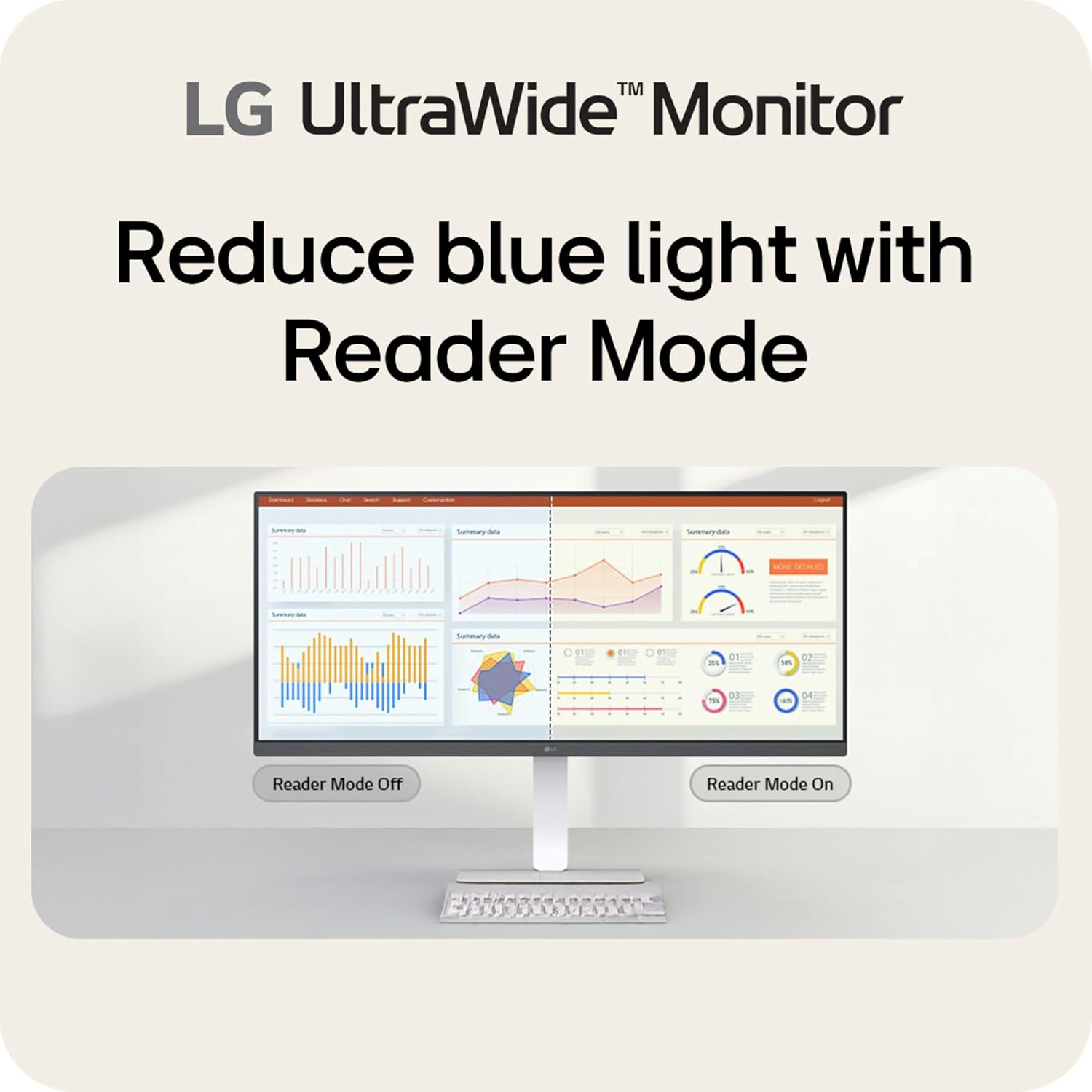
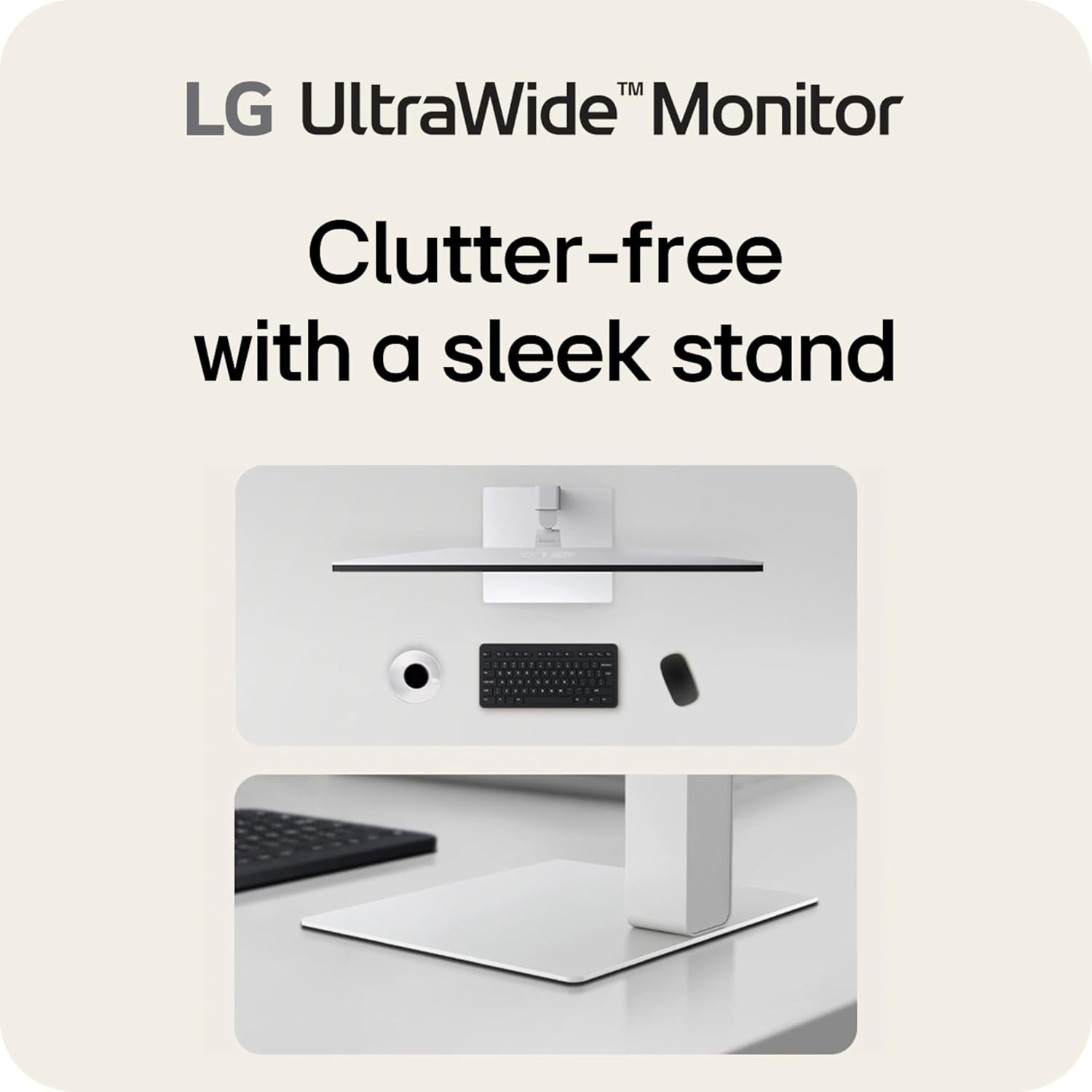
The Switch app transforms your screen into a multitasking powerhouse, and Reader Mode makes long screen time sessions comfortable. A slim, adjustable L-shaped stand saves space while letting you find your perfect viewing angle.
¹Software installation required. Visit Support on LG.com to download.
Effortless 21:9 Widescreen Workflows – Upgrade your desktop setup with a 34″ 21:9 UltraWide Full HD display that lets you see more all at once. Enjoy smooth 100Hz visuals, vibrant HDR color, and a sleek, narrow-bezel design—perfect for multitasking, creativity, and everyday comfort.
21:9 Widescreen for Maximum Multitasking Power – The 21:9 UltraWide Full HD (2560 × 1080) IPS display gives you more horizontal space than standard 16:9 monitors, so you can keep multiple windows open on one screen at the same time. A virtually borderless design delivers an uninterrupted view for smoother, more efficient multitasking.
HDR Brightness and Color that Pops – VESA DisplayHDR 400 enhances brightness, contrast, and detail for more dynamic visuals, while up to sRGB 99% coverage delivers rich, precise color. The IPS panel keeps images sharp and clear from virtually any viewing angle.
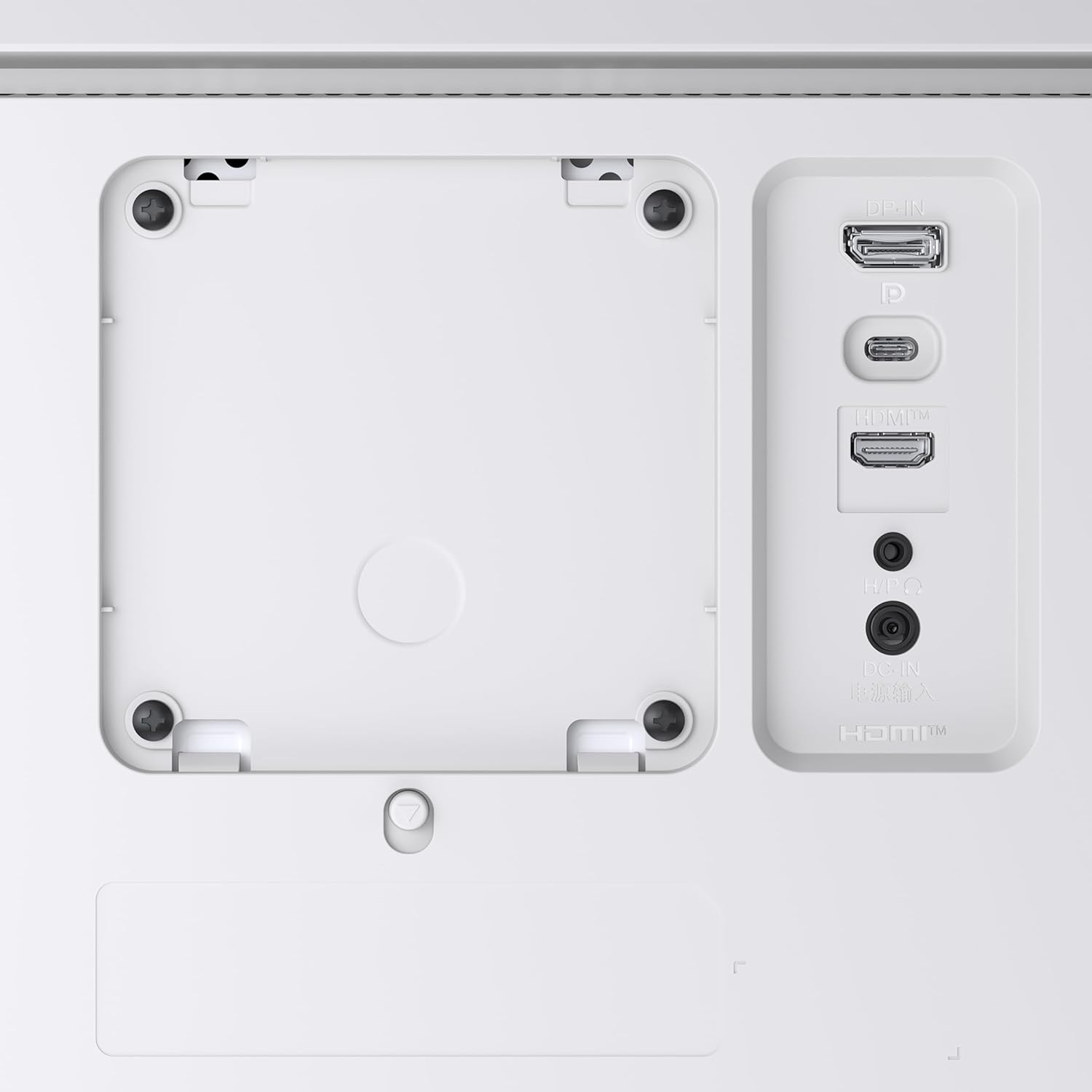
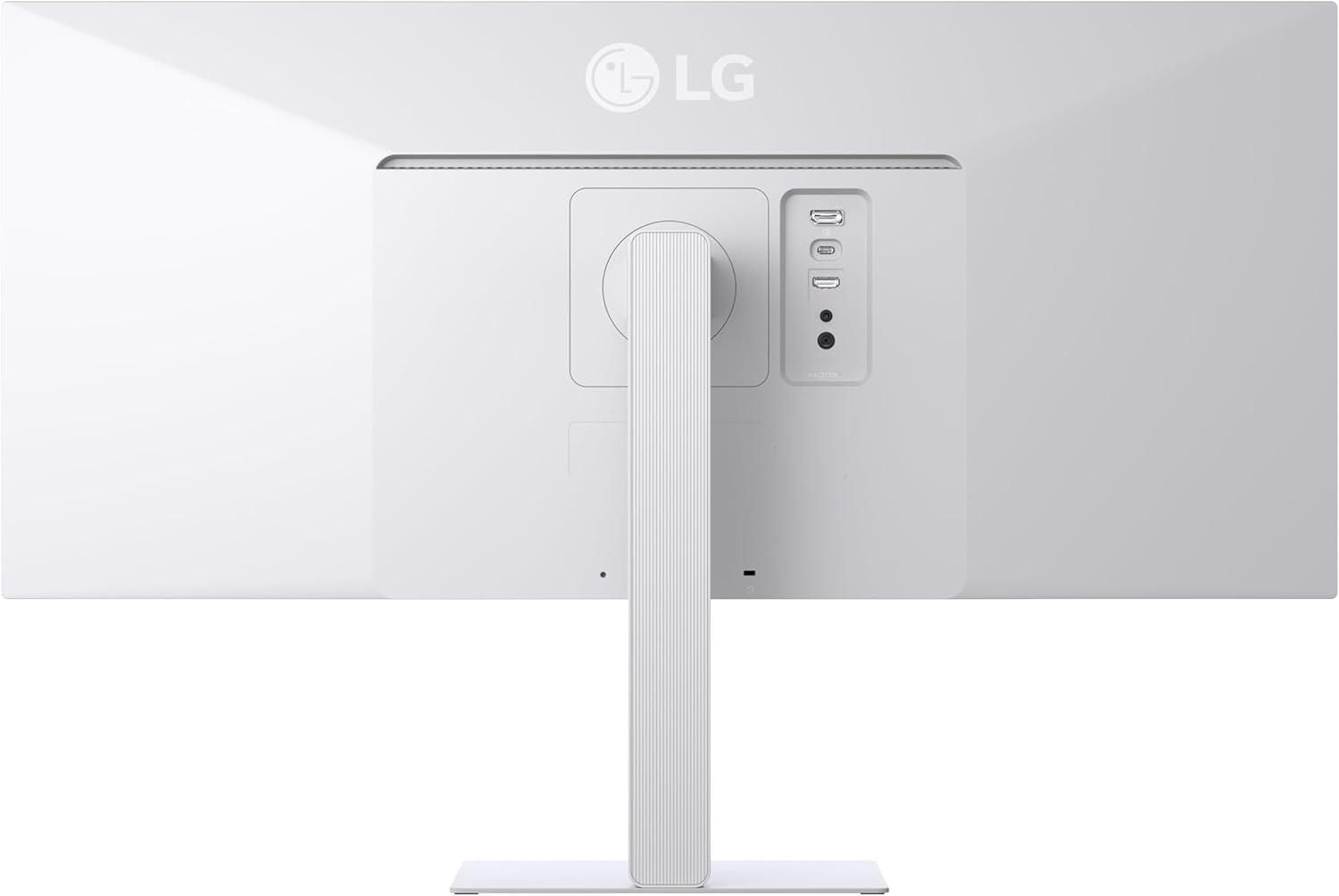
Smooth Connectivity with USB Type-C – Connectivity made easy with USB Type-C, DisplayPort, and HDMI. USB Type-C supports both display output and data transfer, giving you quick, single-cable access to your laptop and reducing desktop clutter.
Immersive Waves MaxxAudio Sound Built In – Built-in stereo speakers with Waves MaxxAudio deliver rich, immersive sound with crisp highs and deep bass, letting you enjoy games, movies, and music without the need for external speakers.
Customize Your Screen View with the Switch App – The Switch app transforms your screen into a multitasking hub for work, gaming, and streaming. Effortlessly split the screen into up to 6 sections, customize display layouts, or launch video calls with a single hotkey.
100Hz Keeps Motion Super Smooth – With a 100Hz refresh rate, this UltraWide keeps visuals smooth and clear. Perfect for video calls, streaming, and everyday tasks.
Reader Mode Brings Comfort to Reading – Reader Mode adjusts your display to warmer tones and optimized brightness, that’s ideal for reading documents or browsing for extended periods.
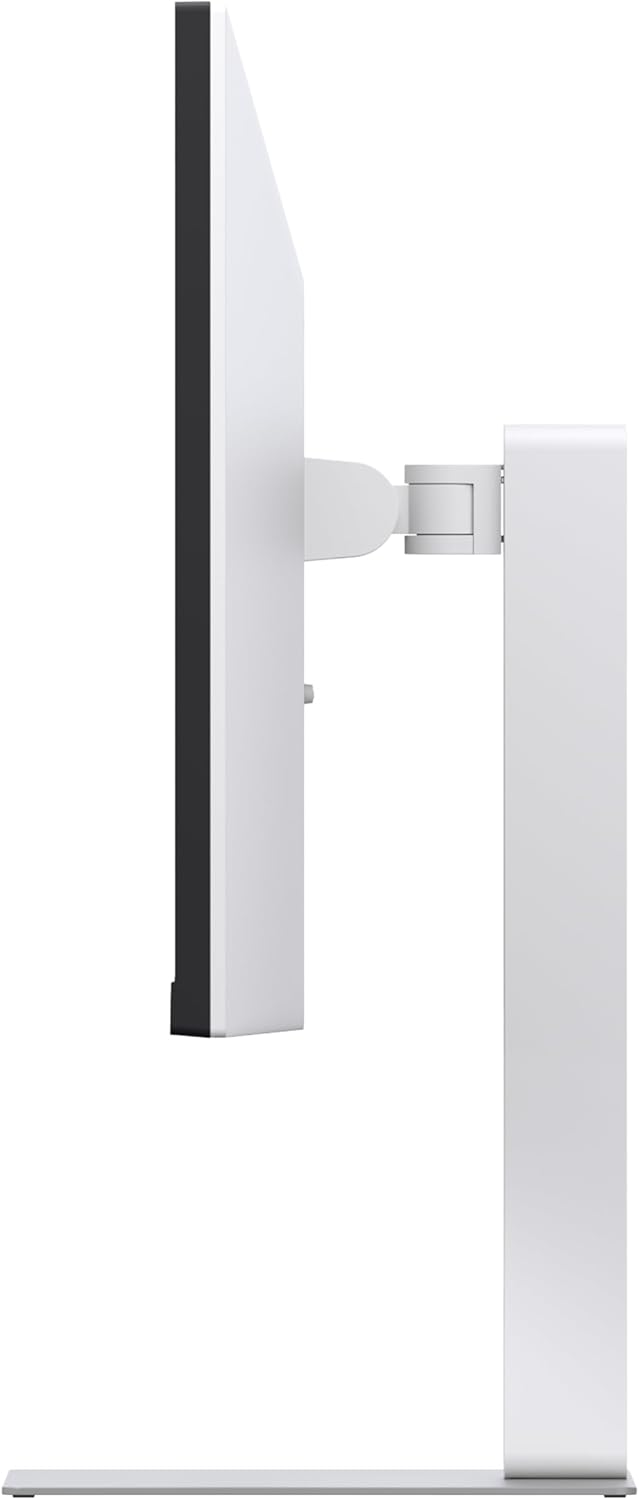
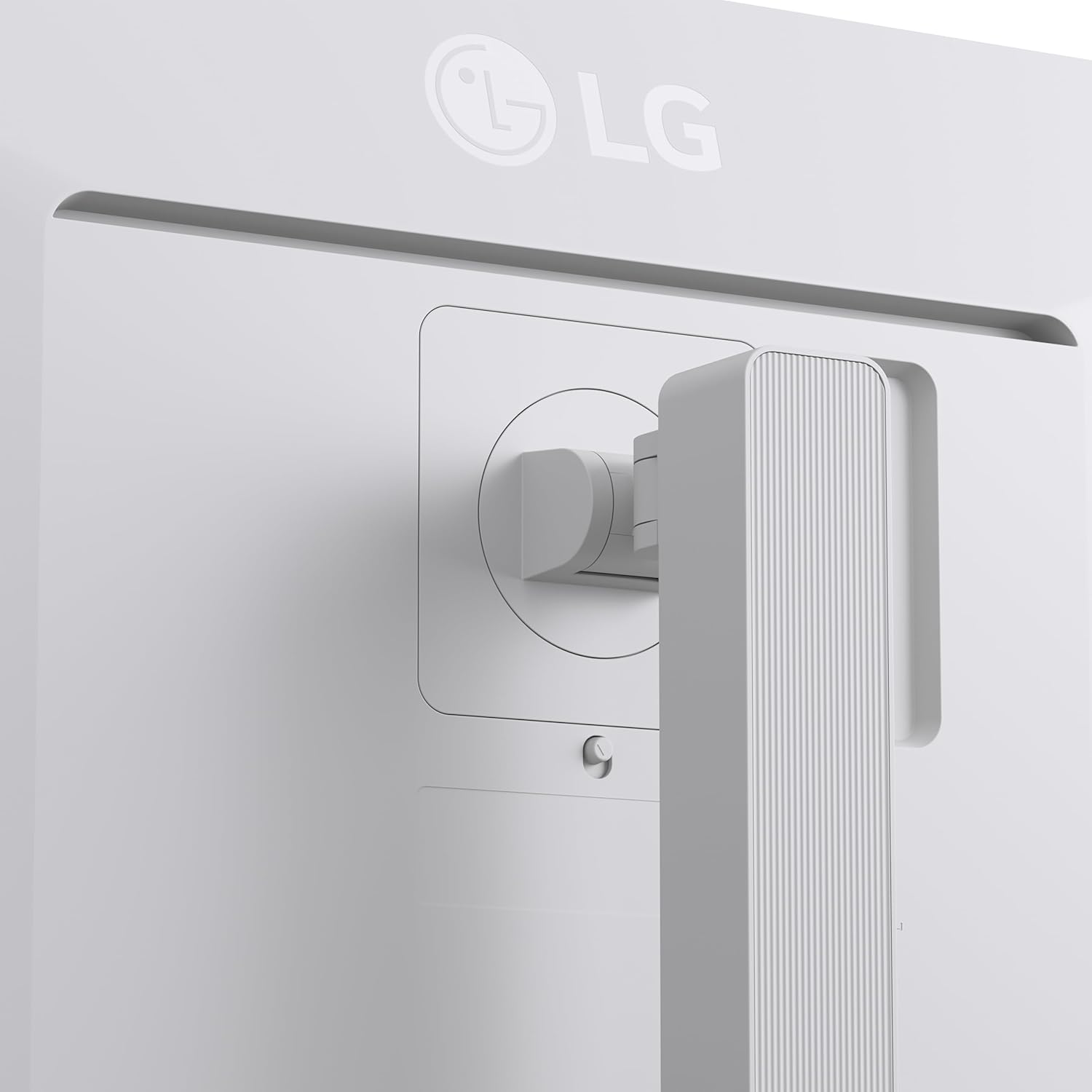
Space-Saving Stand with Adjustable Viewing – A slim L-shaped stand and compact square base free up desk space for a tidy setup, while height, tilt, and swivel adjustments let you find the perfect viewing position with ease.
8 reviews for LG 34U530A-W 34-inch UltraWide WFHD (2560 x 1080) IPS Wide Computer Monitor, 100Hz, VESA DisplayHDR 400, HDMI, DisplayPort, USB Type-C, Tilt/Height/Swivel Stand, White
Add a review
$229.99
Will in Colorado –
Solid office monitor for my WFH setup (software development)
This is a review for the LG 34WQ73A-B, which appears to be a recent release (9/2022, review written 12/2022). TL;DR: This is an extremely good value for office use. I have more expensive monitors and I compare them in detail below.I have three other monitors to compare this against: an LG UltraFine 5K 27″, an LG 4k 27″ and an Alienware 34″ with the same resolution (gaming, 144hz). I went with this monitor (34WQ73A-B) because it has an IPS panel and my other LG IPS 4K and 5K screens have very good color accuracy; my MacBook Pro renders text to both very well. I didn’t need a high refresh for gaming, just 60Hz for office work as a software developer working in design systems. I have this placed next to my 5K UltraFine, which makes it easy to discern where it is a step down (pixel density). That said, it holds up well and is very comparable to my Alienware 34″ at the same resolution. Font smoothing isn’t as ideal as the 5K, but it looks good enough to not bother me at all. I use it for Zoom meetings, browser windows, and also code editing. I still prefer the 5K for previewing output (web development work on the front-end) but I’ll use this when the details or colors don’t matter as much.Regarding alternatives on the market, I had also considered stepping up to a 38″ monitor for 2-2.5x the price but I couldn’t justify the difference. It would have been the same pixel density, and only going to a 5K2K monitor at 38-40″ would have been a real improvement, but those cost around 4-5x as much. Like I said, next to a 5K 27″ monitor, it holds up and I’m not disappointed one bit, it does what it sets out to do very well. The value here is unmatched.I also compared its HDR performance next to my 5K and it held up really well (see the first photo with both displays). I had to turn the brightness to 100%, and made sure the HDR options were enabled. It was slightly less bright than my 5K, so I intentionally lowered the brightness on my 5K to match it better; the 5K was at 100% initially which was probably too bright for everyday use in the first place. The 5K at around 50% brightness matches the 34WQ73A-B at 100% brightness, so I feel like the 34WQ73A-B is a relatively dim monitor best suited to medium to low light settings. I don’t work in a bright room, I keep my lights low and warm, so this is not an issue. In a bright space with lots of sunlight, it could be more of an issue, so keep that in mind. It probably wouldn’t matter with good contrast, but darker images might not show up as well.If I could call out any other cons, it would probably be the backlight bleed. One photo shows approximately what you would see in a dark room (I turned off the lights) and the photo with a brighter backlight bleed is from the camera auto-exposing to a higher degree. It does not look like the brighter photo but it’s still a good photo to show what the backlight variance is like. In everyday use, it’s not a problem. I think it would handle a movie just fine even with dark scenes, it would just fall short of what an OLED TV panel could do.Again, if you research what a panel like this can do, I think this is going to deliver on what it should be capable of. At the current price point, it’s one of the best values I’ve ever had in all my monitor purchasing. Each of my four monitors all fill a slightly different expectation and I’m pretty happy with my two setups for gaming (27″ 4K + 34″ 3440×1440 144Hz) and office (27″ 5K + this LG 34″ 3440×1440 60Hz). I think this is ideal as a value-oriented office monitor and you’d have to spend 5x as much to really have a noticeable upgrade in the ultrawide format.
J. Ma –
very good screen and feature set
I love the stand that comes with the monitor. very sturdy and has a good amount of vertical adjustment and a little tilt. the instruction manual is garbage…. i’m not even sure they were included in the box, i ended up just downloading it from their website, instructions are Ikea style. pictures and step #s without any explanation. good thing that to get it setup is to simply connect the 3 parts together, which was fortunately pretty self explanatory but it would have been nice if they used words (in english) to better explain the steps and not just pictures to figure out.If you are worried about the ‘curve’, no worries, it’s very subtle and you can’t tell the difference when using it. I love how this version that i bought, had the USB C hub. I was able to connect my wife’s Macbook which only had 2 USB-C ports and nothing else (no power, no HDMI) and i was able to connect it directly to the monitor’s USB C port and i got not only the video/audio connection but it provided enough Power to the Macbook. So instead of using both of the Macbook’s USB-C ports for power and display connection, i only use a single cable directly to the monitor for everything. This is amazing for my wife as she brings the Macbook back and forth to home/work daily. Makes things easier for her. ***Do NOTE, that when i used the included Macbook USB-C cable, the Display connection did not work and i couldnt figure out why. UNTIL i used the monitor’s included USB-C cable to connect and it finally worked. I think the other USB-C cable was not capable to handle both the power and the video/audio but the monitor included cable was. So use that instead. It’s probably higher spec or newer version to support everything.The viewing angles are really good. That’s why i went with the IPS screen instead of a lower price on sale ‘gaming’ VA monitors. Better for the websites/spreadsheets.
vxs –
huge upgrade from a 1080p 34 uwide variant
I have a vertical monitor setup with a 34″ same size lg ultra wide but at 1080p vertical res instead of the 1440p seen here. I replaced one with the 1440p on the bottom and the 1080p old one on top and while similar dimensions this qhd looks much much better. I was initially against qhd because the regular 16:9 ones looked too tiny in font so i always stuck to 1080p no matter how wide it got. Fast forward to 2023 and being a godot developer on linux i saw a night and day difference in readable space using a friends monitor so i jumped the gun here to get a feel for 1440p ultra wide.For reference my usage here was to be used mainly for programming and browsing. But i could not risk the va panels no matter how tempting 49″ ultra wide are because of va smearing is inescapable. Here the tried and true ips 34″ lg ultra wide. No ghosting no smearing and colors even better than my old 34″ 1080p ultra wide. No screen tearing on a amd minipc or setup needed. I ran a hdmi and purposely keep refresh to 60hz even if monitor is higher because ive learned that it doubles electricity usage for no reason if you don’t need it for every day use. Ran some emulators from dolphin to yuzu and all ran perfect on ubuntu no screen or frame issue. No dead pixels either thankfully.Vesa mount is located higher than the previous unit so i had to adjust my clamp on the vertical pole.The power cable is a legit 3pin pc power cable. No brick so that was a relief.HOWEVER the only con i can see is the mounting points are too far down to the bottom. If you’re looking for a clean 100″ floating unit with cable management you need right angle cables. Find a right angle power and hdmi/dp otherwise youll hang cables down below the bottom cutoff line of the monitor. Literally not an issue just a struggle as usual for us cable management nuts but easily remedied.Another perfect banger out of lg. Their ips panels are truly perfection. Va panels however.. lol lets not go there
JakeElite –
1 – the screen is compressing the resolution and I never SAW monitor do that even when I plug it to my PS5 and my PC it feels Small! and squished2- it’s says it’s curved it’ but not that completely true!! the monitor is slightly curved3 – second it’s expansive compare to it performance it’s only support( 60 Frame rate) !!4 – it’s heavy and of course, the shipping will be expensive!!!!The last thing I think I wasted my money,
Ana MAria ZAvala Ruiz –
Es muy bueno, es poco curvo se asimila más a uno plano pero aún así está muy bien
Manolo –
Todo bien con el monitor, hasta que el USBC dejó de funcionar. Ya no carga los dispositivos y no envía señal.
Hrudvi Bandla –
As a data analyst, I can tell you that the LG UltraWide 34WQ73A-B 34 inch curved IPS computer monitor has some great features that would be beneficial for office work. The QHD resolution display provides a large and clear viewing area, which is perfect for multitasking and viewing large spreadsheets or data sets. The HDR 10 compatibility ensures that you’ll see realistic and vibrant colors, which can be helpful for data visualization tasks. The built-in KVM switch allows you to easily control two different computers with just one keyboard and mouse, which can be a real time-saver if you frequently switch between work and personal computers. And the USB Type-C connectivity provides a single cable solution for both power and data transfer, which can help to keep your workspace tidy.Overall, the LG UltraWide 34WQ73A-B seems like a well-rounded monitor that would be a great choice for data analysts and other office workers who need a large, high-resolution display with plenty of features.
Wayne –
Picked up the LG UltraWide 34WQ73A-B and it’s been great for both my MacBook and Lenovo laptop. One USB-C cable handles power, display, and data, so switching between devices is super easy. The resolution is sharp, colors look great, and the build quality feels solid for the price. The only downsides: it would be even better with two USB-C ports for quicker switching, and it has no built-in speakers. Still, an excellent monitor and great value overall.