

LG 34G630A-B 34-Inch Ultragear WQHD (3440 x 1440) Curved Gaming Monitor, 240Hz, 1ms, FreeSync Premium, DisplayHDR 400, Built-in Speaker, HDMI, DisplayPort, USB Type-C, Tilt/Height/Swivel Stand, Black
$396.99
Related Products


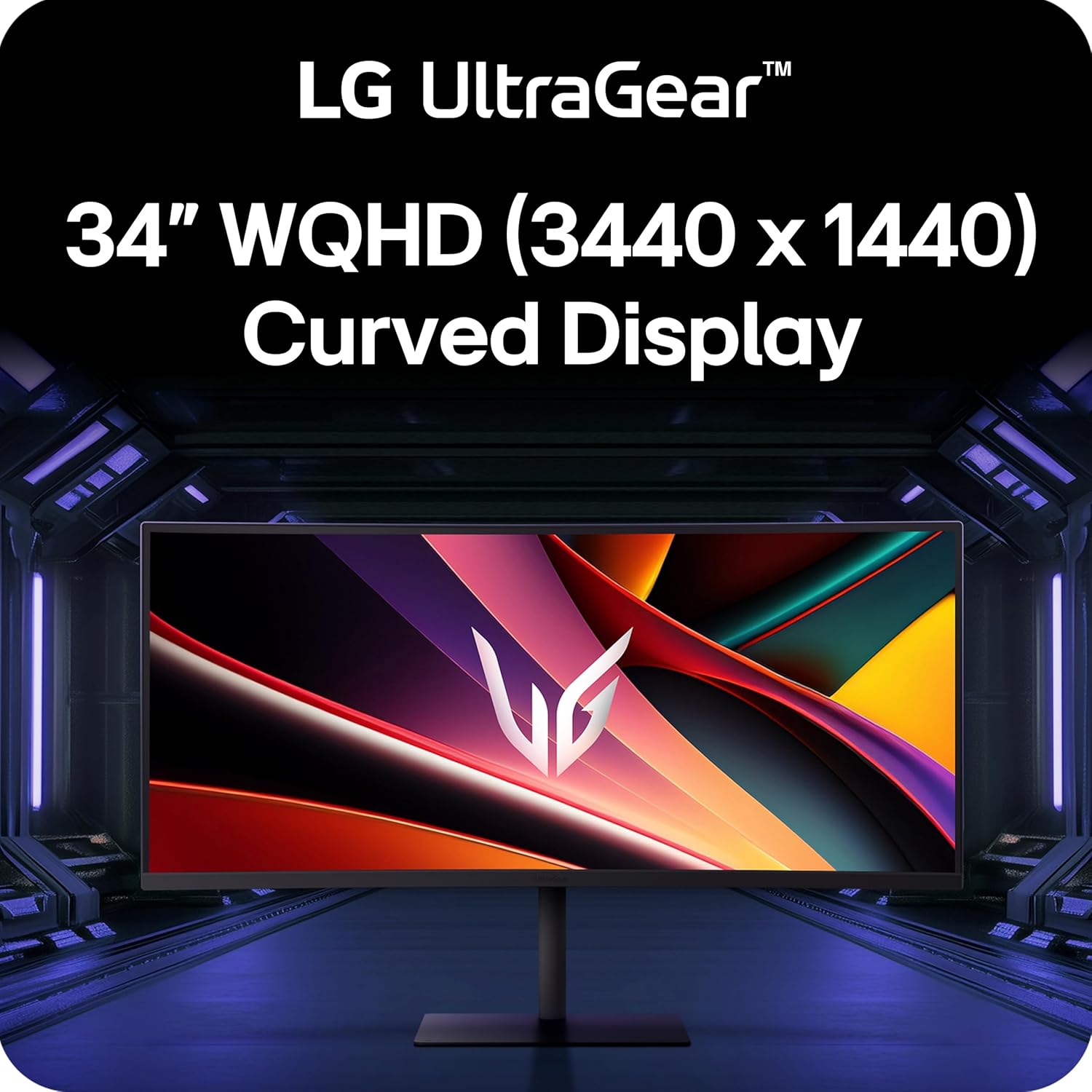

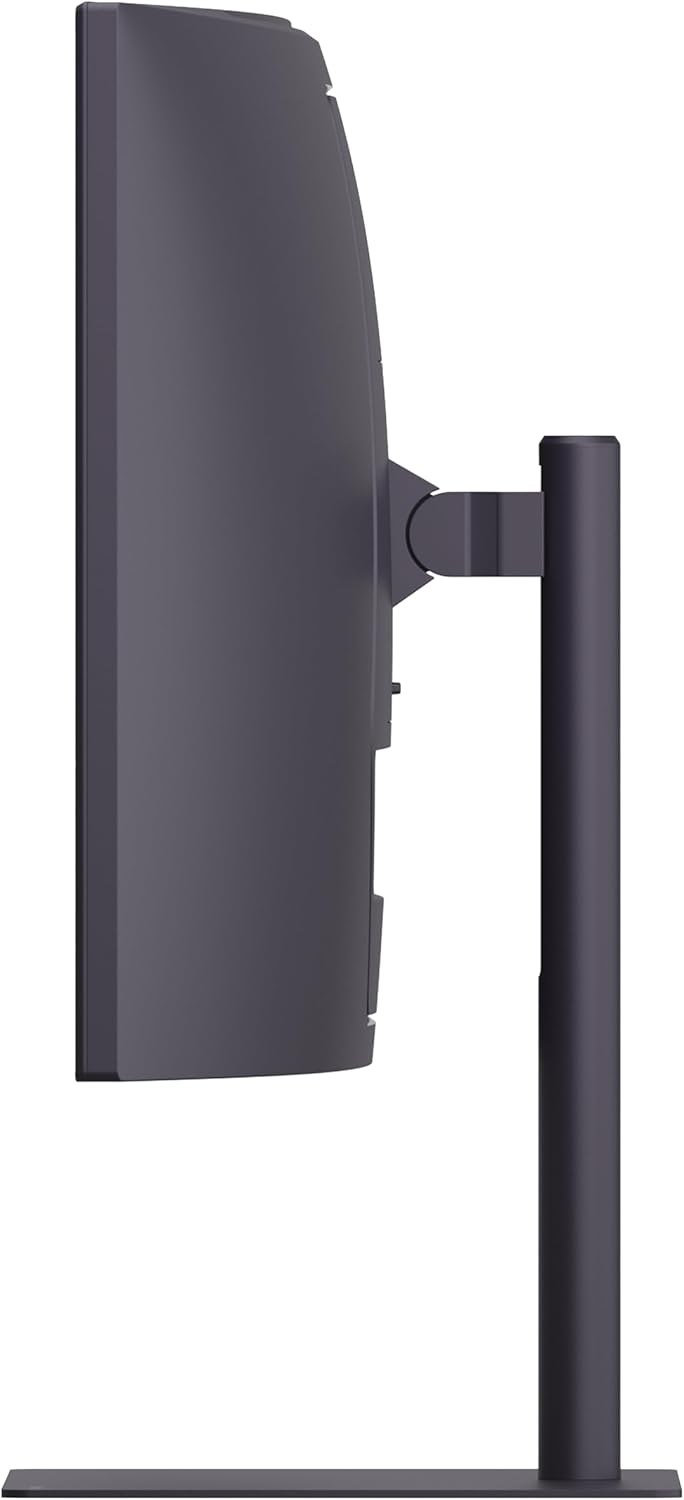
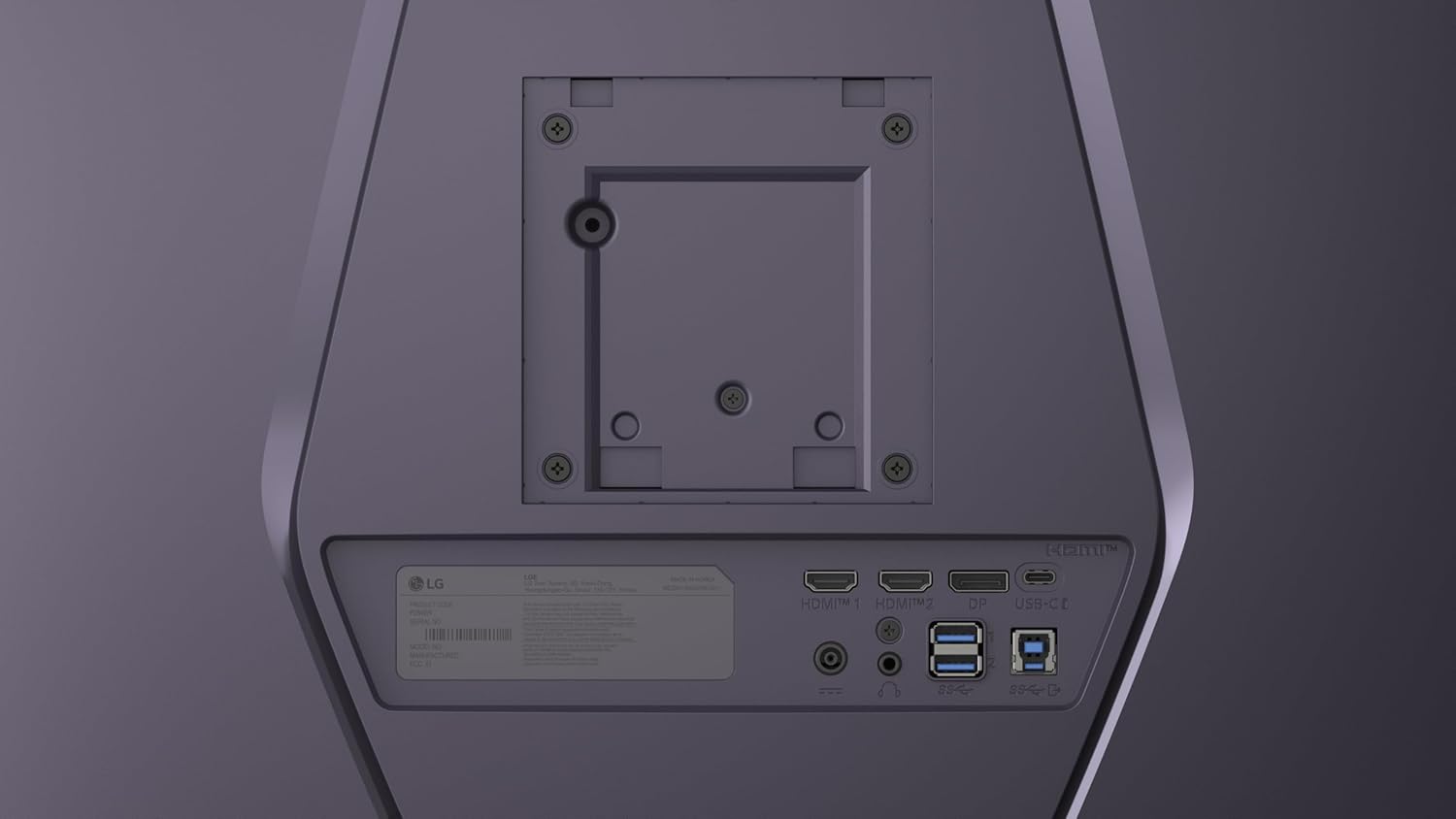
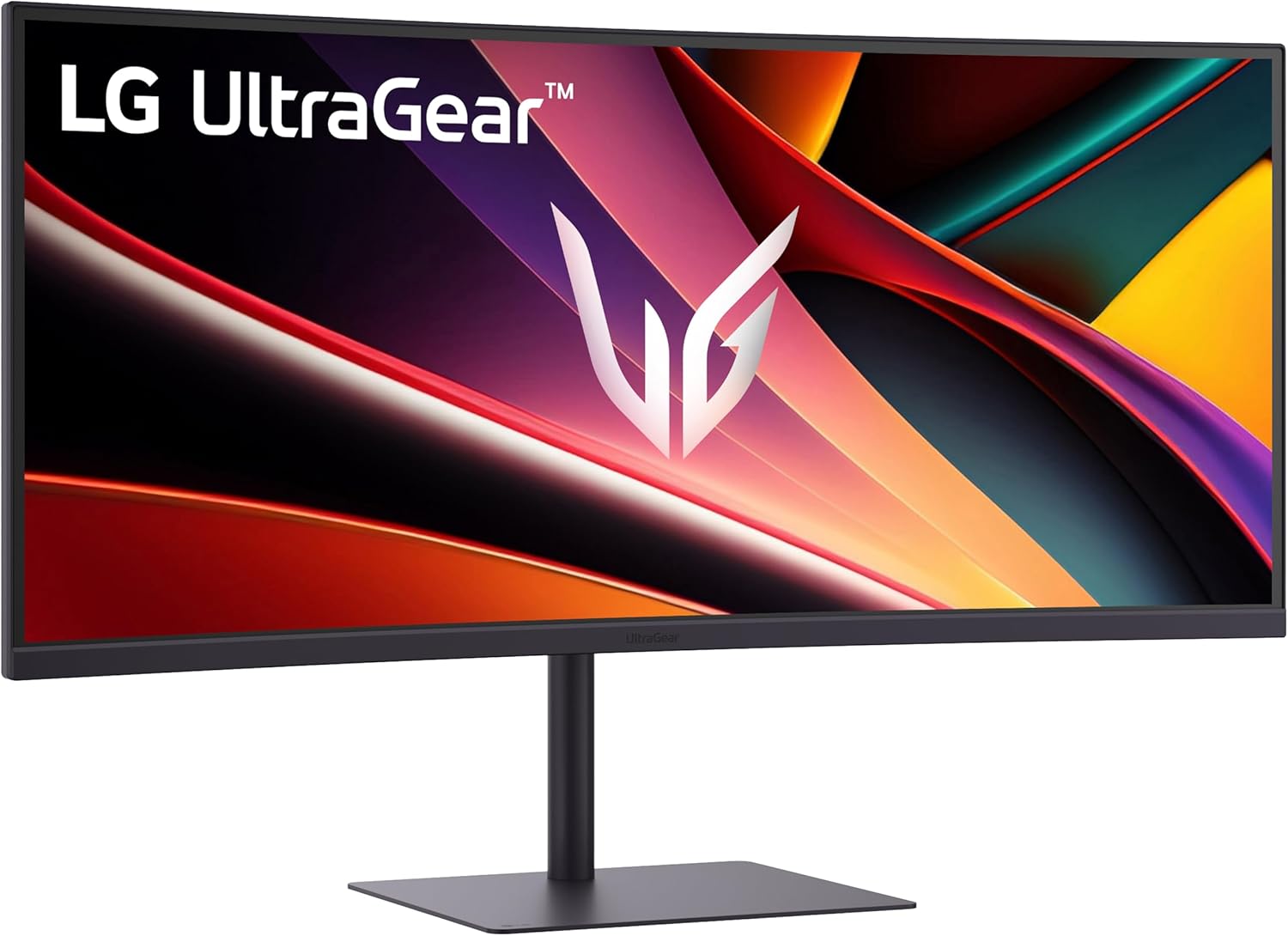
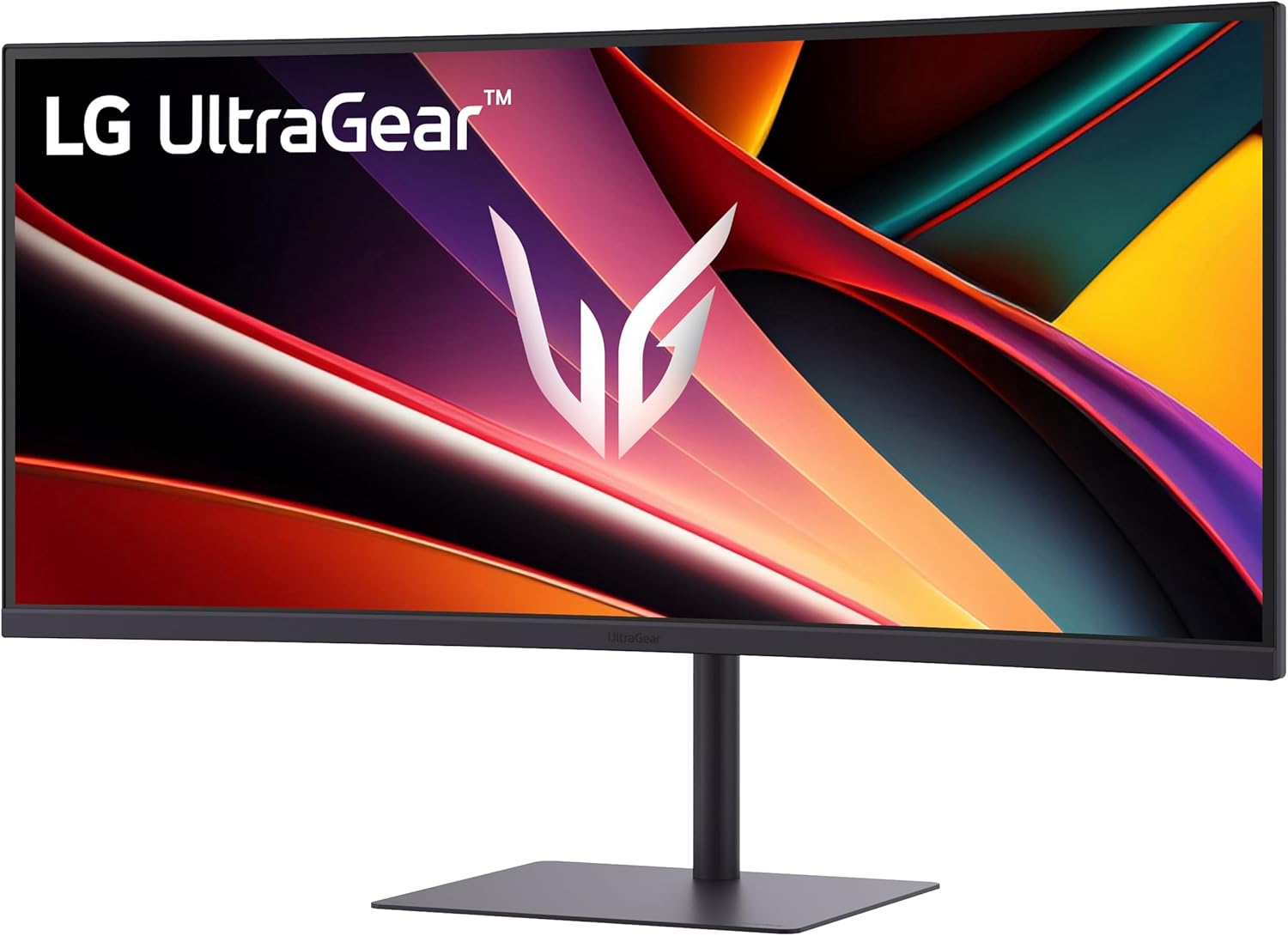
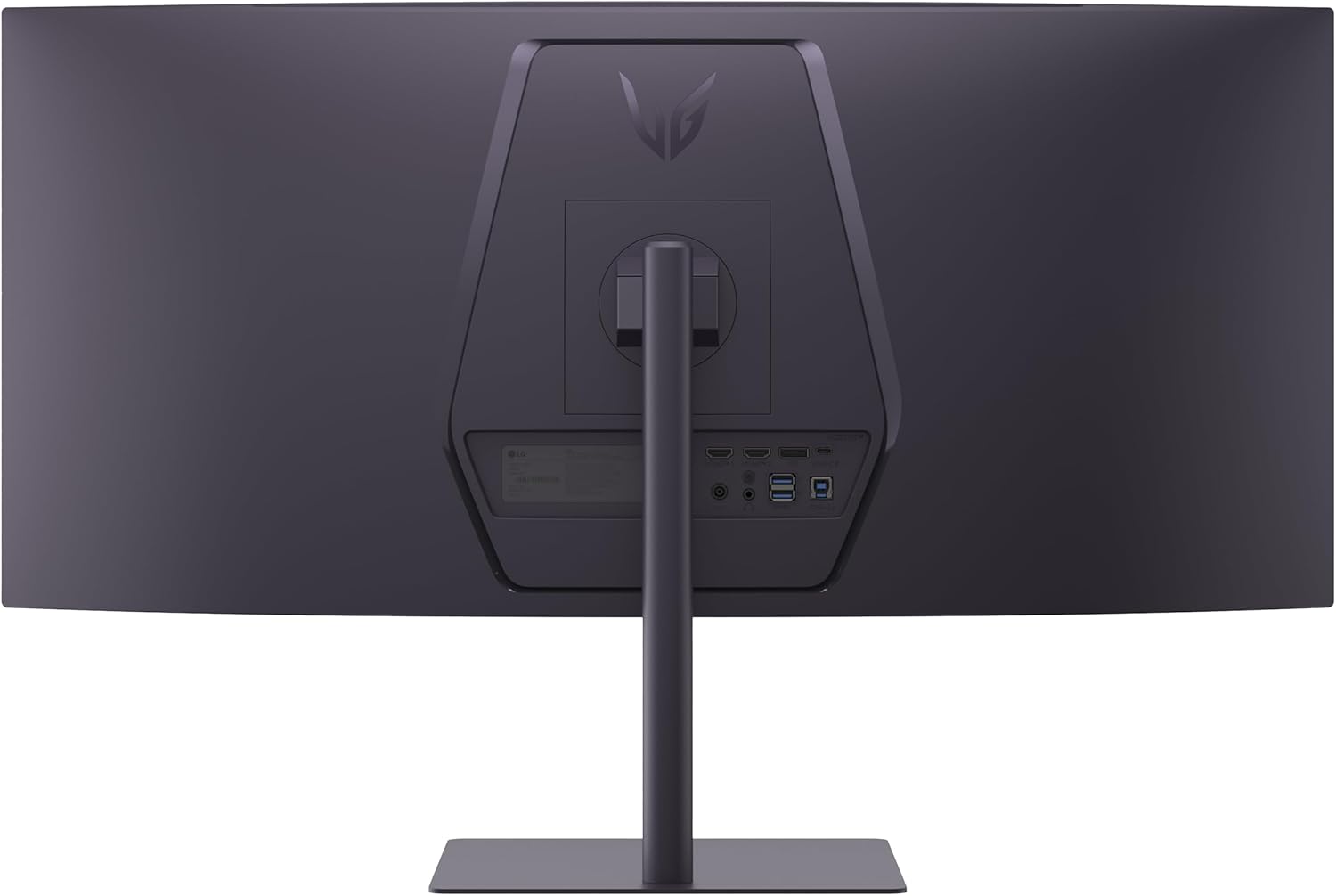
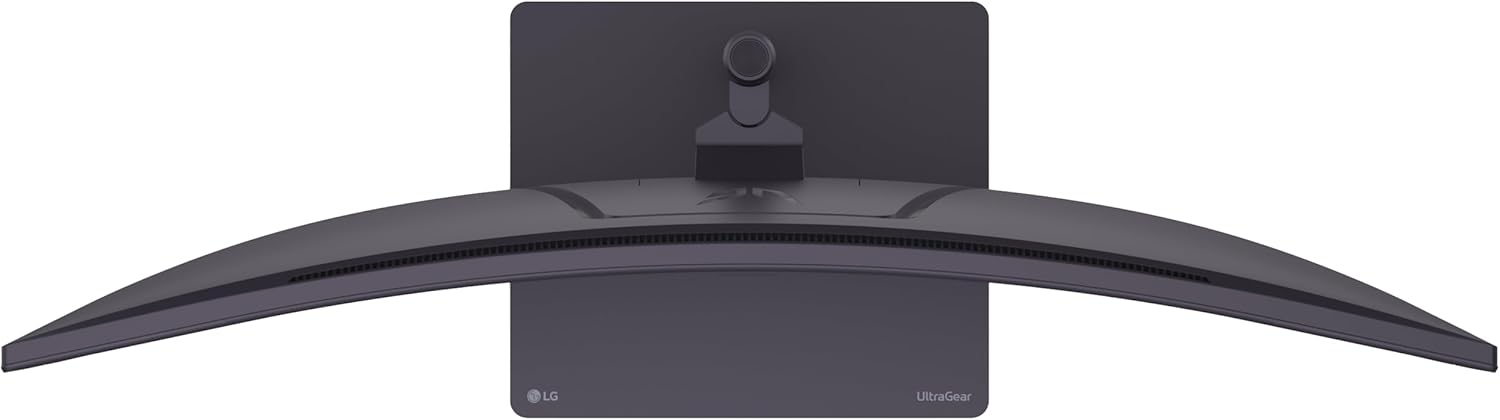
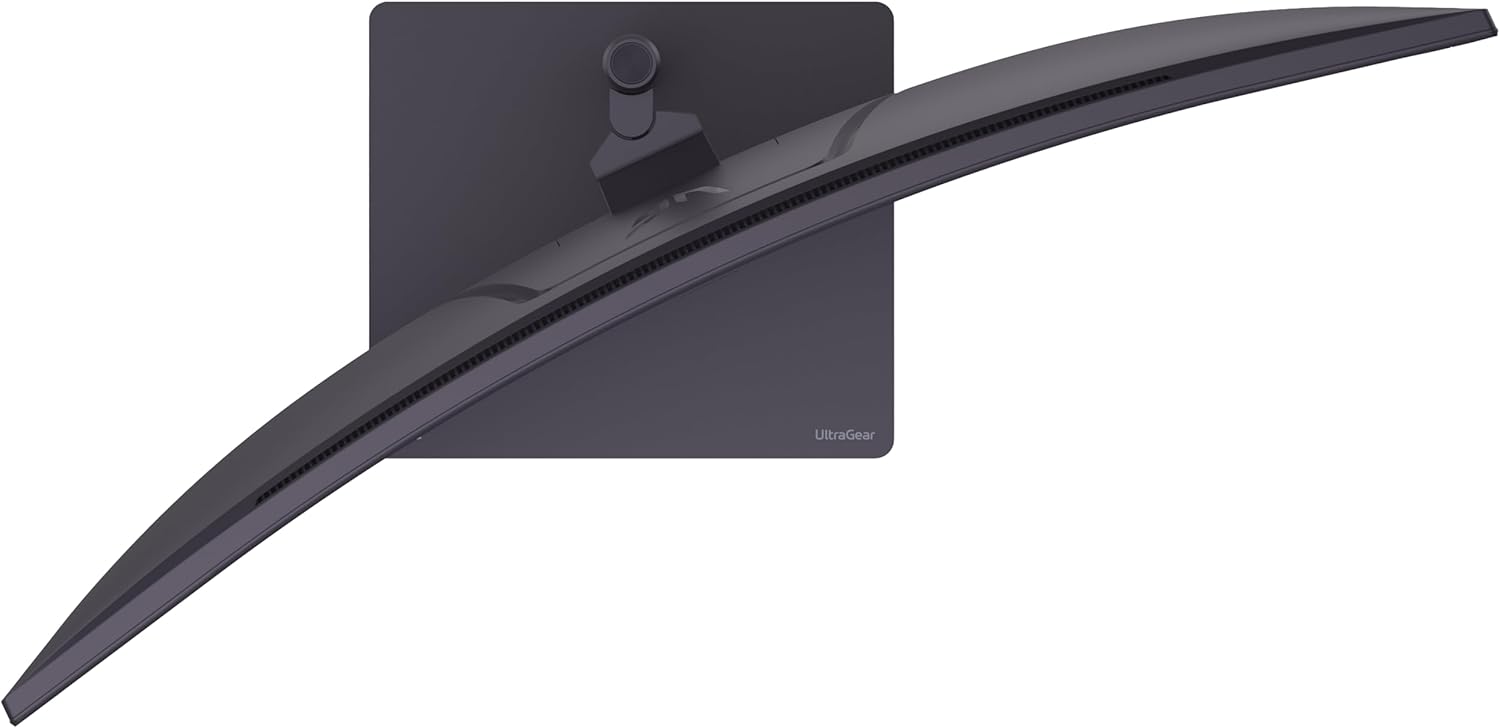
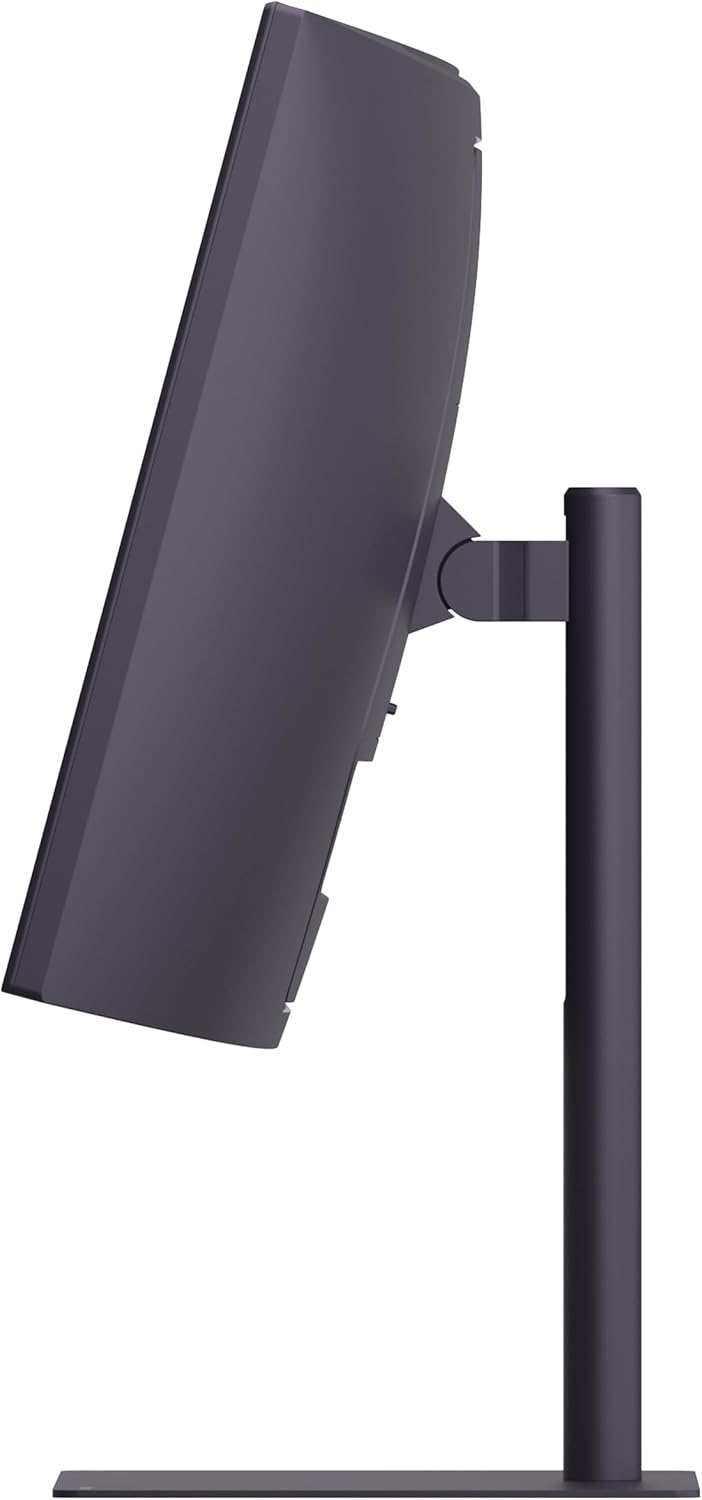
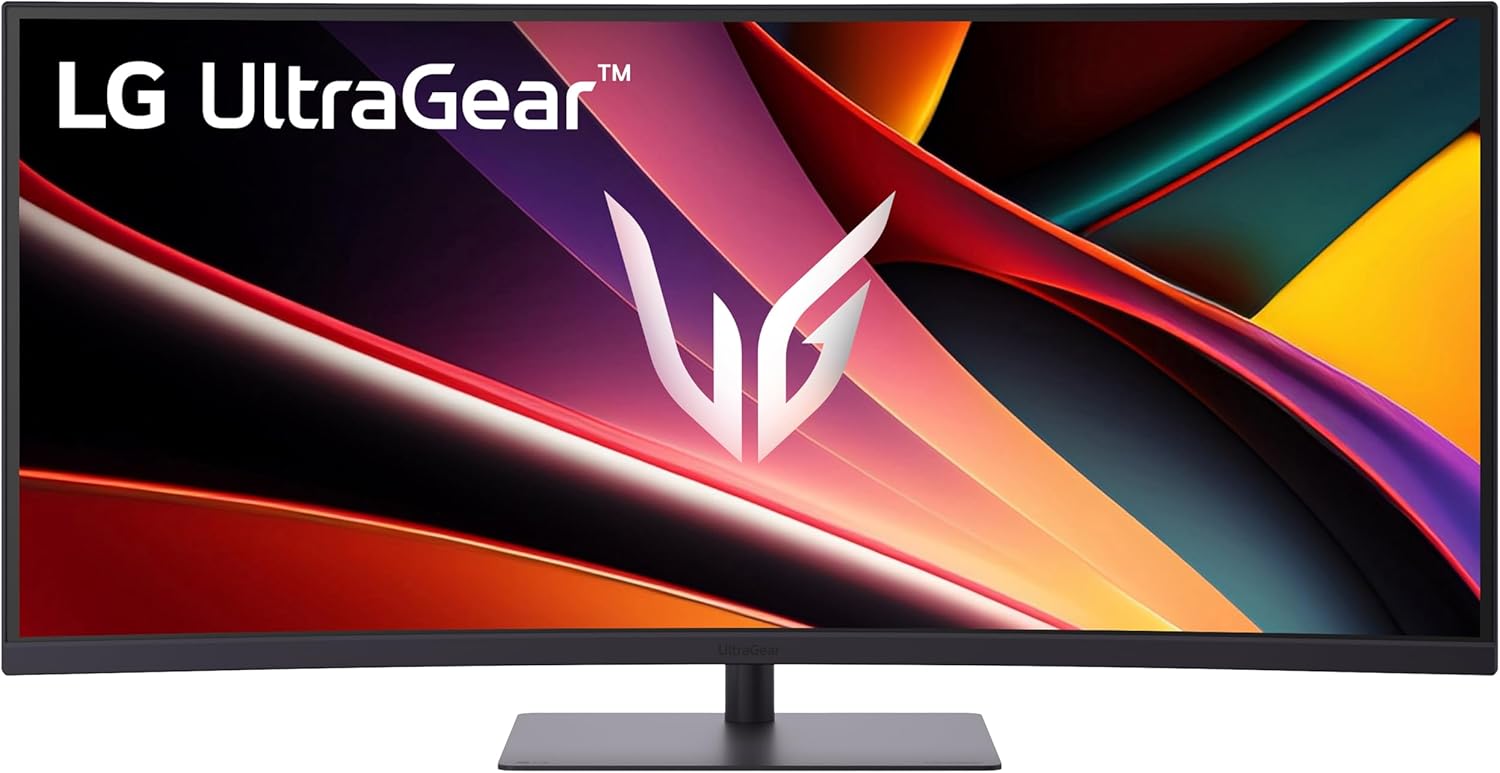
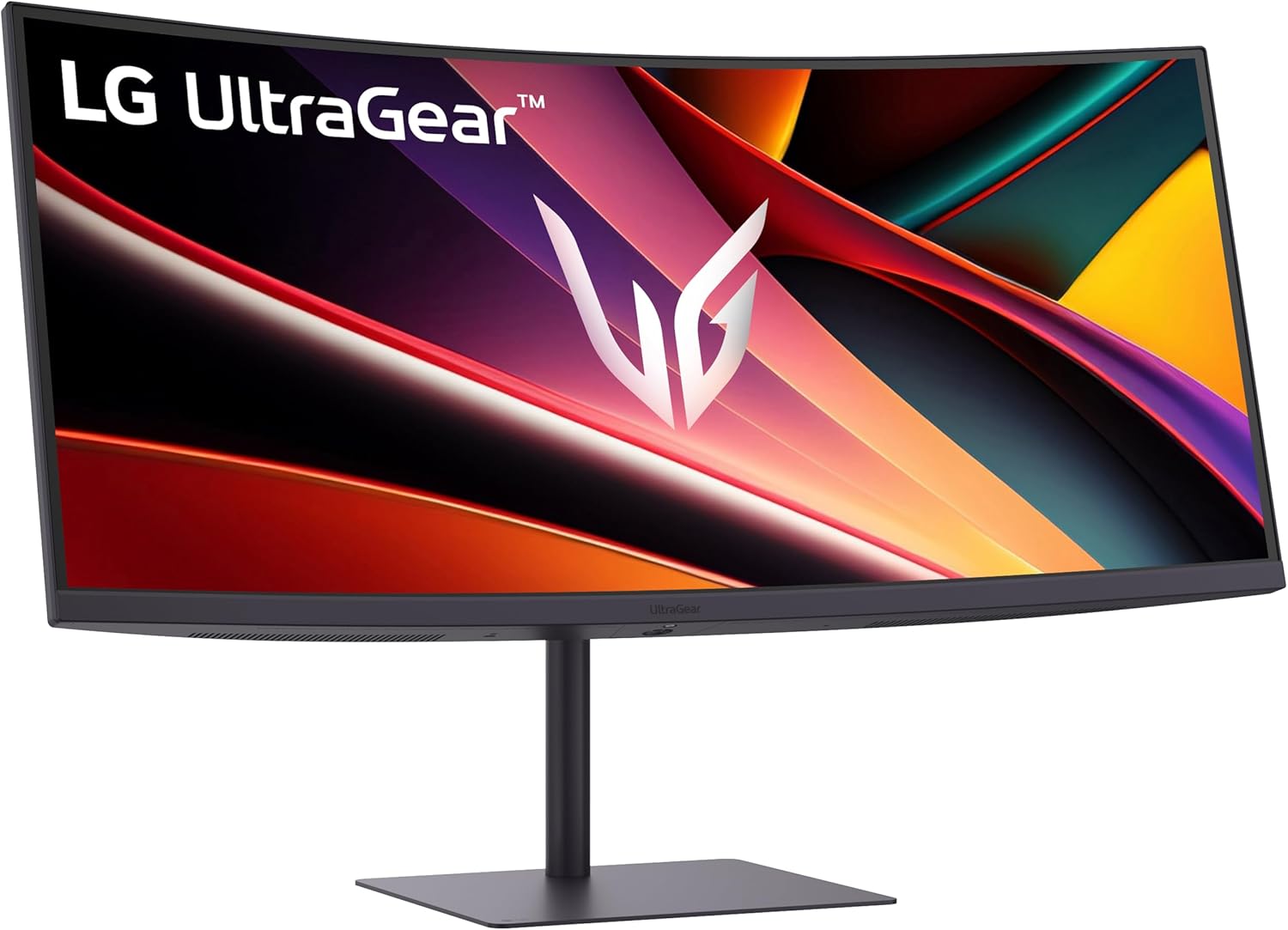

Dominate the game with the 34” UltraGear WQHD (3440×1440) Gaming Monitor, built for speed, precision, and pure visual impact.
The 21:9 UltraGear display gives you more room to play and multitask, with a virtually borderless design that keeps you locked into the action.
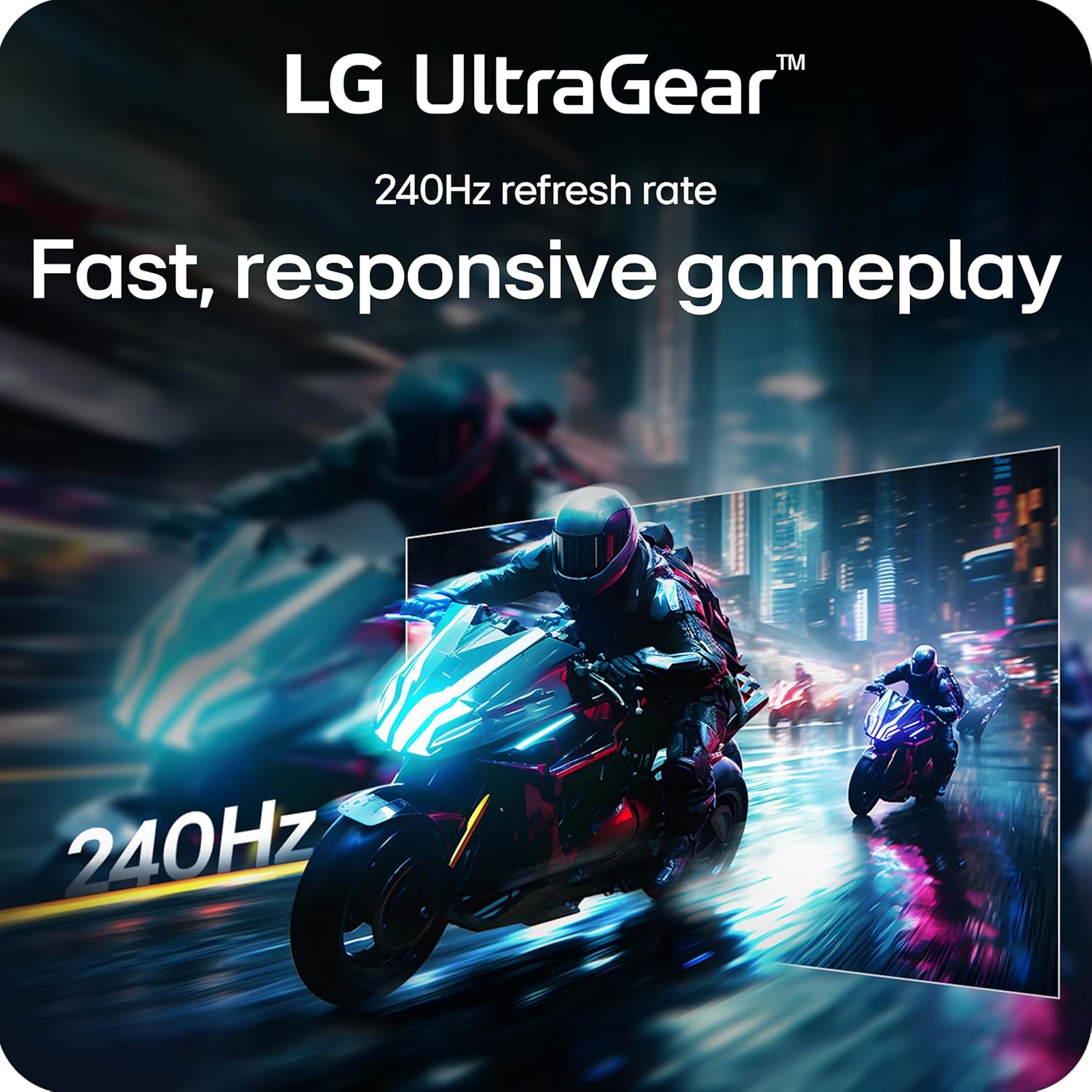
React instantly with a blistering 240Hz refresh rate and 1ms response time—perfect for competitive gamers who live in the milliseconds.
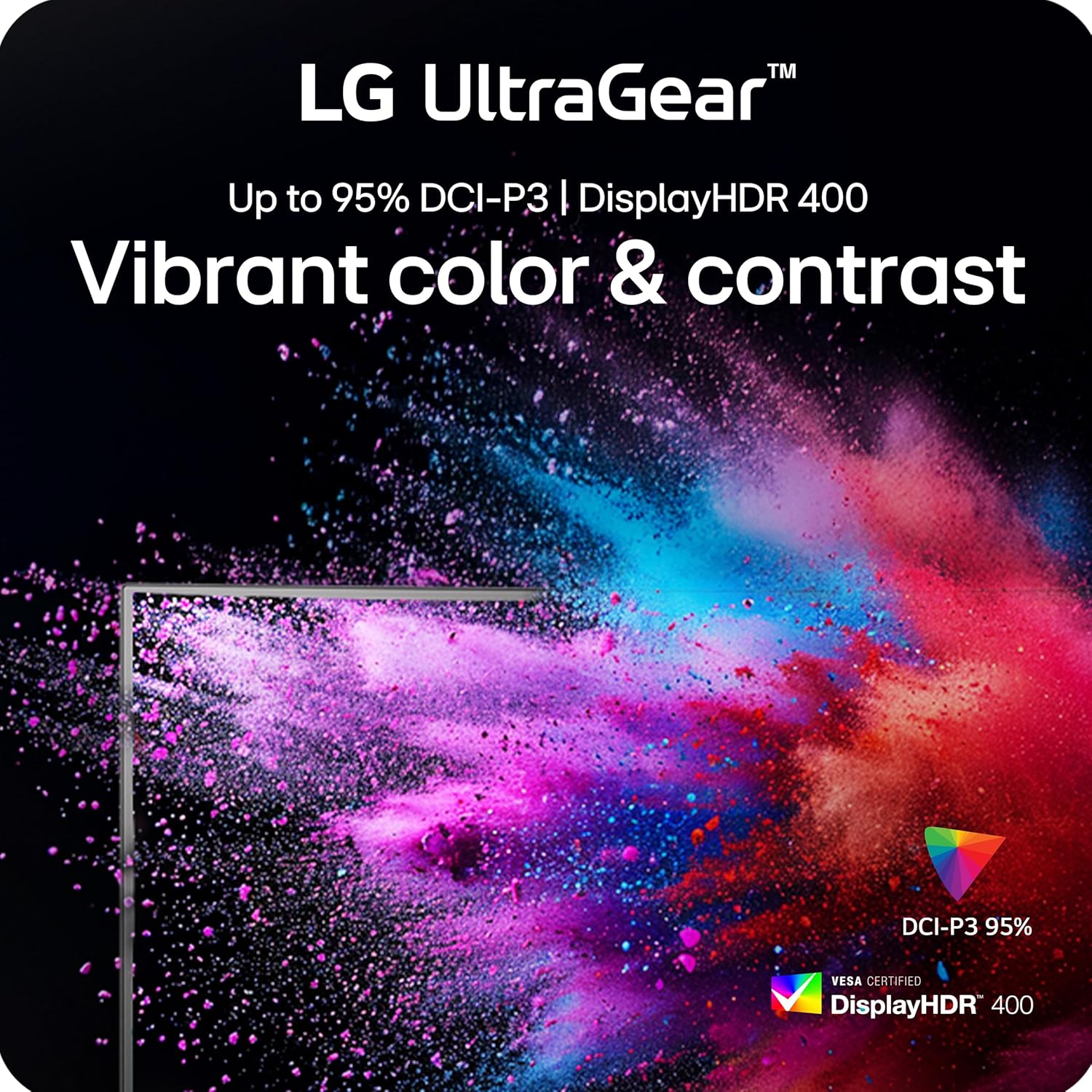
Vivid color pops with HDR10, DisplayHDR 400, and up to 95% DCI-P3 color gamut, while AMD FreeSync Premium ensures buttery-smooth, tear-free visuals across PC and next-gen consoles.
Split your screen with Picture-by-Picture mode, plug in with USB-C, HDMI (x2), DisplayPort, and USB-A (x2), and hear every detail with built-in speakers.
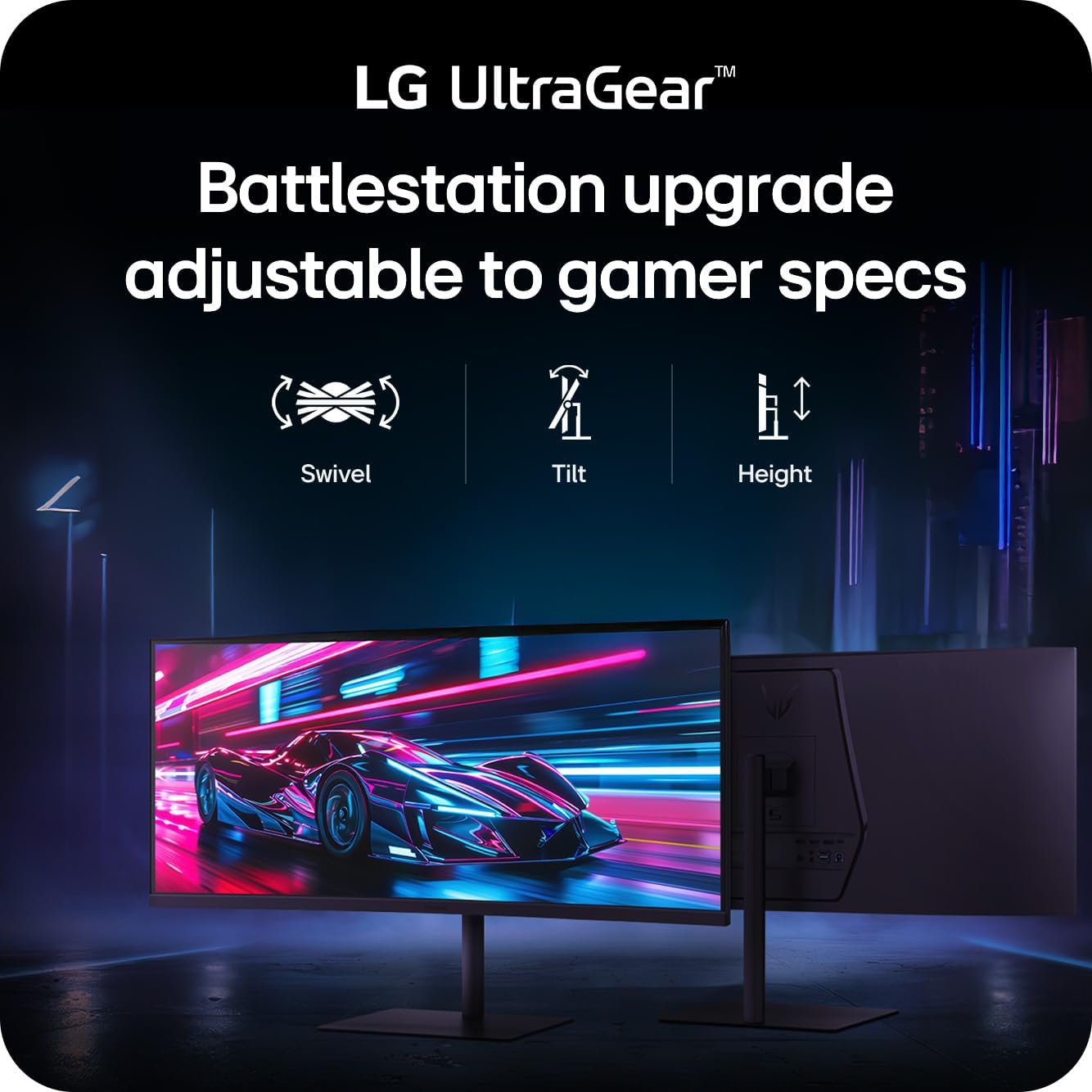
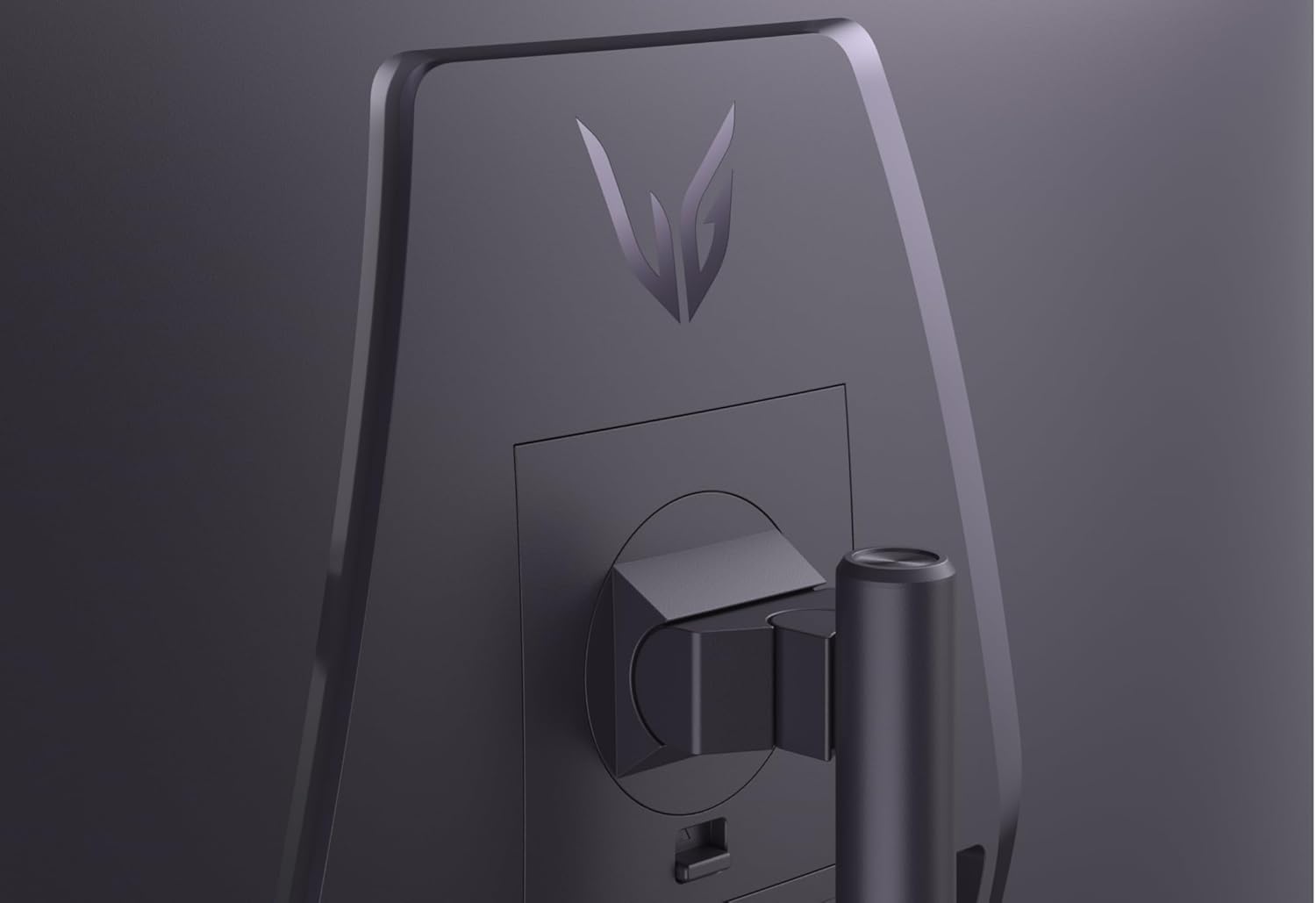
Designed for battle and built for comfort—with a slim, adjustable stand that keeps your setup clean and dialed in.
¹Graphics card that supports DisplayPort 1.4 or HDMI 2.1 are required to achieve up to 240Hz fresh rate support. Graphics card sold separately.
²NVIDIA G-SYNC Compatible supports variable refresh rate on GeForce GTX 10 Series and higher GPUs on Display Port, and GeForce RTX 30 Series and higher GPUs on HDMI 2.1.
UltraGear: More Screen. More Speed. More Glory. – Outpace the competition with the 34″ 21:9 UltraGear WQHD gaming monito. Experience buttery-smooth 240Hz visuals, bold HDR color, and a slim, narrow-bezel design that sharpens focus and kicks distractions to the curb.
21:9 Widescreen Gaming – The 21:9 UltraGear WQHD (3440×1440) screen gives you extra horizontal real estate—perfect for keeping game overlays, chat, and guides in sight without alt-tabbing. Its virtually borderless design keeps your focus on the action, with seamless, distraction‑free immersion—everything you need, in one epic view.
240Hz Refresh Rate for the Win – React faster and play smoother with a blistering 240Hz refresh rate—perfect for high-speed competitive gaming where every millisecond counts. Experience fluid motion and razor-sharp clarity, even in the most intense action.
1ms (GtG): Astounding Gaming Speed – Play with a near-instantaneous 1ms response time, which minimizes ghosting for gaming visuals that are sharp, clear and buttery smooth.
Vivid Color and HDR Brilliance – Immerse yourself in lifelike visuals with up to 95% DCI-P3 color gamut and VESA DisplayHDR 400. Enjoy rich hues, bright highlights, and deep dark shadows that make every game more vibrant and every scene more cinematic.
Ultimate Frame Sync: FreeSync Premium – Say goodbye to screen tearing and stutter. With AMD FreeSync Premium, this UltraGear monitor delivers ultra-smooth, tear-free visuals, giving you perfect frame sync across PC and next-gen console gaming.
Smooth Connectivity with USB Type-C – Connectivity made easy with USB Type-C PD 15W, DisplayPort, and HDMI. USB Type-C supports both display output and data transfer, giving you quick, single-cable access to your laptop and reducing desktop clutter.
Unlock Your Potential with Advanced Gaming Features – Dynamic Action Sync reduces input lag for real-time response. Black Stabilizer brightens dark scenes to see what’s hidden. FPS Counter shows your real-time frame rate. Crosshair enhances precision for deadly accuracy.
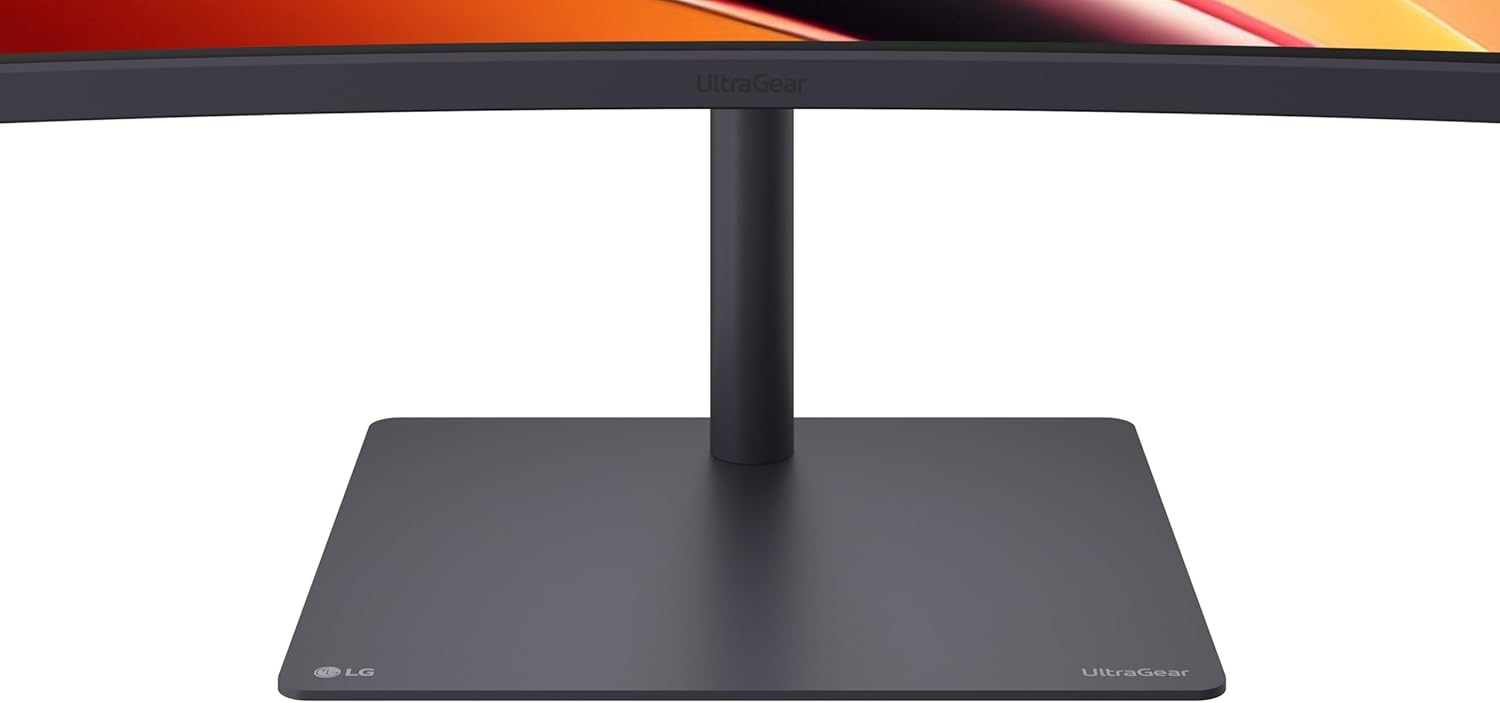
Space-Saving Stand with Adjustable Viewing – A narrow-bezel scree on the slim stand and with compact base frees up desk space for a tidy setup, while height, tilt and swivel adjustments let you find the perfect viewing position with ease.
11 reviews for LG 34G630A-B 34-Inch Ultragear WQHD (3440 x 1440) Curved Gaming Monitor, 240Hz, 1ms, FreeSync Premium, DisplayHDR 400, Built-in Speaker, HDMI, DisplayPort, USB Type-C, Tilt/Height/Swivel Stand, Black
Add a review
$396.99
Not my name –
Great for the cost
I use them for productivity and I just got one for my two monitor ultawide setup. The one on the bottom is the much more expensive 5k 45 inch ultawide with 800 curve. It’s the newer OLED and was $1600. Sure the OLED is thinner and lighter, with a few more connection opinions but the picture isn’t much different. Slightly better. The 34in above it isn’t as tall but honestly works for my work setup. With the 45in, I think i could have gotten the $600 or $800 versions and been just as happy. That said, 2 of the 34in ($300,(on sale), would be also been amazing and could be put side by side with a large desk but probably best stacked. I’d recommend them highly. Plus it’s not OLED, i do sometimes worry about burnin.Side note: Must have- Microsoft has a free app called Power Tools. Within that is a function called Fancy Tools, that allows you to setup custom grids I setup my other mouse button to show the different sections, instead of using the Shift button. It’s easy to setup within the apps settings.There are YouTube videos discuss it.
TK –
Great monitor, but maybe stay away if you don’t have controlled lighting.
This thing is about 300 nits, which is slightly dimmer than my old monitor. On HDR it gets to or maybe a bit above 400 nits.I have no complaints. For $250 a monitor of this size and quality felt like theft. My last one (a “cheap” 35″ Sceptre ultrawide at 100 Hz) was nearly $400 and it wasn’t as nice as this one.Yes, this panel is VA. If this is a problem for you, it is what it is. I like it, and VA ghosting has never bothered me. I’m impressed by the color quality and the rich deep black levels, as well as bright whites. Color calibration was fairly good out of the box, thought color saturation needed a bit of an increase to get it to good. All the settings are easily accessible in the menus.Image quality is good, refresh rate options are fantastic. Ghosting is minimal compared to my previous display. I’ve never been particularly bothered by it, but some are. But this one seems pretty good with that for a VA panel, and works great on the default (fast) response setting without much or any overshoot. Don’t use the “faster” setting though, it’s terrible and has very bad overshoot there.This may be a poor choice if you’re not in a light controlled environment. I have smart lights scheduled based on time of day, but not everyone is doing stuff like that. In daytime use on very bright days if I have windows open and such, ambient light can be such that I need to set the brightness to 80 or even 100, but under normal circumstances I generally have it at 60. One complaint about the brightness is it seems like the backlight *is* the brightness level, there’s no separate adjustment for software brightness and backlight control.Also, I’ve seen reviews saying the HDR sucks and don’t bother. I mean, that’s probably true if you’re comparing it to something like a modern LG OLED TV (I have a C1, and I get it) but honestly, It looks pretty good to me. I played some Resident Evil 3 remake on this and was pleasantly surprised by how good it looked in HDR. Given it’s HDR400, it’s not going to win any awards, but it’s fine.Overall I feel like I got more than my money’s worth on this display, and barring any near future hardware failures, I’d happily buy another.
Amazon Customer –
Great Monitor
The picture quality is amazing, functions perfectly, colors look great, weighs much less than my old one, and build quality is good as well. My 4 year old Samsung monitor felt out of date, and was in the market to upgrade. The sale and overall quality made me jump on this, and it meets all expectations!
Erin –
This monitor is incredible
I’ve sampled many monitors in Electronic stores, but have never been more impressed by a monitor than the LG Ultragear. This monitor is simply the best for the price. The resolution is ideal for any game, but also great for working. I write Articles for a blog, and this monitor allows me to have three windows open at once. That way, I can have my article in Google docs, my music player, and my notes or references open at once. The stand is my favorite stand on any monitor. It is sturdy enough to sustain a cat jumping around and crawling underneath it. It’s super adjustable, but not floppy. I have no problems with pixels, color accuracy, or flickering in any use. I’ve had it for a week and am really enjoying it. I think my eye fatigue is also lessened, and that might be because of the gradual curve and the easier contrast settings.
Manny A. –
Nice monitor Not HDMI 2.1
This monitor is well made, doesn’t feel cheap. This is not a HDMI 2.1 monitor. I hooked this up to my MAC mini and I’m getting 4K at 85HZ. My previous monitor with the same Mac Mini was getting 4K at 144HZ. So the description is misleading. I checked the LG website and it is confirmed 2.0 HDMI. However the monitor itself is nice and is quite responsive. If you use the DisplayPort you can achieve the higher speeds. I ordered a USB C to DisplayPort cable (Thunderbolt) as I read I can get the higher speeds. I’ll update later if this is the case. *update after hooking up the monitor using a USB C to DisplayPort cable I am now getting the 160hz @4k.
Tyler Haines –
Best 1440p ultrawide for the money.
Definitely worth the money if had on sale, this monitor has stunning viewing angles for an ultrawide, great color accuracy, good hdr quality and some great extra features like spare usb ports, decent speakers, and a base that fits under a mousepad allowing the monitor to take up less desk space.
Ayman –
LG 34GP63A-B 34-Inch Curved UltraGear™ QHD MonitorOverview:The LG 34GP63A-B is a stunning 34-inch curved ultra-wide monitor designed for gamers and content creators who demand high-quality visuals and exceptional performance. With its impressive QHD resolution and a host of advanced features, this monitor is engineered to elevate your gaming and viewing experience.Pros:• Immersive Curved Display: The 34-inch curvature enhances your field of view, creating an immersive gaming experience that pulls you into the action, making every detail feel more engaging and dynamic.• Stunning QHD Resolution: With a resolution of 3440 x 1440, the monitor delivers sharp and vibrant visuals, ensuring that games and multimedia content look stunning and detailed.• High Refresh Rate: The impressive 160Hz refresh rate provides smooth motion and responsiveness, reducing motion blur and giving you a competitive edge in fast-paced games.• HDR10 Support: HDR10 compatibility enhances color accuracy and contrast, allowing you to experience a wider range of colors and improved brightness levels, making your games and videos more lifelike.• AMD FreeSync Premium: This technology minimizes screen tearing and stuttering, ensuring a fluid gaming experience, even during intense gameplay sessions.• Impressive Audio: With built-in 7W speakers (7Wx2), the monitor provides decent sound quality, eliminating the need for additional speakers for casual gaming or movie watching.• 1ms MBR Response Time: The 1ms Motion Blur Reduction ensures that fast-moving visuals are rendered smoothly, enhancing clarity and precision during gameplay.Final Verdict:The LG 34GP63A-B curved monitor is an outstanding choice for gamers and multimedia enthusiasts alike. Its combination of an immersive curved design, high QHD resolution, rapid refresh rate, and advanced features like HDR10 and AMD FreeSync Premium make it a powerhouse for both gaming and content creation. Experience gaming like never before with this exceptional monitor that brings your favorite titles to life!
Leandro Lima Cardoso –
Superou as expectativas na qualidade e no espaço de tela para trabalho.Melhor monitor custo-benefício para produtividade.
Manuel Diego Marin Peralta –
Excelente producto, buscaba un ordenador para poder tener una experiencia 120hz y ya llevo un año con él y nunca falla.
Ivan R –
El diseño es muy bueno, la calidad de imagen para jugar y el hdr están muy bien optimizados. Cuenta con un par de bocinas, que a pesar de no ser no mejor, tienen buena calidad, la base se ensambla muy fácil y es de la mejor calidad. Complete mi setup gamer, edición y trabajo.
ibrahemfoudah –
ممتازة بسعر منافس في فئتهاLG