

Goldtouch Elite Adjustable Ergonomic Keyboard
$96.00
Related Products




Product description

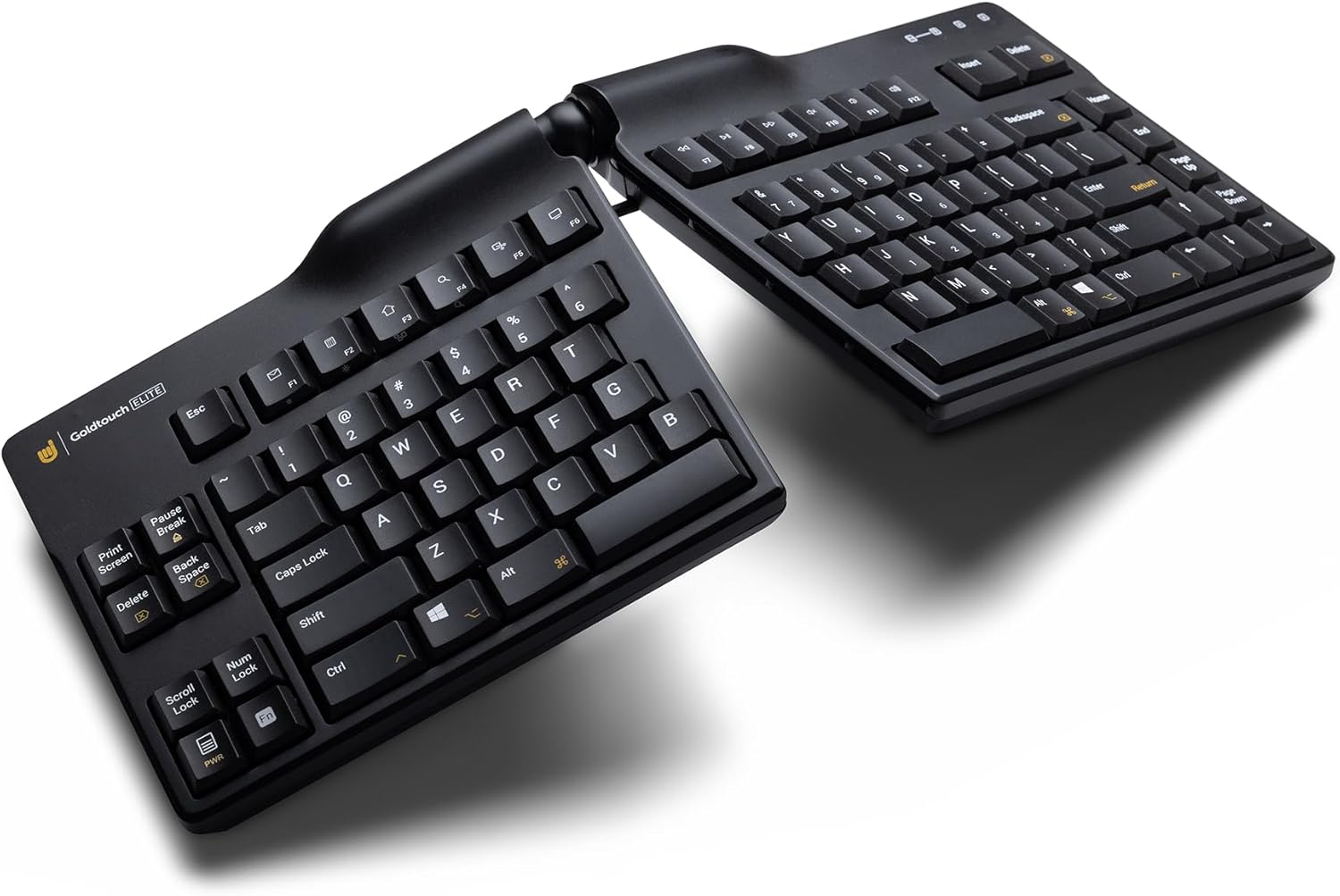
Quickstart Guide for Adjusting Your Keyboard. Follow these steps to configure your keyboard.

Step 1:
Squeeze the keyboard lever to start making your adjustments.

Step 2:
While the handle is squeezed, pull the two halves of the keyboard apart until you reach the angle where your wrists are straight horizontally. This is your splay angle. Release the handle.

Step 3:
With the handle squeezed, tent the keyboard upwards until you determine the angle where any tension in the hands, wrists, and forearms disappears. Release the handle.

Step 4:
You’re ready to start typing!


Versatile: Adjust the horizontal splay from 0 to 30 degrees and the vertical tent from 0 to 60 degrees for maximum comfort.
Updated handle: Improved handle design allows for easier tenting and splaying.
Compatibility: Use with both PC and Mac devices with the flick of the rear toggle switch.
Flexible layouts: Toggle the rear switch to enable Default or Alternate keyboard layouts.
Long-lasting keys: Silicon domed keys are laser-printed so text will last through repeated use and won’t wear away.
Connectivity: Wired (USB)
Hpycmpr –
The absolute best keyboard!
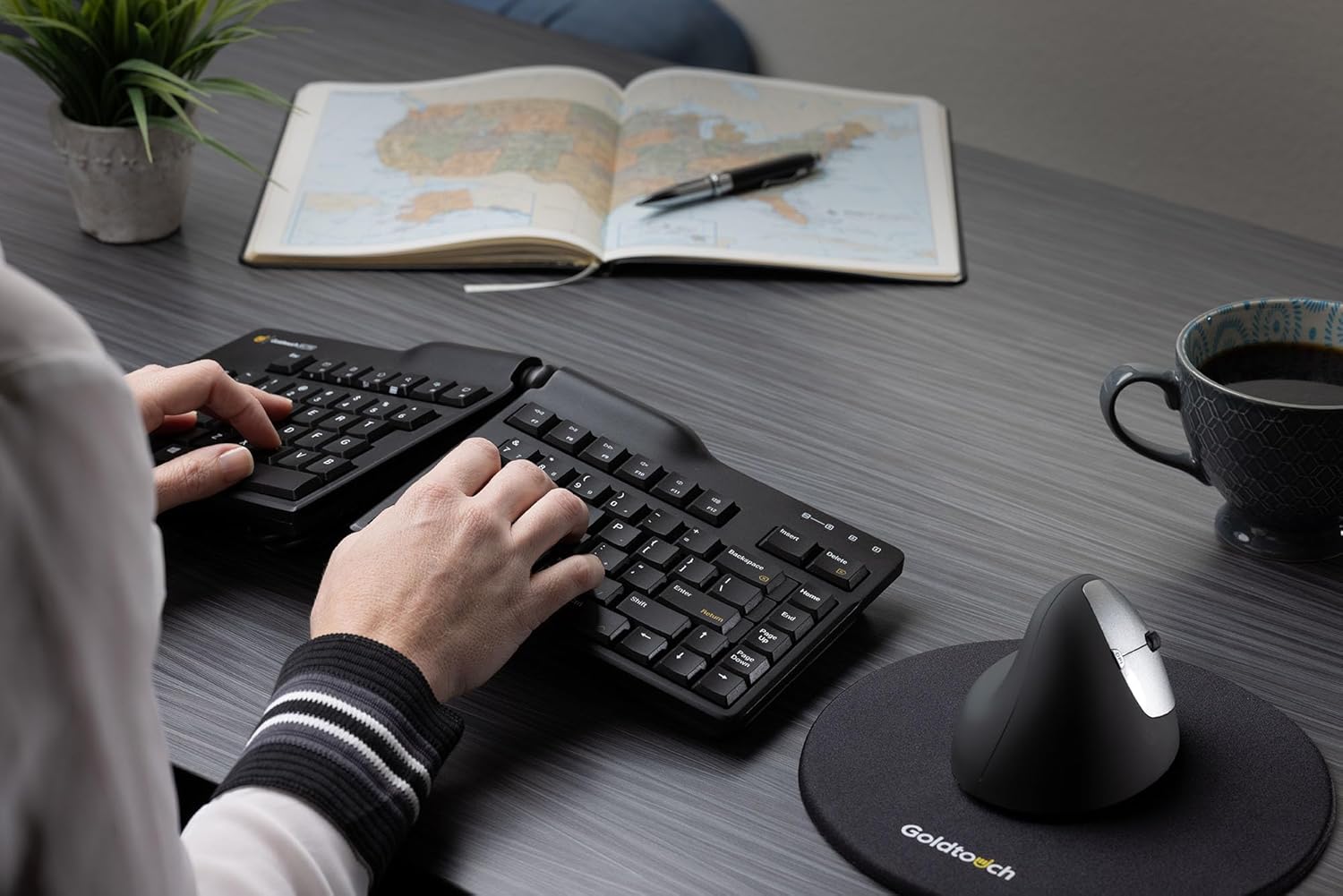
This is the third Goldtouch keyboard I have owned. I LOVE them! This one is updated considerably from the last 2 and so much smoother for typing. I love the way they can be shaped for one’s best hand angles for the best wrist position. There is a little switch underneath for Mac, which I need, then all you do is plug it in to your computer and you’re off. Nicely priced too.
Miss Martha –
Better than before, and I loved it before
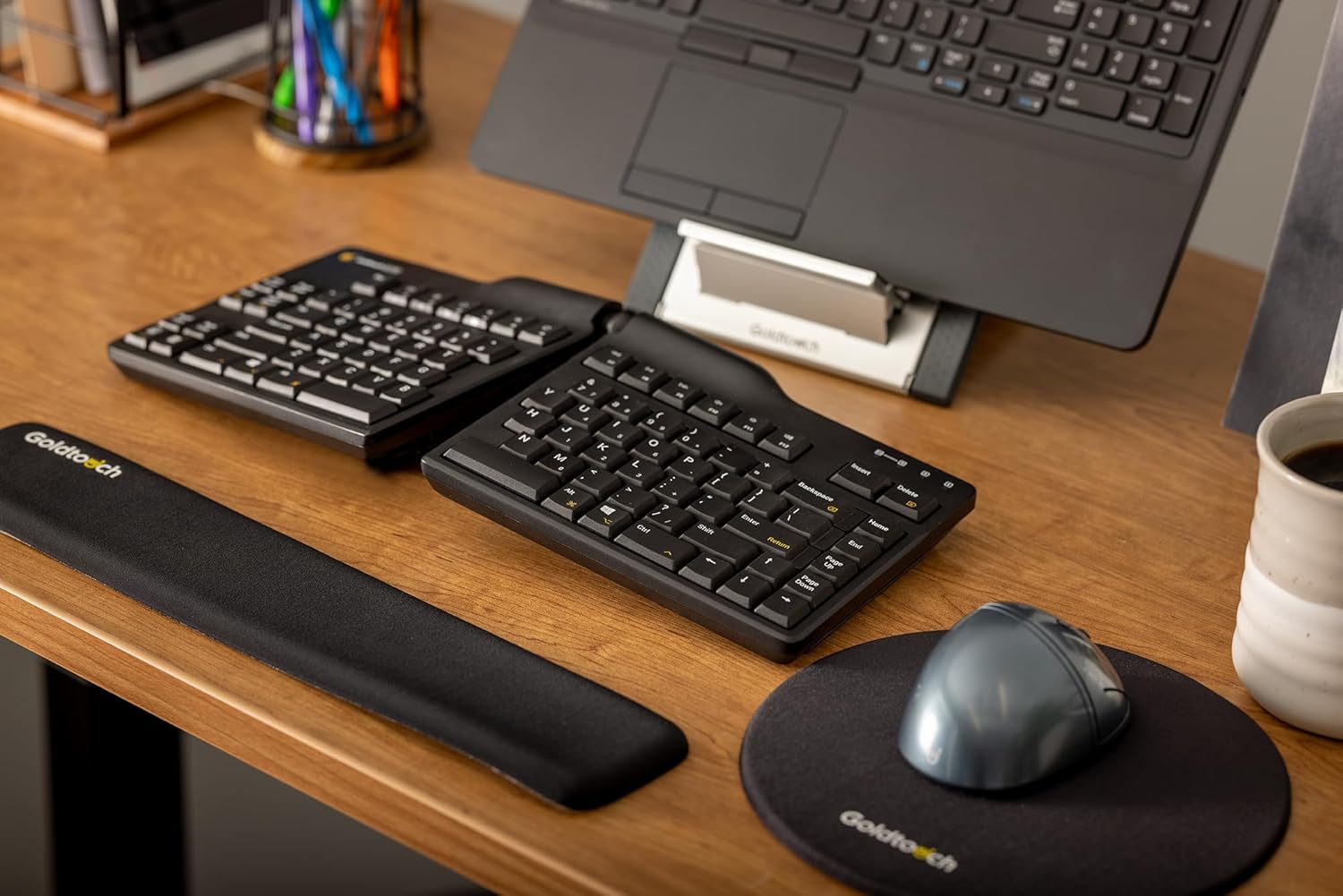
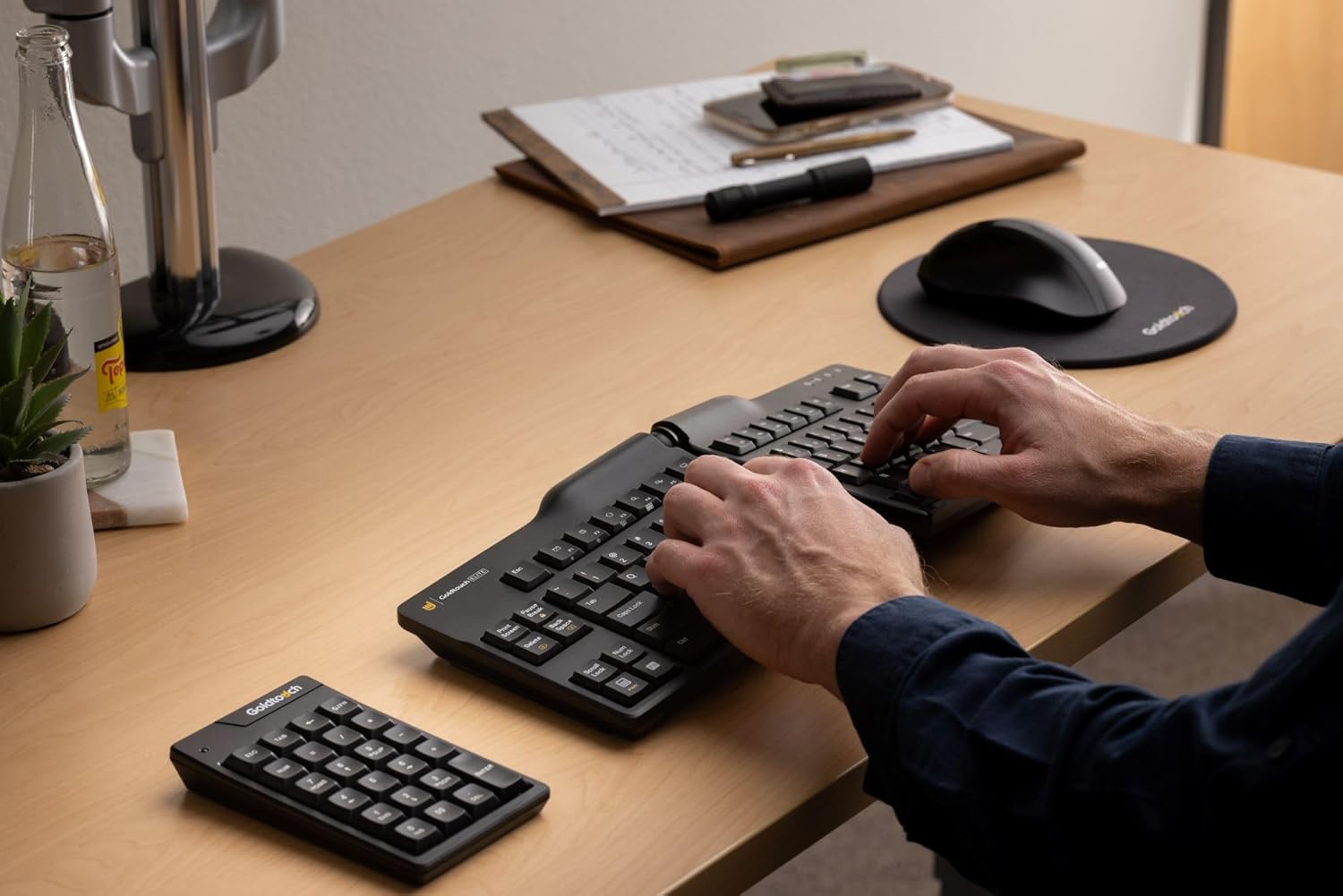
I have been using Gold Touch keyboards for over 20 years now and I LOVE them. More specifically, my joints love them. These keyboards are adjustable enough to get my wrists to a neutral position.The Gold Touch keyboards I have had in the past have has a different mechanism to release and lock the relative position of the two halves. In those keyboards, I would say that mechanism was the weak point. It was the part that failed on each one after 10 years and I had to replace them. I also once had the control for that break the screen of a laptop, thankfully it was insured.This new version has a squeeze and release control for adjusting the shape. My arthritis is not as bad as it was, and I am not having any trouble with it. I do wonder if someone with severe arthritis might have difficulty. Another difference is that the USB cord is on the right rather than the left, but I don’t know that anyone really cares about that.One more thing to know: If you use your numeric key pad much, you will want an auxiliary one. Gold Touch sells these separately and I think other brands are available.
MA Smith –
Goldtouch keyboard
I love my new keyboard. The quality feels really good and the functionality is great along with the ergonomics of how I like to set up the board.
PW –
Keyboard keys are hard
I have been using ergonomic Goldtouch keyboards for the past 7 years or so, and have absolutely loved them. My old keyboard was fraying at the edges, and so just to be safe I decided to replace it with the new Goldtouch Elite keyboard. However, I am returning the new keyboard because its keys are significantly harder to type on (especially compared to the old keyboard).Goldtouch keyboards are likely purchased by people who have a problem with their wrists / hands (I have loved these keyboards because I have a problem with my wrist and find them extremely ergonomic). Having hard keys negates the benefit of the ergonomic keyboard since more pressure needs to be exerted when the user is typing. The manufacturer should consider going back to the old style keyboard which had much softer keys.
Max Renn –
No longer helpful for reducing my hand pain
I relied on this company’s keyboards for years as they helped with decreasing repetitive motion injury pain in my hands. I type a lot for work. This new model is not effective in reducing pain. It is harder to push down the keys. I will go to their main website to see if the old version made for specific foreign countries will work the same as my “English language” keyboard. That version looks like the old one, except with different languages imprinted along with the English letters. Disappointing change. I’ll be giving feedback directly to the company. I hope they can come out with a newer version that is similar to the old one. Otherwise, I have to move on to another company’s product.
RC –
Good keyboard but more flimsy than v2
I bought this as a replacement for an old Goldtouch v2. The keyboard itself is nice, though the keys require a little more force to press than v2. One annoying thing is that the keyboard body vibrates when tapping the keys, probably because of the lower mass. You can feel that in your fingers. Not sure if it is an issue with my unit or a design flaw.
GC –
Worst design ever
This is absolutely the worst version of the keyboard that Goldtouch has designed and manufactured. The keys are sticky and shorter and will give you fatigue on the same day! Unfortunately it has been a little while as I didn’t try out earlier and won’t be able to return. I’ve been using Goldtouch KB for decades and this one is worse than ever. Unfortunately the older versions are probably discontinued and you cannot find on Amazon anymore.Do not buy.
Drea Gabriela –
Good for wrist pain, very frustrating design decisions.
This does what I want it to do in terms of reducing wrist strain. There were a lot of questionable design choices that make this keyboard so frustrating to use. It actually gives me anxiety as I work. My biggest gripe is the behavior and placement of the function key. I want the function key to be closer to the buttons for which they are useful. And I don’t want it to be static. So many times I leave Function on and it completely ruins my workflow. When the Num Lock and Fn Lock keys are both locked, the main keyboards Num Pad turns on and the “uiojklm,.” keys become “4561230”. I purchased the extra Num Pad, which makes this functionality obsolete and absolutely irritating because I can’t turn it off. Adding to this, so many buttons are in places that I’m not used to, and I accidentally press the wrong button ALL THE TIME. So many times I have to look down to reset myself.The build quality is good and the keyboard is fun to use when you have positioning perfectly and can really fly. But the design decisions are really frustrating. Adding to the frustration is that I tried submitting a similar review directly to Goldtouch, and right before submitting, their system changed my rating to a 5. Incredibly disingenuous. I wouldn’t recommend until a future version where these issues are fixed, unless you absolutely need something for wrist pain.