

Dragon Touch 10.1 inch Digital Calendar Chore Chart – Interactive Touchscreen, Smart Family Planner, Hearth Display Desk Digital Calendar Seamless Scheduling Black
$144.33
Related Products



Product description


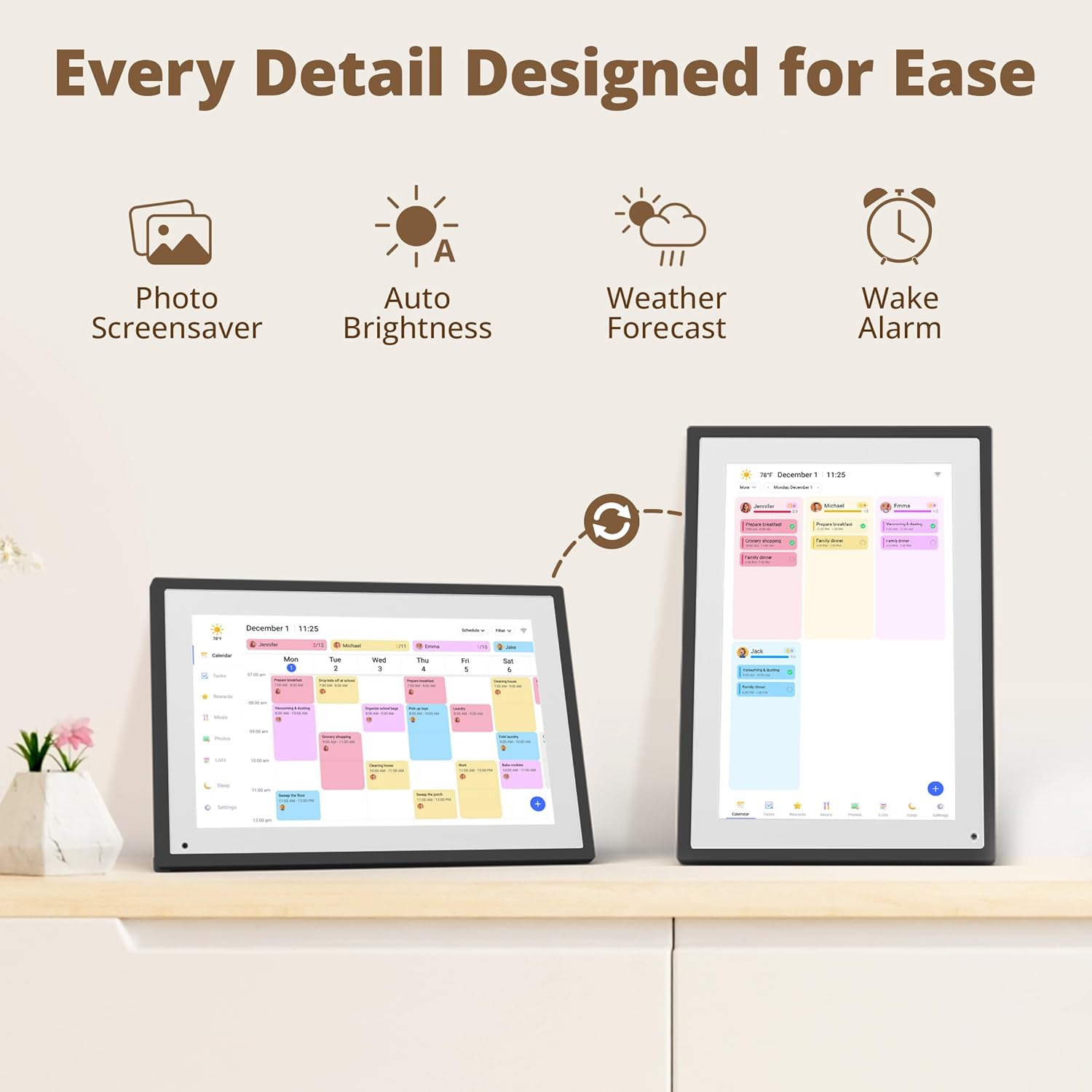
【All-In-One Smart Family Calendar】: Dragon Touch digital frame effortlessly organizes and tracks every family schedule with the crystal-clear 10.1″ touchscreen. Assign different colors and tasks to each family member, making family scheduling simpler and more intuitive.
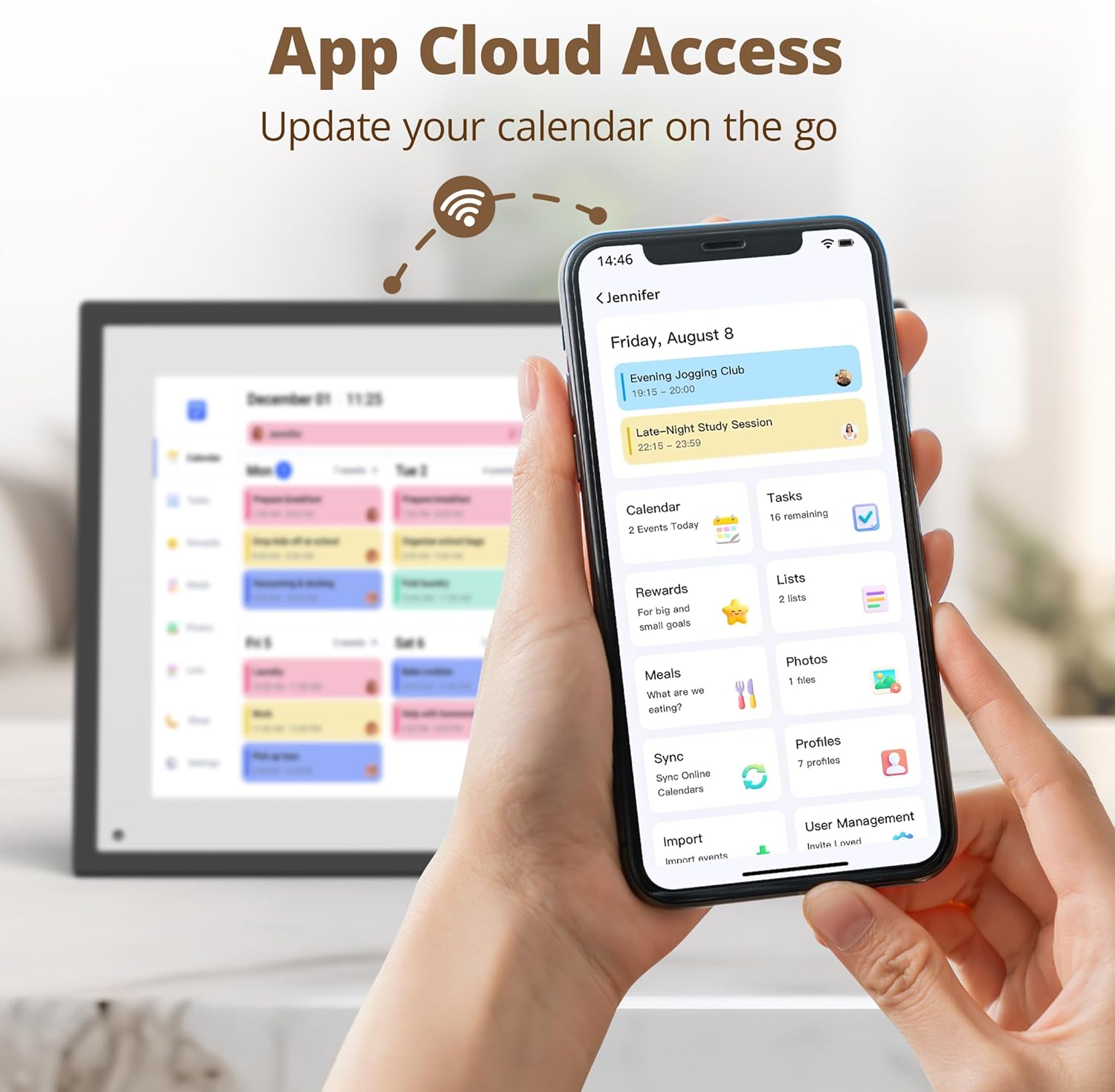
【Easy Setup and Auto-Sync】: Enjoy a user-friendly design that our smart picture frame allows for quick setup—just plug in, connect to Wi-Fi, and link your calendar to the Mobile App. Once synced, it seamlessly integrates multiple personal calendars (iOS, Google, etc.) into one unified interface. Authorize additional devices for even greater convenience.
【Interactive Chores Chart & Dinner Planner】: Our digital calendar keeps housework organized and motivates family members, especially children, to develop healthy habits with an interactive chore chart. Display your family dinner plans to keep everyone informed and eliminate the daily “What’s for dinner?” question.
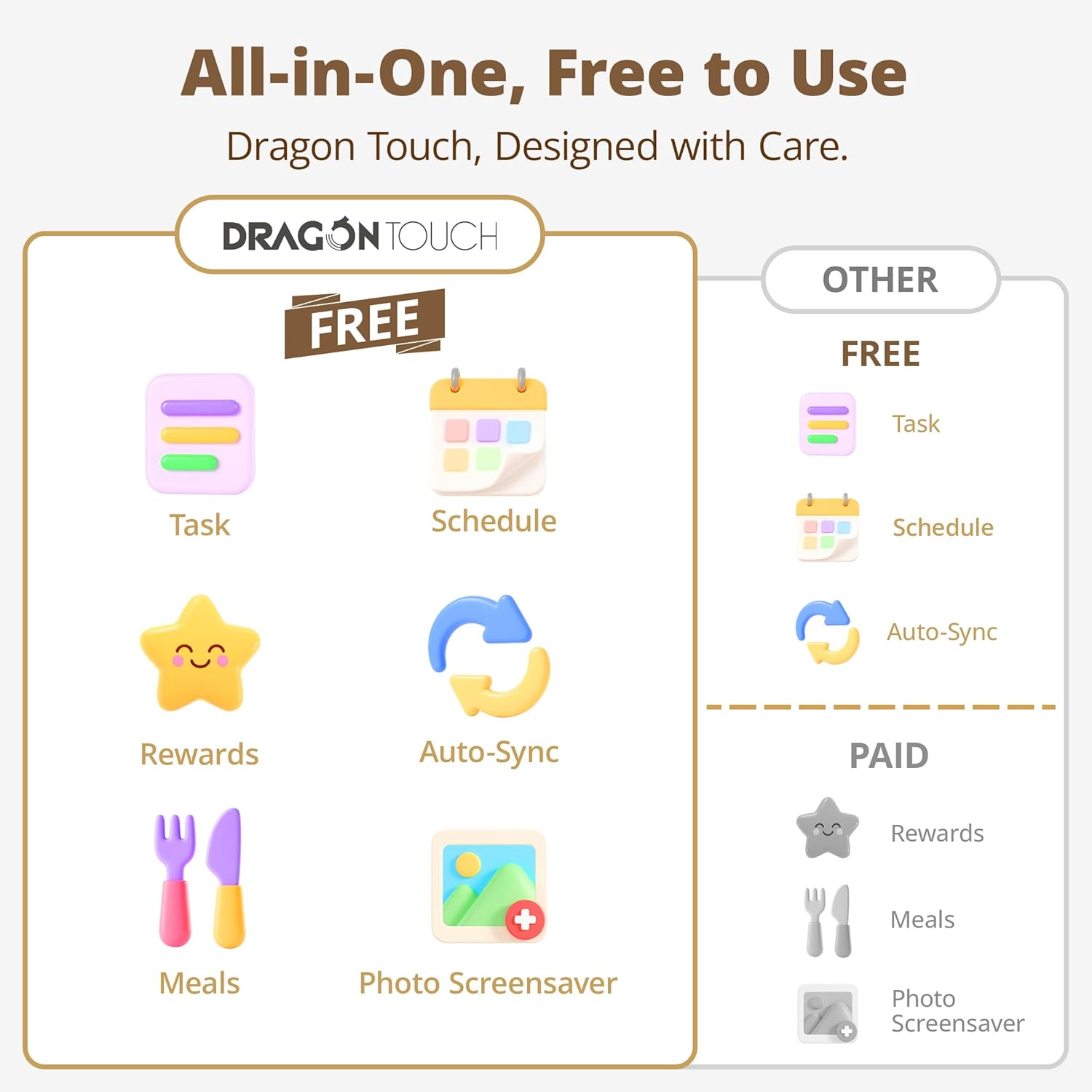
【Manage from Anywhere】: Stay connected with the powerful eCalendar App. Access and manage your calendar on the go, with free features like a photo frame, chore chart, dinner plan, grocery list, and more. Paid functions like Magic Import offer advanced tools tailored for users with special needs.
【Elegant Digital Picture Frame】: Transform your smart calendar into a stunning digital picture frame when not in use. Display cherished family photos on the clear touchscreen, bringing a touch of sophistication to any room as contemporary home decor.
7 reviews for Dragon Touch 10.1 inch Digital Calendar Chore Chart – Interactive Touchscreen, Smart Family Planner, Hearth Display Desk Digital Calendar Seamless Scheduling Black
Add a review
$144.33
Kyung Min Park –
Great for family calendar!!
I often forget important dates, so I’ve been searching for a good calendar to help me stay organized. I’ve tried sticky notes and desk calendars before, but they quickly became cluttered and messy. Using Apple or Google Calendar isn’t a bad option, but I wanted something simpler — just a clean, easy-to-see calendar.The eCalendar is perfect for my needs. Through the app, I can easily add or remove events, or even sync it with my Apple or Google calendar. We keep the device on our kitchen counter, but I’m planning to mount it on the wall for better visibility.It offers more than just a calendar — it can also function as a task manager or meal planner. One of my favorite features is that it doubles as a digital photo frame when idle. Since it’s connected to the eCalendar app, I can send photos directly from my phone or cloud storage to display on the screen.The 10.1-inch screen size feels just right — large enough to read comfortably without taking up too much space. However, if you prefer a larger display or want to use it primarily as a photo frame, the 15.6-inch model might be a better choice. The user interface is intuitive and straightforward, so I doubt anyone would have trouble using it.Overall, I find it very convenient and highly recommend it to anyone looking to stay organized in a simple, stylish way.
Aj –
Spectacular addition to our home
This product is so productive, classy and nice that I have all my guests asking me where I got it? I love the fact that the display is bright, crisp and not bad on the eye. It seamlessly connects to our home internet and helps keep our schedule.The app that comes along with the calendar is super easy to use and to add photos. Did I mention this is also a digital photoframe? I love to display our recent vacation pictures. Overall this is a great product and a spectacular addition to our home
PE –
Perfect combo of photo display and life organization!
I’ve only had this digital frame for a couple of days but I’m already loving it! The setup was super straightforward and I was able to get my photos uploading through the app right away. The slideshow feature is honestly my favorite part – it’s so nice to have a rotating display of family photos that I can easily update from my phone.The Google Calendar sync is a total game changer. No more wondering what’s coming up or forgetting appointments – it’s all right there on the display. But what really surprised me was the meal planning feature. I haven’t done proper meal planning in forever, but having it right there on the frame got me actually thinking about nutrition for the whole week instead of just scrambling to figure out dinner each day. It’s kind of motivating to see the week laid out like that!The display is bright and clear, and I love that it’s not just another gadget sitting around – it’s actually useful AND displays our memories. For something I wasn’t sure I needed, it’s quickly becoming something I can’t imagine being without.Definitely recommend if you want to get more organized while also enjoying your favorite photos!
ChelsG –
Versatile and family planning
Got this digital calendar so my family can keep track of appointments, schedules, plans, food planning, grocery lists, tasks etc., instead of it just being just the parent planner looking at the schedule. My family now is able to see everything planned on a monthly basis so no one gets lost or says nobody said anything.. I’m sure we’ve heard that before at least once haha.. the calender is so worth it! One thing I like the most about it is you can do a chore chart and there is a reward system for the kids! My kids seem more motivated in doing their daily chores. Plus you can also add more to the device with their app feature with the touch of your phone (and share to family and friends so they can do the same). You can even send message greetings with a picture to a family member that has the calender too and so much more! Overall, such great tool for family planning and user friendly! On another note, I got this calender in black, it’s a touch screen, and perfect to place on a countertop for easy access. Glad I made this purchase!
Richard L. –
Great picture frame and calendar
The calendar is very easy to set up. Syncs easily with my Google phone calendar. Bright display and easy to read. Very customizable. This also doubles as a digital picture frame! You can add other things like grocery lists, family tasks, or goals. You can even set up rewards for completing tasks. This is nice if you have chores for your kids.I am excited to explore more features of this picture frame. I would buy this product again or give it as a gift.The frame does have sound as well. The frame scrolls down as the day goes on but it is a touch screen so you can scroll up or down or change days.
Sandy –
Versatile and great way to stay organized
Such an easy to use product. Clean and simple design. My children recently had surgery and needed a lot of medication to take at different times- the digital calendar made it so easy to organize and remember which child needed to take which medicine.It’s also versatile where I can create tasks for the kids to complete throughout the day- they’re able to check off once it’s done – created independence and fun as well!Device also syncs with your phone through the ecalendar app so you can also enter details from your phone.
Fifi LaRoue –
Stopped working after a few weeks
This calendar was about 1/3 of the price of other digital calendars, and now I can see why. I’m pretty tech savvy and found it very convoluted to sync my family’s calendars. It synced fine for a while, then stopped syncing. If you want to automatically sync calendars like SportsYou, you have to pay a subscription fee ($30/year). Of course, this device stopped syncing properly after a few weeks, when I got rid of the package it came in, so now I can’t return it and I’m out $130 for a device I can’t really use for its intended purpose.