

4K Webcam for PC & Mac, Tiny USB Streaming Camera with PDAF Autofocus, Dual Omnidirectional Noise-Canceling Microphones, Auto Low-Light Correction, Works with Zoom, Teams, Google Meet & Twitch
$39.99
Related Products




Product description


【ULTRA HD 4K CLARITY】 Stand out in every video call with breathtaking 4K video at 30fps or smooth 1080p at 60fps. Powered by a premium 1/2.5” CMOS sensor and a wide f/1.78 aperture, this webcam captures every detail with vibrant color and stunning low-light performance—so you always look your best
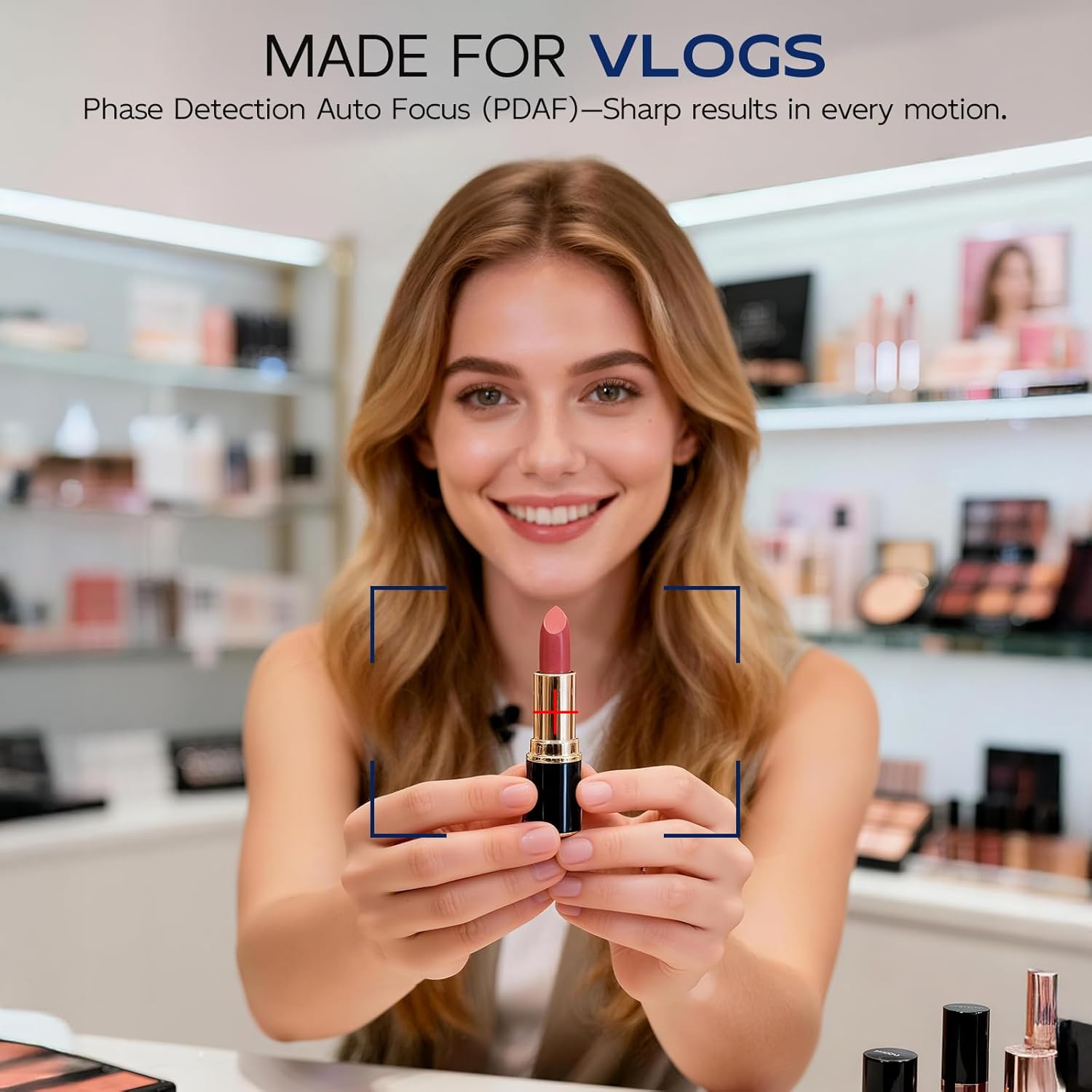
【FAST AUTOFOCUS & SMART LIGHT CORRECTION】 No more blurry moments with this webcam for PC. Advanced Phase Detection Auto Focus (PDAF) locks onto your face instantly and keeps you sharp—even when you move. Built-in light correction adapts to your environment, balancing brightness and contrast for a flawless image in dim rooms or bright spaces
【DUAL NOISE-CANCELING MICS】 Speak with confidence using this webcam with microphones. Dual microphones with intelligent noise-canceling tech isolate your voice and reduce background noise—perfect for webinars, live streams, team meetings, and virtual interviews
【WIDE-ANGLE LENS & FLEXIBLE MOUNTING OPTIONS】 Capture more of your world with an 80° field of view and full 360° swivel rotation. Whether this streaming webcam is mounted on a laptop, monitor, or tripod, it allows you to find the right angle for any setup
【BUILT-IN PRIVACY COVER & PLUG-AND-PLAY SIMPLICITY】 Protect your privacy with a secure sliding lens cover that blocks the camera when not in use. Setup is a breeze—just plug into any USB-A port and start streaming, chatting, or recording instantly. The USB webcam is compatible with Zoom, Microsoft Teams, Skype, OBS Studio, and all major platforms across Windows, macOS, and Linux
6 reviews for 4K Webcam for PC & Mac, Tiny USB Streaming Camera with PDAF Autofocus, Dual Omnidirectional Noise-Canceling Microphones, Auto Low-Light Correction, Works with Zoom, Teams, Google Meet & Twitch
Add a review
$39.99
RRCC –
Easy to Use Webcam
I order this webcam for work meetings and online interviews, and it has worked well so far. The video quality is smooth and detailed, and colors look natural on screen. The built in microphones are clear and make my voice sound more professional without needing an external mic. Setup was simple since it’s plug and play, and it worked instantly with my computer. The privacy cover is a great feature and gives extra peace of mind when the camera isn’t in use. Overall, it’s a solid webcam that’s great for daily work and streaming needs.
LipSync –
Good video quality
My old laptop built-in webcam stopped working and I decided using the video camera as a replacement. It works and a plug-and-play device. I like it is easy to use and was recognized instantly without needing software installed. The video quality is clear, and the 4K resolution during video calls and online meetings.The set up is also quick and simple. The camera clips securely onto the top of my monitor, and it stable. It is adjustable clip and fits well with thin and normal monitor screens. The image colors are accurate, and the autofocus responds quickly. I use it for Zoom, Teams, and the performance has been consistently smooth.It has a slide built-in privacy cover. and I can just slide the cover shut for no using. It’s easy to use with the 4K video quality, and has a convenient, thoughtful design.
Ivan –
Nature color and stable
I’m happy with this conferencing webcam. Setup was easy—just plug it in and it was ready to use right away without any complicated installation or settings. It connected smoothly with my video conferencing apps and has been reliable from the first use. The video quality is clear and sharp for my meetings and daily work calls. Colors look natural and the picture stays stable.
MLres –
Simple Adjustable Webcam Stand
I use this stand on my desk for video calls and online meetings. It’s easy to adjust the angle, which helps keep the camera at eye level without stacking books or boxes. The base stays stable and doesn’t shift when adjusting the camera.It’s a small accessory, but it makes a noticeable difference during calls. For the price, it’s a clean and practical solution for improving webcam positioning.
Jordan –
Excellent Webcam for Work and Personal Use
I’ve been using this webcam for both work meetings and personal video calls, and I really love its performance. The 4K image quality makes everything look more natural without feeling overly digitally processed. The wide field of view lets me include more of my workspace and backdrop when I’m demonstrating products or showing notes. The autofocus reacts quickly when I hold something up to the camera, which is helpful during interactions. It comes with noise canceling mics that cut down on the hum from my humidifier, so I don’t have to rely on software filters. It works right away when plugged in, with no extra drivers or setup screens. The sliding cover is a great minor detail that enhances my privacy. This is a really good webcam that I would highly recommend.
William –
Clear calls without extra setup
I picked up this webcam for daily work calls and the occasional late night catch up with friends. Setup took seconds. Plug it in and it’s ready. The picture looks sharp right away, even before touching any settings. Faces look natural, not washed out, the autofocus adjusts smoothly when I lean back or grab something off my desk. I work near a window, lighting changes a lot during the day, the camera keeps things balanced without me fiddling around. The built in microphones surprised me too. My voice comes through clean and steady, coworkers say they hear me clearly without background noise taking over. It feels small on top of my monitor and doesn’t block the screen. For meetings, streaming, or quick recordings, it is perfect fits.